
Description
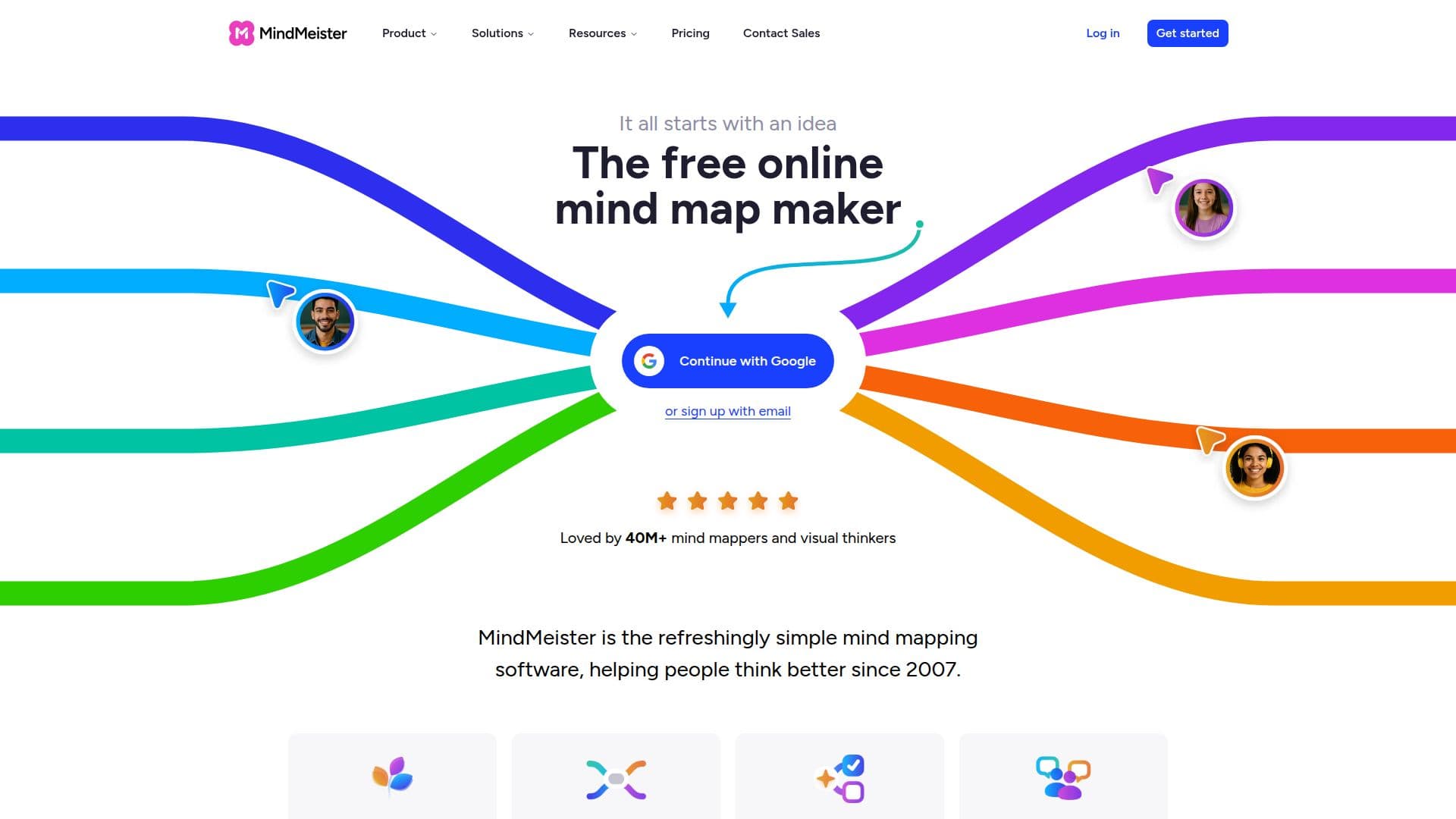
MindMeister is a market-leading online mind mapping software that has been helping individuals and teams visualize ideas since 2007. It allows users to create, share, and collaborate on mind maps in real time, making it an ideal tool for brainstorming, organizing complex information, and generating ideas with AI assistance.
The platform is designed to be simple and intuitive, enabling users to drag and drop elements, add links, notes, emojis, and images, and organize thoughts seamlessly. MindMeister supports real-time collaboration, allowing team members to brainstorm live, add comments, and spark discussions directly on the map.
MindMeister is accessible across multiple devices, including mobile, tablet, and desktop, ensuring that users can work on their mind maps anytime, anywhere. It offers a variety of customization options, such as one-click themes, color schemes, and layout adjustments, to help users focus and style their maps according to their preferences.
The software is equipped with enterprise-grade security features, including ISO 27001 certification and GDPR compliance, ensuring that users' data is protected. MindMeister also integrates with other tools like MeisterTask and Microsoft Teams, enhancing its functionality for project management and team collaboration.
MindMeister offers a freemium pricing model, with a free tier that includes basic features and paid plans that provide additional capabilities such as unlimited mind maps, attachments, and advanced collaboration settings. It is widely used by educators, students, enterprises, and small businesses for visual planning, brainstorming, and project alignment.
MindMeister's Core Features
Real-time collaboration
AI-powered mind map generation
Drag and drop organization
Customizable themes and layouts
Mobile, tablet, and desktop access
Enterprise-grade security
Integration with MeisterTask
Microsoft Teams integration
Export to PDF, Word, PowerPoint
ISO 27001 certified
GDPR compliant
Role-based access controls
SAML Single Sign-On
Two-factor authentication
Daily backups
How to use MindMeister?
Create: Start a new mind map
Collaborate: Invite team members
Customize: Adjust themes and layouts
Export: Save or share your map
MindMeister's Use Cases
- Brainstorming
- Project Planning
- Education
- Strategy Development
- Information Organization