
Description
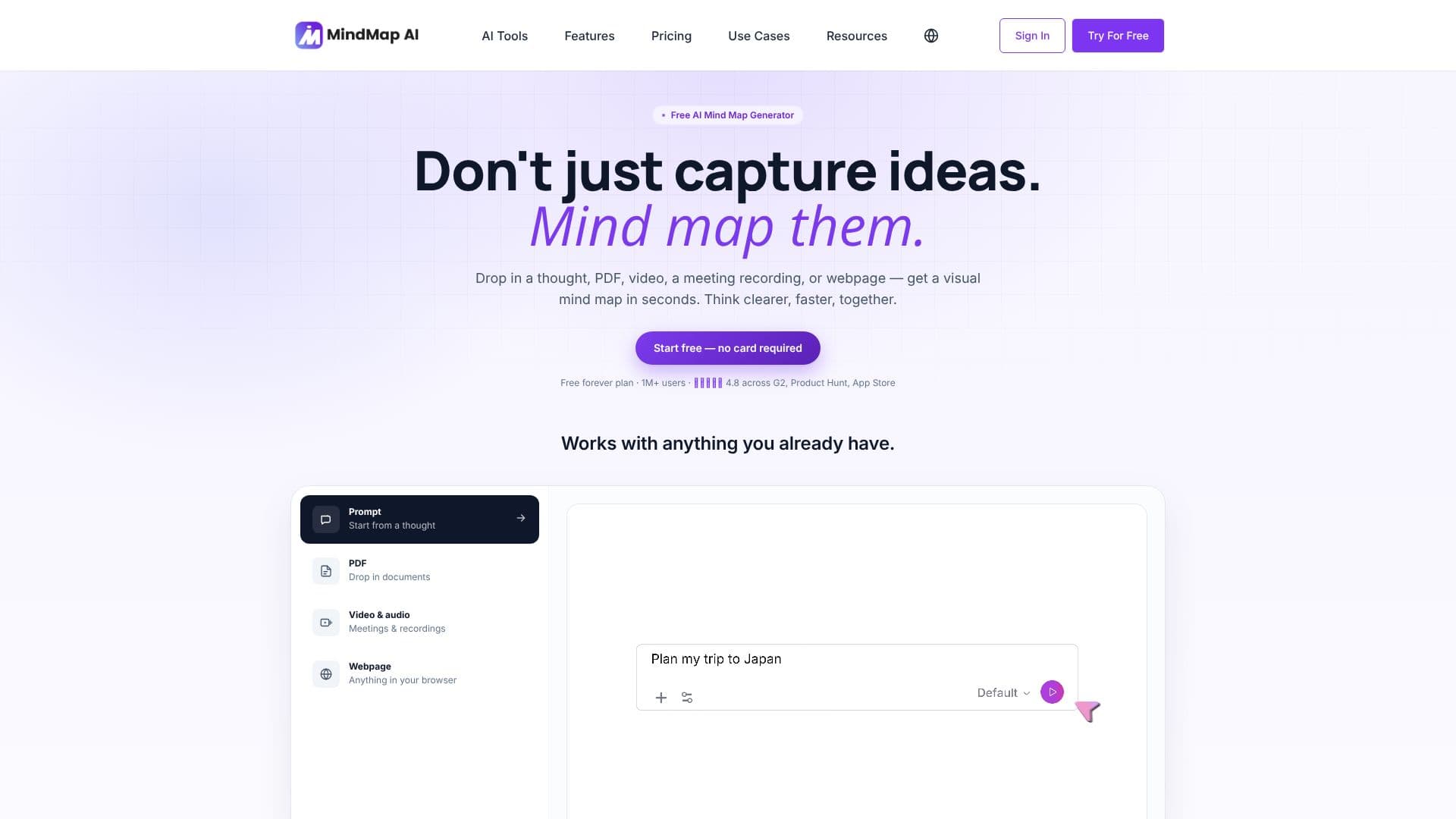
MindMap AI is a free AI mind map generator designed to help users think clearer, faster, and together. It allows you to transform various inputs, including text prompts, PDFs, videos, audio recordings, meeting transcripts, and webpages, into structured visual mind maps within seconds. This tool is built to work with your existing content and workflows, offering a seamless experience for idea generation, planning, note-taking, and studying.
Read More
The platform's AI capabilities enable users to interact with their mind maps by asking questions, expanding branches, reorganizing sections, or explaining concepts. The map updates dynamically, ensuring your work remains fluid. Users can also edit maps manually by dragging, reordering, and refining elements, with AI and manual edits staying in sync. Undo and history features are always available for peace of mind.
MindMap AI supports creation and editing in over 29 languages, including RTL scripts. It offers multiple ways to organize information, allowing users to switch between structures like Mind Map, Logic Chart, Org Chart, and Outline without rebuilding content. These structures adapt to different needs, from brainstorming and research to process mapping, decision trees, hierarchical planning, and structured note-taking.
With over 1 million users worldwide, MindMap AI is trusted by professionals across various fields. It facilitates team collaboration through shared projects, built-in admin controls, and task tracking. The tool integrates with existing workflows by allowing exports to multiple formats and offers native apps for Web, iOS, and Android, ensuring maps are always in sync across all devices. Unlimited maps can be created, tagged, and searched, with free manual editing available without AI credit consumption. Keyboard shortcuts and image support in nodes further enhance user efficiency. MindMap AI also supports importing maps from other tools, preserving all elements during migration.
- CategoryAI Note-Taking Apps
- Pricing ModelFreemium
- DeploymentCloud
- PlatformsWeb, iOS, Android, Browser Extension
MindMap AI's Core Features
AI-powered mind map generation from text, PDFs, videos, audio, and webpages
Interactive chat feature to expand, reorganize, and refine mind map content
Seamless synchronization between AI-generated and manual edits
Support for multiple organizational structures: Mind Map, Logic Chart, Org Chart, Outline
Multilingual support for over 29 languages, including RTL scripts
Team workspaces with admin controls, billing, roles, and analytics
Task tracking integrated with mind maps
Export options to PDF, PNG, SVG, CSV, Markdown, and .mma formats
Cross-platform availability: Web, iOS, Android, and browser extensions
Unlimited mind map creation on the free plan
Free manual editing without AI credit usage
Import functionality for mind maps from other tools
Keyboard-first shortcuts for efficient navigation and editing
Image support within nodes
How to use MindMap AI?
Input: Drop in a thought, PDF, video, meeting recording, or webpage, or type a prompt.
Generate: MindMap AI creates a visual mind map in seconds.
Interact: Chat with the AI to expand branches, reorganize sections, or explain concepts.
Edit: Refine the map manually by dragging, reordering, or asking AI for changes.
Organize: Switch between Mind Map, Logic Chart, Org Chart, or Outline structures as needed.
Collaborate: Share maps with teams in shared workspaces.
Export: Save your mind map in various formats like PDF, PNG, or CSV.
MindMap AI's Use Cases
- Brainstorming ideas
- Document analysis
- Meeting summarization
- Web content mapping
- Project planning
- Note-taking
- Study aid creation
- Team collaboration