
Description
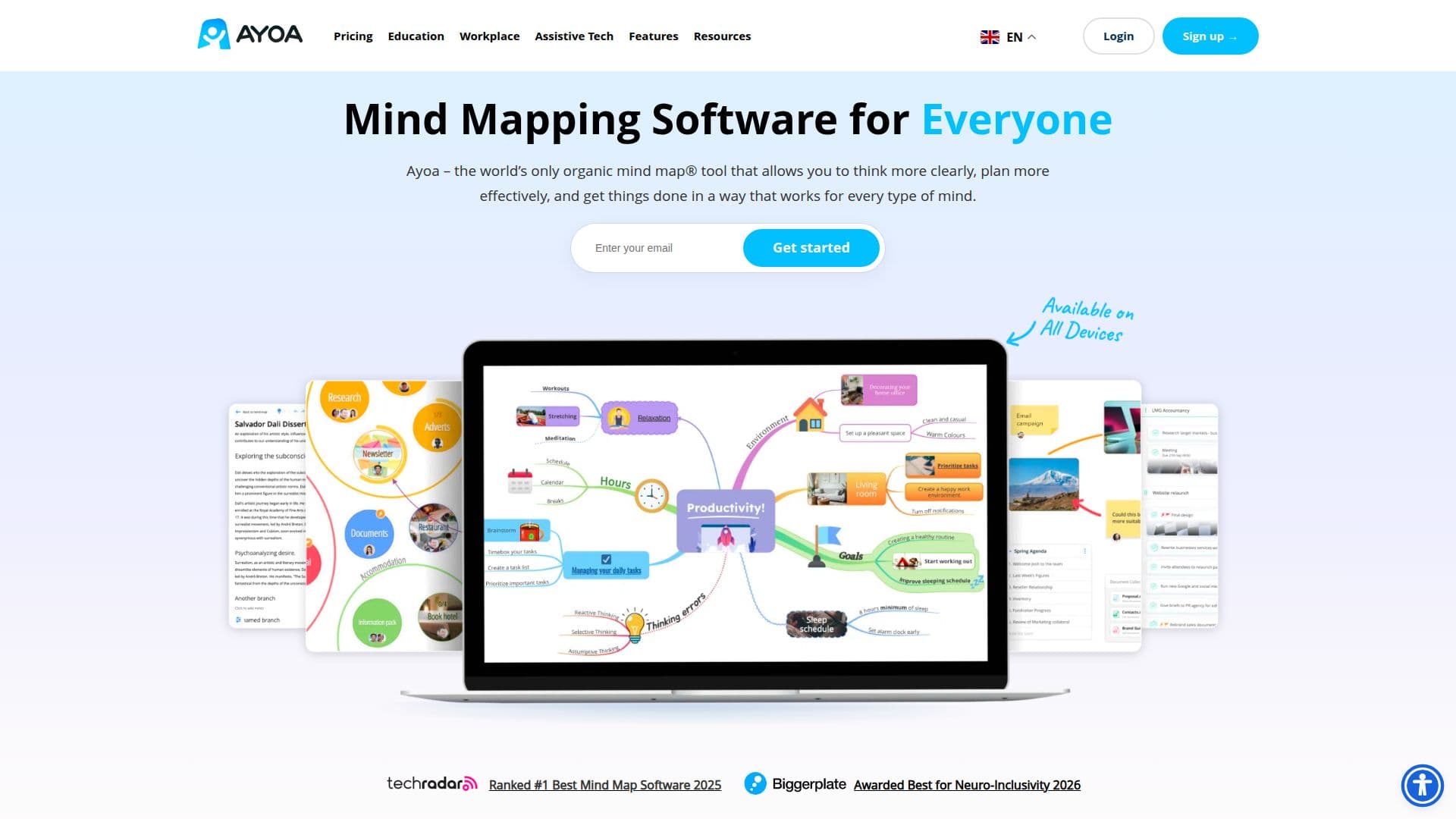
Ayoa is a comprehensive mind mapping and task management tool developed by OpenGenius. It combines mind mapping, whiteboards, and task management features into a single platform, making it ideal for individuals and teams looking to boost creativity and productivity. Ayoa is known for its unique organic mind mapping capabilities, allowing users to create mind maps that reflect their natural thought processes. The tool is powered by AI, which assists in generating ideas, performing analysis, and facilitating research.
Read More
Ayoa offers a range of features, including multiple mind mapping modes, integrated whiteboards, task boards, Gantt views, and document views. Users can convert ideas into tasks, set deadlines, and collaborate with others in real-time. The platform supports various integrations, including Google and Microsoft, and provides tools for exporting work to different formats.
The software is designed to be neuro-inclusive, offering support for users with ADHD, dyslexia, and autism. It provides customization options such as different fonts and background colors to enhance accessibility. Ayoa is available on multiple platforms, including web and mobile devices, ensuring flexibility and ease of use.
Ayoa offers a freemium pricing model, with a free plan that allows users to create up to 10 mind maps. For those seeking advanced features, the Ayoa Ultimate plan provides access to AI-powered tools, unlimited mind maps, and enhanced collaboration capabilities. The platform is also available through the UK's Access to Work scheme, supporting individuals with disabilities in the workplace.
- CategoryAI Knowledge Management
- Pricing ModelFreemium
- DeploymentCloud, Mobile app
- PlatformsWeb, Mobile
Ayoa Mind Mapping Software's Core Features
AI-powered mind mapping
Real-time collaboration
Task management integration
Gantt timeline view
Customizable mind maps
Neuro-inclusive design
Multiple platform support
Secure data encryption
Google and Microsoft integrations
Export to various formats
Free and paid plans available
ISO/IEC 27001 certified
Access to Work scheme support
Mobile and web app availability
Dyslexia-friendly features
How to use Ayoa Mind Mapping Software?
Sign up: Create an Ayoa account
Configure: Set up your workspace
Use: Create mind maps and tasks
Collaborate: Share and work with others
Optimize: Utilize AI features for efficiency
Ayoa Mind Mapping Software's Use Cases
- Project Planning
- Brainstorming Sessions
- Task Management
- Educational Use
- Creative Writing