Description
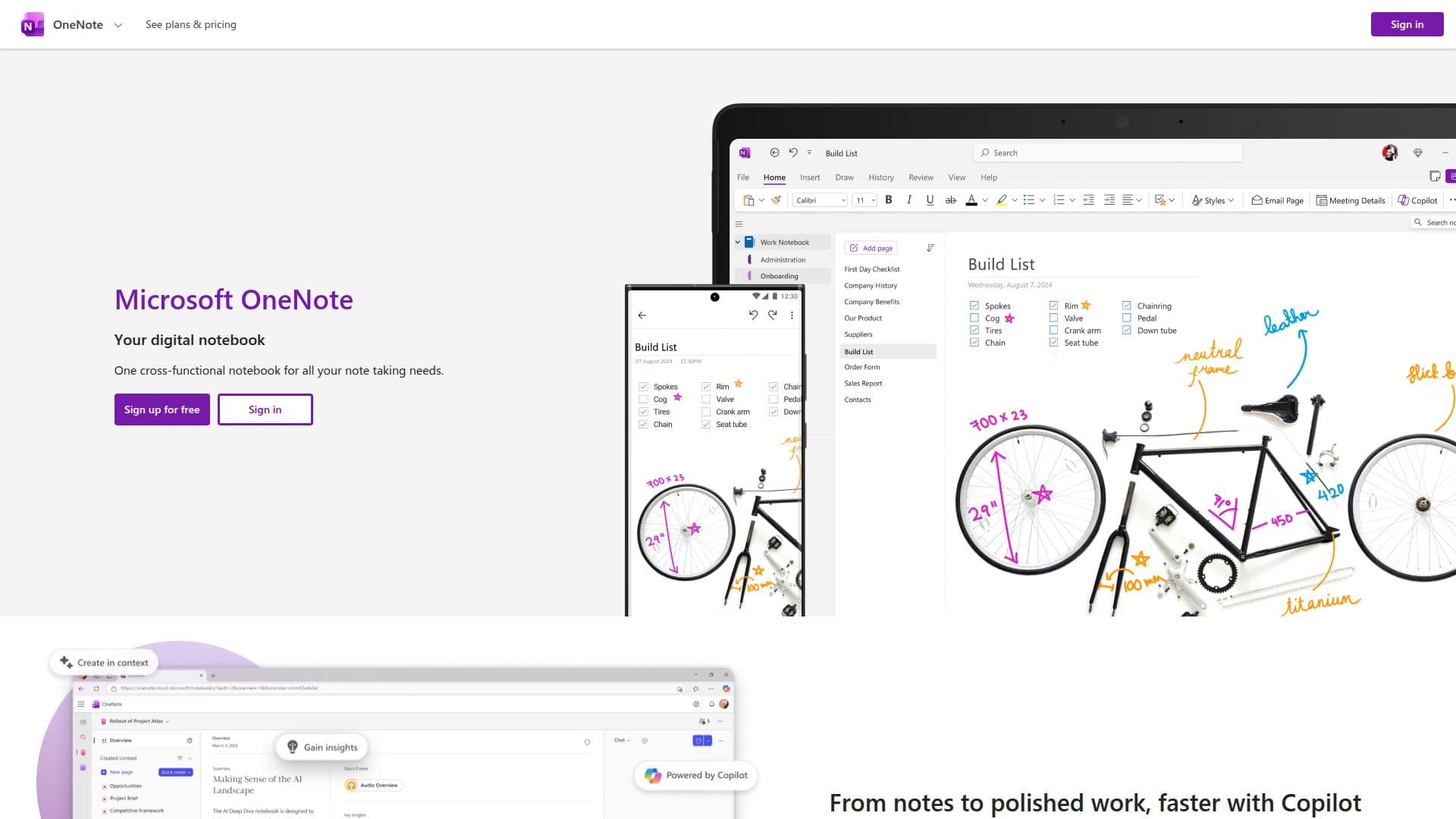
Microsoft OneNote is a comprehensive note-taking application designed to help users capture and organize their thoughts, ideas, and discoveries. With seamless access from any device, OneNote allows users to create and manage digital notebooks that can be shared and collaborated on with others. One of its standout features is the Copilot Notebooks, which enables users to add content and gain insights from their files and emails, keeping them informed and productive.
Read More
The application supports digital ink, allowing users to sketch, annotate, and highlight freely, combining the power of technology with the natural feel of a pen. This makes it an excellent tool for brainstorming and creative work. OneNote also includes voice transcription capabilities, making it easier to capture notes efficiently and focus on what's important.
In the educational sector, OneNote is a valuable resource for teachers and students. Teachers can organize lesson plans in searchable digital notebooks and create a sharable content library. Students are encouraged to handwrite notes and sketch diagrams, enhancing their learning experience.
Additionally, OneNote features a new Sticky Notes experience, allowing users to quickly capture and automatically recall notes when revisiting the same source. This feature enhances memory retention and ensures that important details are not forgotten. Overall, Microsoft OneNote is a versatile tool that caters to a wide range of users, from individuals to educators, offering a robust platform for note-taking and collaboration.
- CategoryAI Note-Taking Apps
- Pricing ModelFree
- DeploymentCloud
- PlatformsCross-platform
Microsoft OneNote's Core Features
Seamless access across devices
Copilot Notebooks for insights
Digital ink for sketching and annotating
Voice transcription for efficient note-taking
Collaboration and sharing capabilities
Organize lesson plans for education
Sticky Notes for quick capture
Automatic recall of notes
How to use Microsoft OneNote?
Capture: Add thoughts and ideas to notebooks
Organize: Use digital ink to sketch and annotate
Collaborate: Share notebooks with others
Review: Use voice transcription to capture notes
Microsoft OneNote's Use Cases
- Personal Note-taking
- Educational Planning
- Collaborative Projects
- Creative Brainstorming
- Efficient Meetings