Description
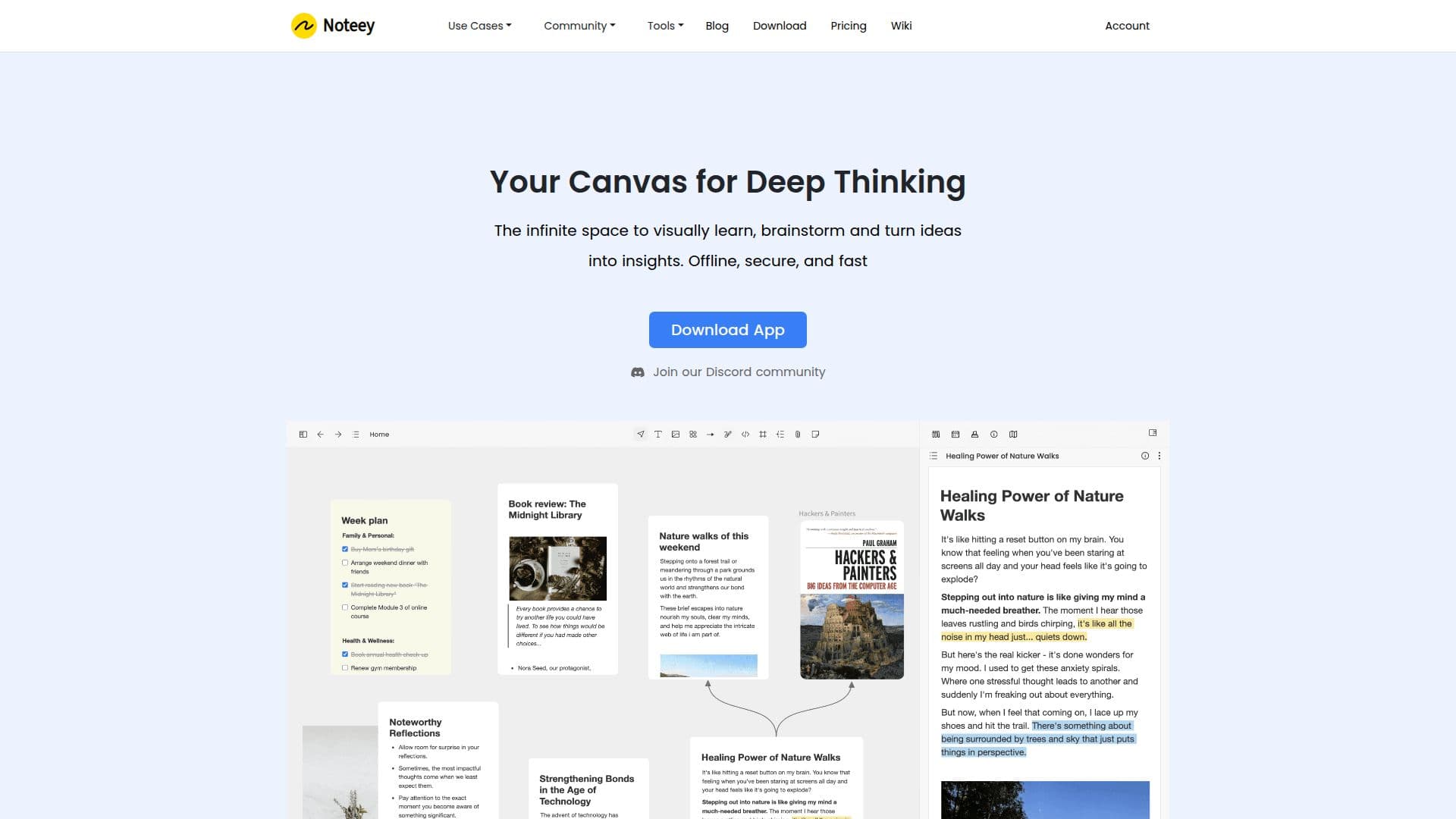
Noteey is a visual note-taking app that helps you think, create, and publish on an infinite canvas. It is designed for connecting the dots on complicated topics, letting you lay out ideas, sources, and media on an all-in-one canvas that supports deep linking between elements.
Read More
The app is offline-first, with local backup and sharing, so your data stays on your devices. Features include PDF annotation and highlighting, a video note-taker with highlights, a drawing tool, floating windows, deep linking, and a presentation mode. Premium capabilities add OCR (image to text), unlimited web publishing, YouTube transcript support, and an AI summarizer.
Noteey is used for research, building a second brain, creative writing, swipe files, mood boards, flowcharts, and video highlighting. It offers a free tier with limited projects, cards, and annotations and no signup required, plus pay-once desktop licenses and a premium plan for additional devices and features. Data is stored locally, and Noteey can be used for personal and commercial purposes.
- CategoryAI Note-Taking Apps
- Pricing ModelFreemium
- DeploymentDesktop app
- PlatformsmacOS, Windows
Noteey's Core Features
Infinite visual canvas
Offline-first with local backup and sharing
PDF annotation and highlighting
Video note-taker with highlights
Deep linking between elements
Drawing tool and presentation mode
OCR, AI summarizer, and YouTube transcripts (premium)
Web publishing of projects
How to use Noteey?
Start a project: Open a canvas with no account required.
Add content: Bring in PDFs, videos, drawings, and cards.
Connect ideas: Use deep linking to relate elements on the canvas.
Publish or present: Share to the web or use presentation mode.
Noteey's Use Cases
- Research canvas
- Second brain
- PDF and video annotation
- Creative planning