
Description
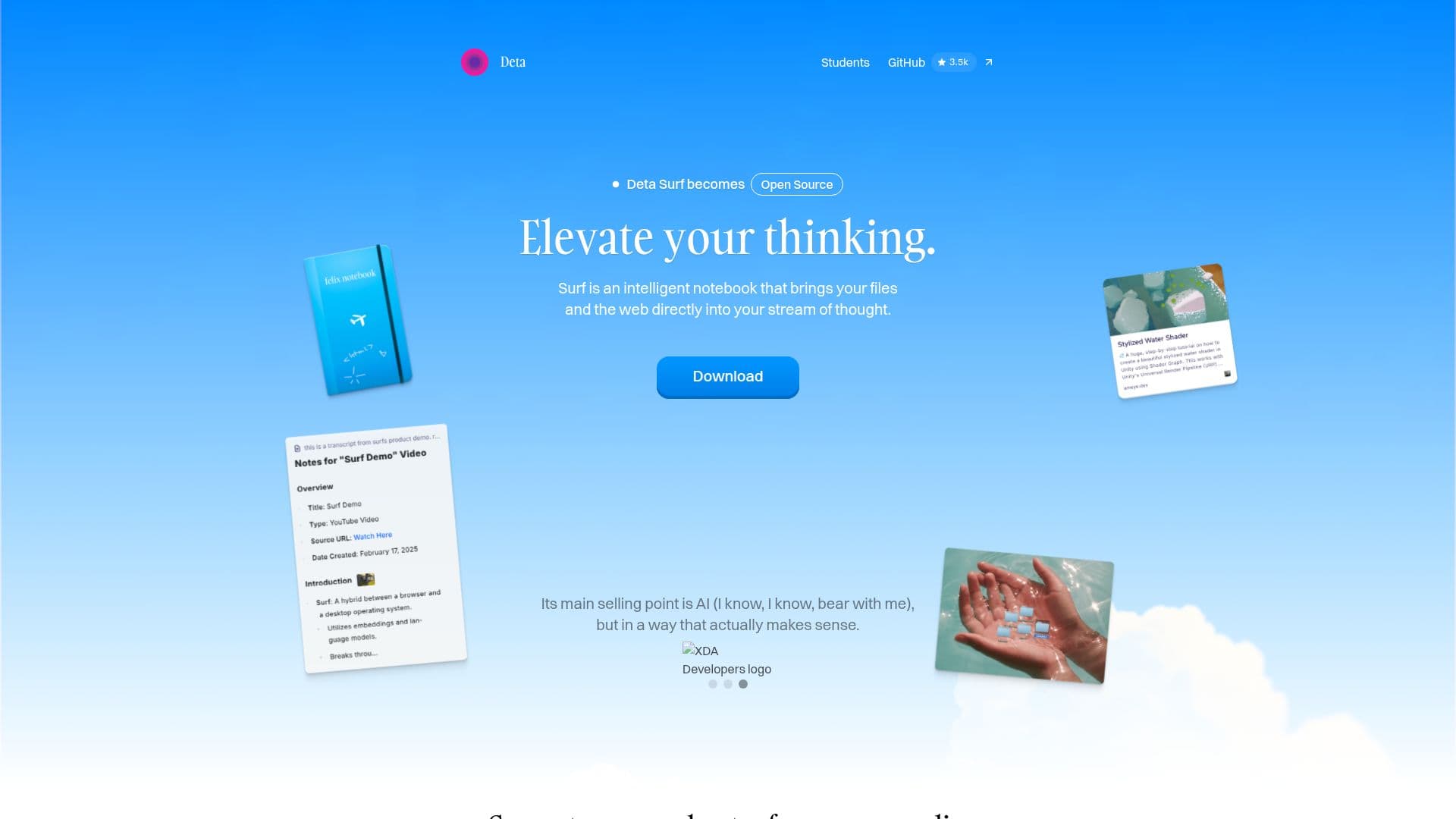
Deta Surf is an intelligent notebook that brings your files and the web directly into your stream of thought. Rather than a browser for consuming content, it takes inspiration from the personal notebook, helping people explore, think, and create using web pages, images, PDFs, videos, and notes as material. Users can explore the web, YouTube videos, and PDFs without leaving their notes, asking questions and getting answers without context switching.
Read More
Surf can generate personal notes from media, make sense of long PDFs, foreign languages, and scientific diagrams, and its notes include citations that link directly to the source. It supports notebooks that collect websites, images, files, and notes, vertical tabs, dark mode, and drag-and-drop importing of local files. Surflets let users create small interactive apps and graphs without writing code.
Surf is local-first and designed to be both radically personal and open: notes, notebooks, and resources are stored directly on the device, untrusted web content runs in an isolated sandbox, and pages placed in context for smart features are sent to LLMs on Deta's servers, with the option to use your own API key or a local model. Built on Electron, Surf is currently in an open Beta and free to download, handcrafted in Berlin.
- CategoryAI Note-Taking Apps
- Pricing ModelFree
- DeploymentRuns locally
- PlatformsWindows, macOS, Linux
Deta Surf's Core Features
Intelligent notebook combining files and the web
Ask questions and get answers without leaving your notes
AI-generated notes with citations linking to sources
Notebooks that collect websites, images, files, and notes
Surflets for creating interactive apps and graphs without code
Local-first storage with an isolated sandbox for web content
Vertical tabs, dark mode, and drag-and-drop file import
Option to use your own API key or a local language model
How to use Deta Surf?
Join the Beta: Download Surf and join the open Beta.
Add material: Import PDFs, images, and documents or bring in web pages and videos.
Explore and ask: Use @ mentions to bring pages into context and ask questions.
Take cited notes: Write notes that include citations linking back to the source.
Create Surflets: Build small interactive apps or graphs without writing code.
Deta Surf's Use Cases
- Research and note-taking
- Making sense of long content
- Media notes
- Interactive exploration
- Personal knowledge base