
Description
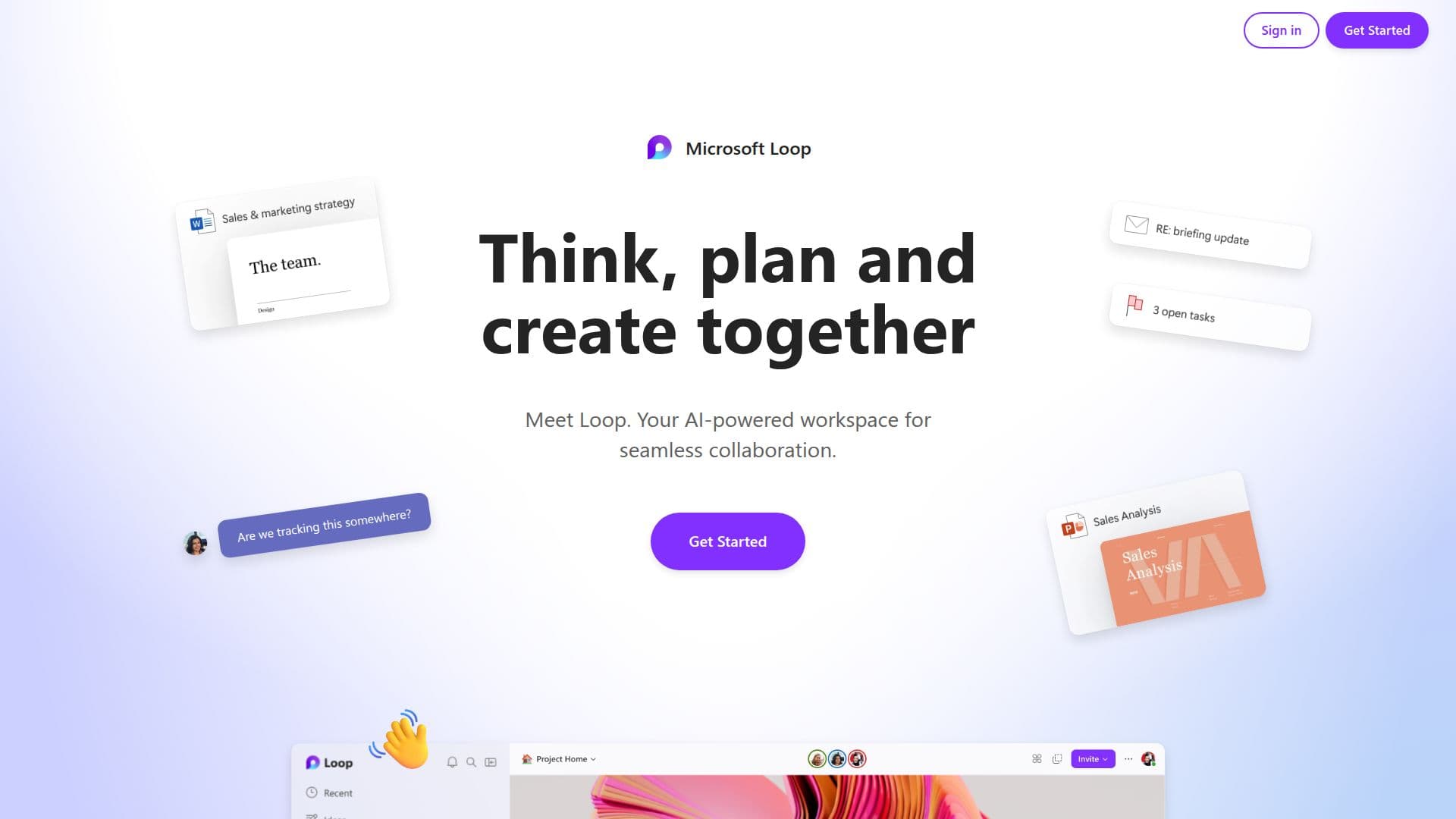
Microsoft Loop is a collaborative tool developed by Microsoft to enhance teamwork and productivity. It allows users to think, plan, and create together seamlessly, ensuring that team members can stay in sync without the need to switch between different applications. The platform is designed to facilitate progress, whether team members are working together in the same location or remotely. Microsoft Loop introduces the concept of an AI teammate, which can assist in various tasks, making collaboration more efficient and effective. This tool is particularly beneficial for teams that require constant communication and coordination, as it provides a centralized platform for all collaborative efforts.
Read More
The platform emphasizes ease of use, allowing users to get started quickly and manage their projects with minimal hassle. Microsoft Loop is adaptable to various working environments, ensuring that users can work together wherever and whenever they need to. This flexibility is a key feature, as it supports the modern workforce's need for remote and hybrid working solutions.
While specific pricing details are not provided, Microsoft Loop is part of the Microsoft ecosystem, which typically offers a range of pricing models to suit different organizational needs. The tool is likely to appeal to businesses and teams looking for a robust solution to enhance their collaborative efforts, streamline workflows, and improve overall productivity. By integrating AI capabilities, Microsoft Loop offers a modern approach to teamwork, making it a valuable asset for any organization looking to optimize its collaborative processes.
- CategoryAI Project Management
- DeploymentCloud
- PlatformsWeb
Microsoft Loop's Core Features
Collaborative platform for teams
AI teammate integration
Sync without switching apps
Remote and hybrid work support
Centralized project management
Ease of use
Progress tracking
Microsoft ecosystem integration
How to use Microsoft Loop?
Get started: Begin using Microsoft Loop with ease
Collaborate: Work together with your team
Integrate AI: Add an AI teammate to assist
Manage: Keep track of progress and stay in control
Microsoft Loop's Use Cases
- Team Collaboration
- Project Management
- Remote Work
- AI Assistance
- Workflow Optimization