Description
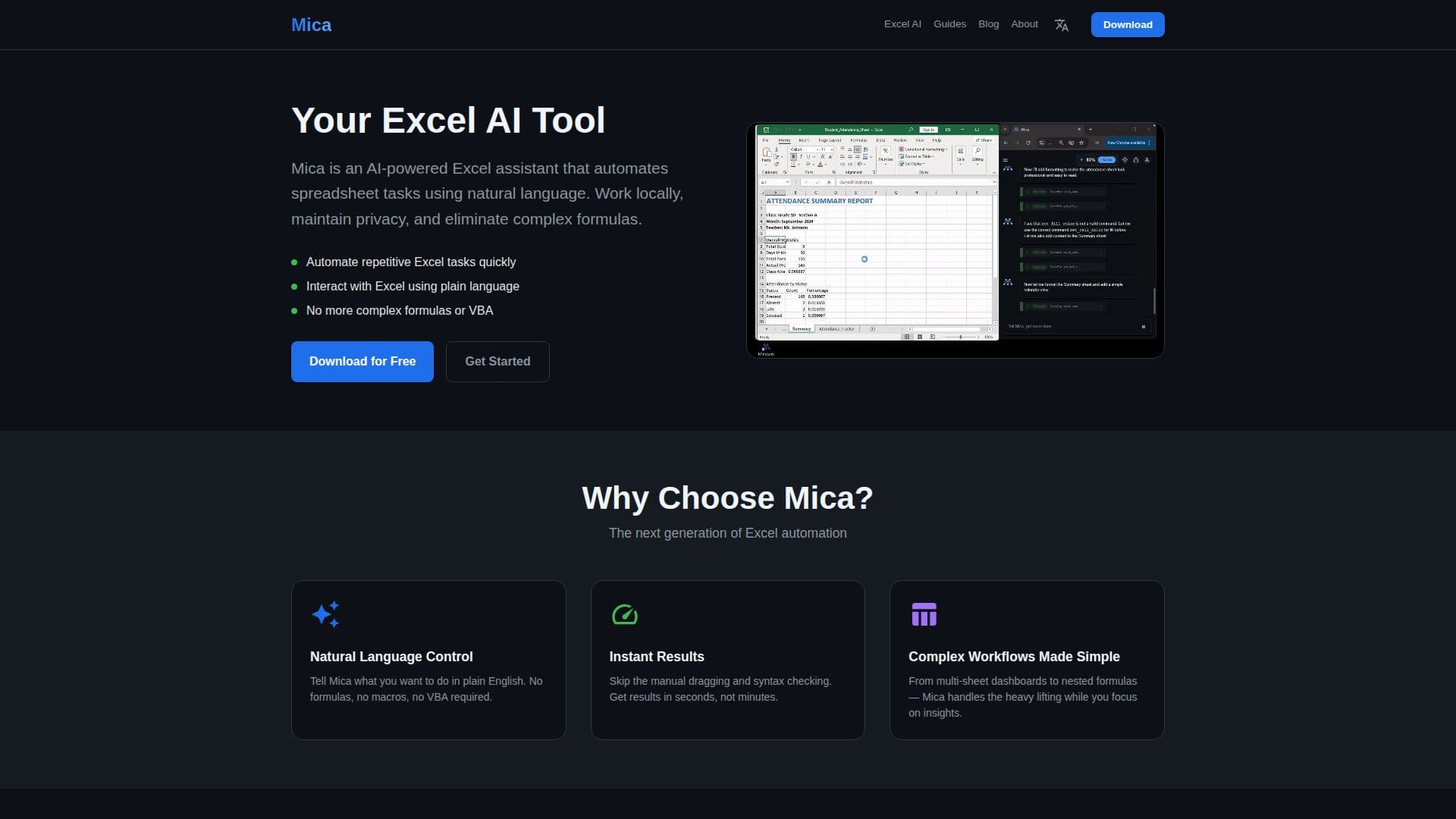
Mica is an innovative AI tool designed to transform the way users interact with Excel spreadsheets. Developed by MindLink Tec Ltd, Mica enables users to control and automate Excel tasks using natural language, eliminating the need for complex formulas or VBA scripts. This tool is particularly beneficial for professionals who frequently work with Excel but may not have deep expertise in its advanced features.
Read More
Mica operates locally on Windows PCs, ensuring that all data processing occurs on the user's machine, thereby maintaining privacy and security. Users can describe their desired tasks in plain English, and Mica will execute these tasks directly in the workbook, showing each step, formula, and result transparently. This feature not only helps in task execution but also serves as a learning tool for users to understand Excel better.
The tool supports a wide range of Excel versions, from 2007 to 365, making it accessible to a broad user base. Mica is particularly useful for creating multi-sheet dashboards, generating complex financial models, and automating data analysis tasks. It simplifies the creation of nested formulas and conditional formatting, allowing users to focus on insights rather than technical details.
Mica is available for free download, with a pay-per-use pricing model for its 'batteries', which are consumed as tasks are executed. This model is cost-effective for freelancers and small businesses, as it avoids the need for monthly subscriptions. The tool's local-first design aligns with privacy-first principles, making it a preferred choice for finance teams and privacy-conscious users.
Overall, Mica is designed for Excel power users, finance and analytics teams, researchers, and educators who need to perform complex spreadsheet tasks efficiently without extensive Excel expertise.
- CategoryAI Spreadsheet Tools
- Pricing ModelFreemium
- DeploymentLocal
- PlatformsWindows
Mica's Core Features
Natural Language Control
Local Processing
Privacy First
Automate Repetitive Tasks
Multi-Sheet Dashboards
Smart Formula Generation
Real-Time Task Execution
Transparent Formula Display
How to use Mica?
Install: Download and install Mica on your Windows PC.
Authorize: Launch Mica and authorize the connection.
Chat with Excel: Type your request in natural language.
Automate: Watch Mica automate your spreadsheet.
Mica's Use Cases
- Financial Modeling
- Data Analysis
- Project Tracking
- Attendance Systems
- Conditional Formatting