
Description
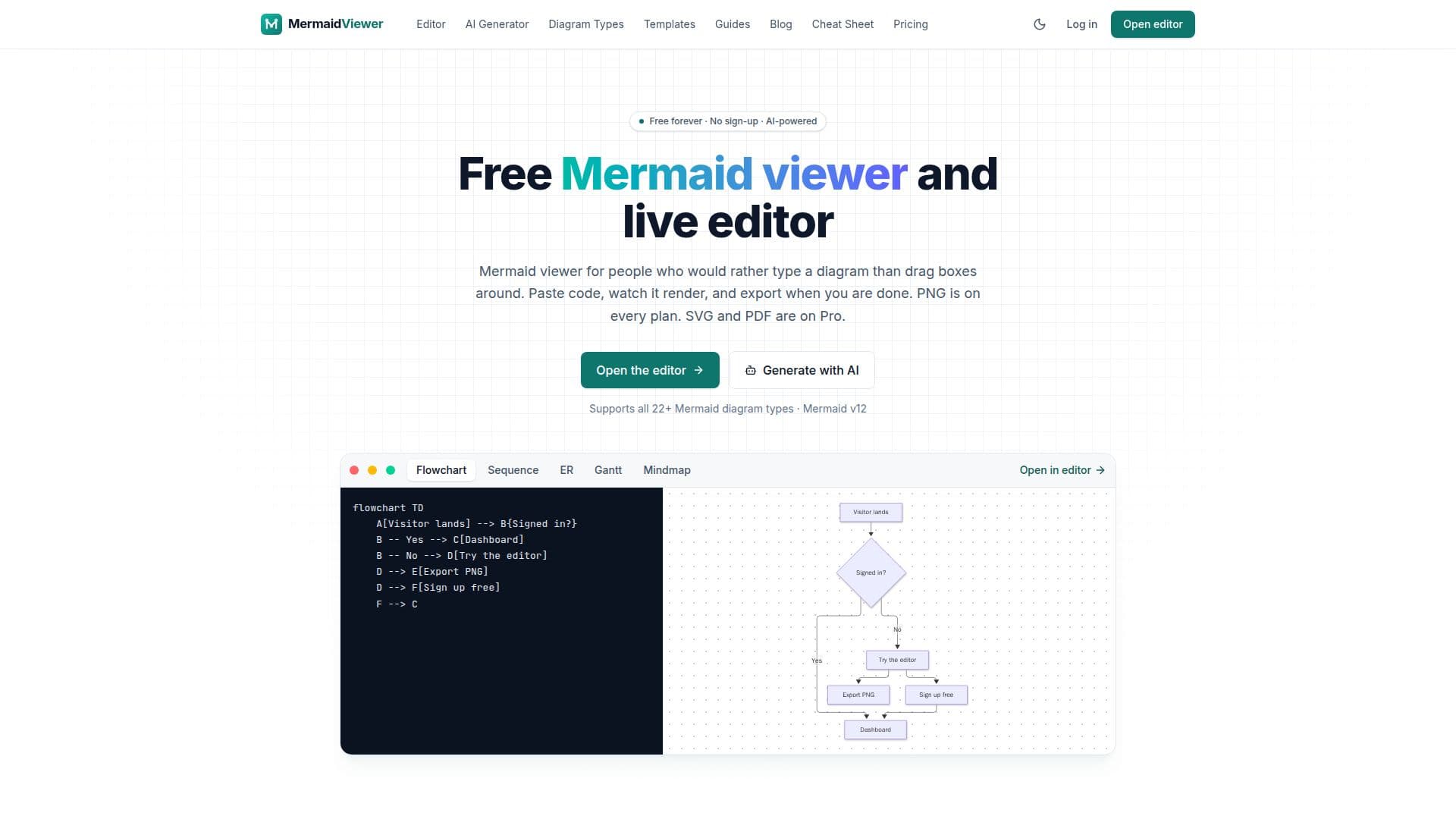
MermaidViewer is a comprehensive online tool designed for creating, editing, and sharing Mermaid diagrams. It provides a user-friendly interface with a live preview, allowing users to instantly visualize their Mermaid code as they type. The platform supports all Mermaid diagram types, including flowcharts, sequence diagrams, class diagrams, state diagrams, ER diagrams, Gantt charts, pie charts, mindmaps, timelines, Git graphs, user journeys, quadrant charts, Sankey diagrams, XY charts, requirement diagrams, C4 diagrams, block diagrams, packet diagrams, Kanban boards, architecture diagrams, radar charts, and treemaps.
Read More
A key feature of MermaidViewer is its AI diagram generator and syntax fixer. Users can describe the diagram they want in plain language, and the AI model will generate the corresponding Mermaid code, which then renders live in the editor. The AI can also be used to edit, fix, or explain existing diagrams, making it easier for users to create and refine their visualizations. The free plan includes a limited number of AI uses, with more extensive access available on paid plans.
MermaidViewer offers flexible export options. All plans allow for PNG downloads, with the free plan including a small watermark and limited resolution. Paid plans, such as Starter and Pro, provide watermark-free PNG exports at higher resolutions, with Pro plans additionally offering JPG, SVG, and PDF formats. Diagrams can also be shared via public links and embedded into websites or documents, with updates automatically reflected in the embeds.
The platform is designed for accessibility, working seamlessly on any device, including mobile, where the editor adapts to a tabbed code/preview layout. It also supports various keyboard shortcuts for efficient workflow. While users can start working without an account, signing up enables cloud saving, diagram organization in folders, and access from multiple devices. Paid plans introduce features like version history, advanced sharing statistics, personal notes, and priority support. MermaidViewer emphasizes speed, privacy (diagrams render in the browser and are private by default), and open formats, allowing users to take their Mermaid text anywhere.
- CategoryProductivity
- Pricing ModelFreemium
- DeploymentCloud
- PlatformsWeb
MermaidViewer's Core Features
Live Mermaid Diagram Editor and Viewer
AI Diagram Generator from natural language descriptions
AI Syntax Fixer for parser errors
Support for all Mermaid Diagram Types (20+)
PNG Export on all plans (watermark-free on paid plans)
JPG, SVG, and PDF Export on Pro plan
Shareable Links and Embeds for diagrams
Cloud Saving with folders, tags, and version history (paid plans)
No Sign-up Required for basic editing and preview
Autosave functionality in the browser
Mobile-friendly editor with pinch-to-zoom and panning
Keyboard Shortcuts for efficient workflow
Templates Gallery for quick starts
Private by default for saved diagrams
How to use MermaidViewer?
Open Editor: Access the online editor without an account and start typing Mermaid syntax or paste existing code.
Generate with AI: Describe your desired diagram in plain language or ask the AI to edit/fix an existing one.
Preview and Refine: Watch the diagram update live, use pan/zoom, apply themes, or use the AI assistant for edits.
Save Diagrams: Sign up for a free account to save up to 3 diagrams to the cloud, or upgrade for more storage.
Export or Share: Download your diagram as a PNG (free), or upgrade to Pro for JPG, SVG, and PDF. Share via public links or embeds.
MermaidViewer's Use Cases
- Software Architecture Documentation
- Project Planning and Tracking
- System Design and Flowcharts
- Database Schema Visualization
- Codebase Understanding
- Concept Mapping and Brainstorming
- Technical Documentation
- Error Troubleshooting