
Description
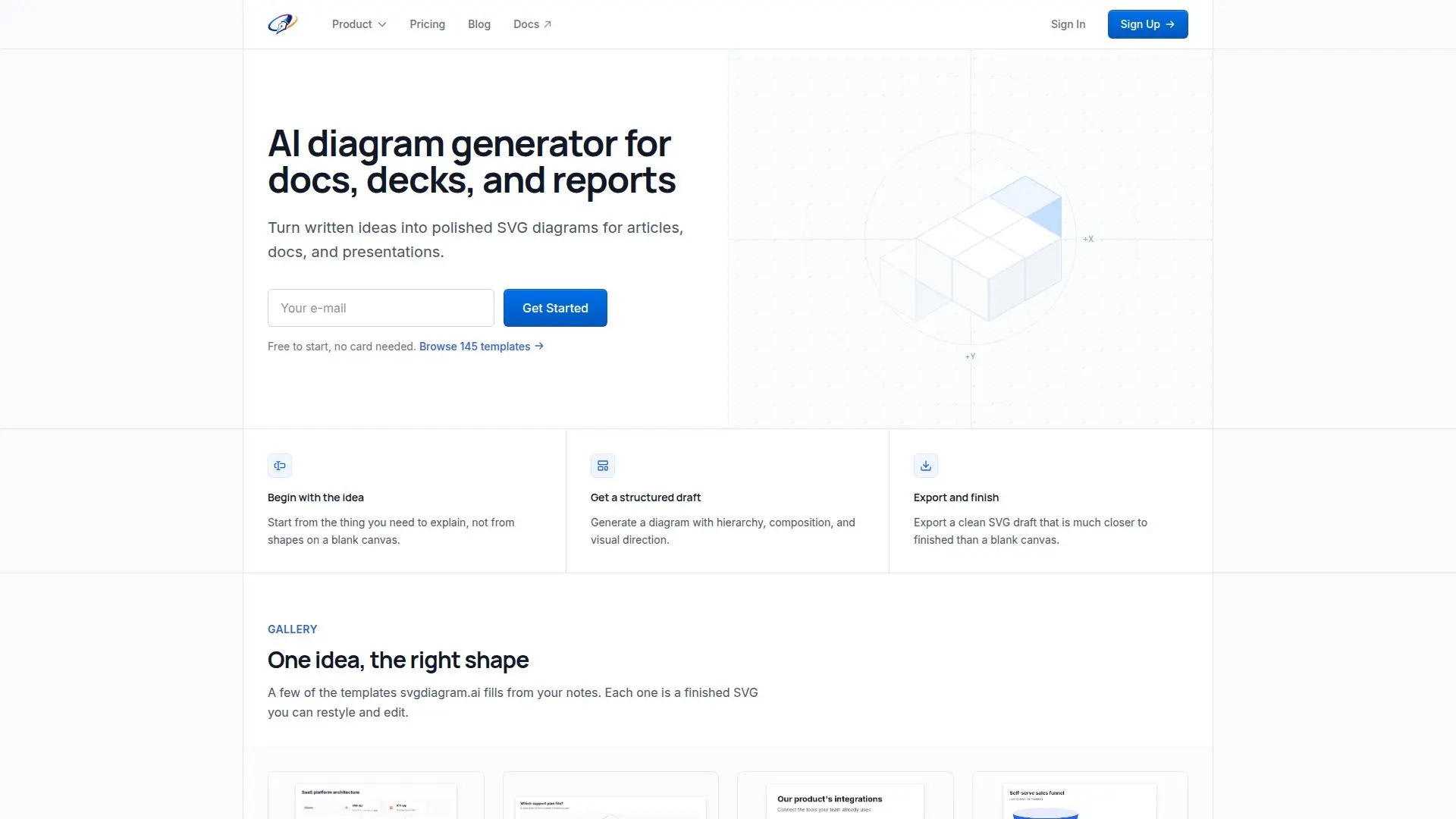
SVG Diagram AI is a versatile tool designed to convert written concepts into polished, editable SVG diagrams. It caters to professionals who need to visualize complex ideas in a structured format, offering templates for timelines, flowcharts, architecture diagrams, and more. The platform is particularly useful for creating visuals for documents, presentations, and reports, where clarity and precision are paramount.
Read More
Users can begin with a free plan that includes access to 24 starter designs and the ability to create up to 10 diagrams per month. This plan is ideal for non-commercial use and allows unlimited edits and exports in SVG and PNG formats. For more extensive needs, SVG Diagram AI offers several paid plans. The Pro plan, priced at $15 per month or $150 annually, provides access to 74 designs and allows for commercial use. The Power plan, at $49 per month or $490 annually, includes 86 designs and API access, while the Max plan, at $99 per month or $990 annually, offers the full library of 145 designs and higher API request limits.
The tool's API enables developers to integrate diagram generation into their applications, supporting natural language prompts and structured data inputs. Users can export diagrams in SVG format, which maintains sharpness at any size, or in high-resolution PNG format. SVG Diagram AI also offers a unique feature of free instant re-rendering, allowing users to change colors, fonts, and themes without consuming additional credits.
SVG Diagram AI is ideal for professionals in fields such as education, business, and technology who require clear and effective visual communication tools. Its structured approach to diagram creation helps users convey complex ideas with clarity and precision, making it a valuable asset for presentations, reports, and collaborative projects.
- CategoryAI Graphic Design Tools
- Pricing ModelFreemium
- DeploymentCloud
- PlatformsWeb
SVG Diagram AI's Core Features
Editable SVG diagrams
145 templates available
Free plan with 10 diagrams/month
Commercial use on paid plans
API access for integration
SVG and PNG export options
Unlimited free edits
Instant re-rendering
How to use SVG Diagram AI?
Start: Choose a template
Generate: Input your ideas
Edit: Customize the diagram
Export: Download in SVG or PNG
SVG Diagram AI's Use Cases
- Flowchart Creation
- Timeline Visualization
- Architecture Diagrams
- Presentation Graphics
- Report Illustrations