
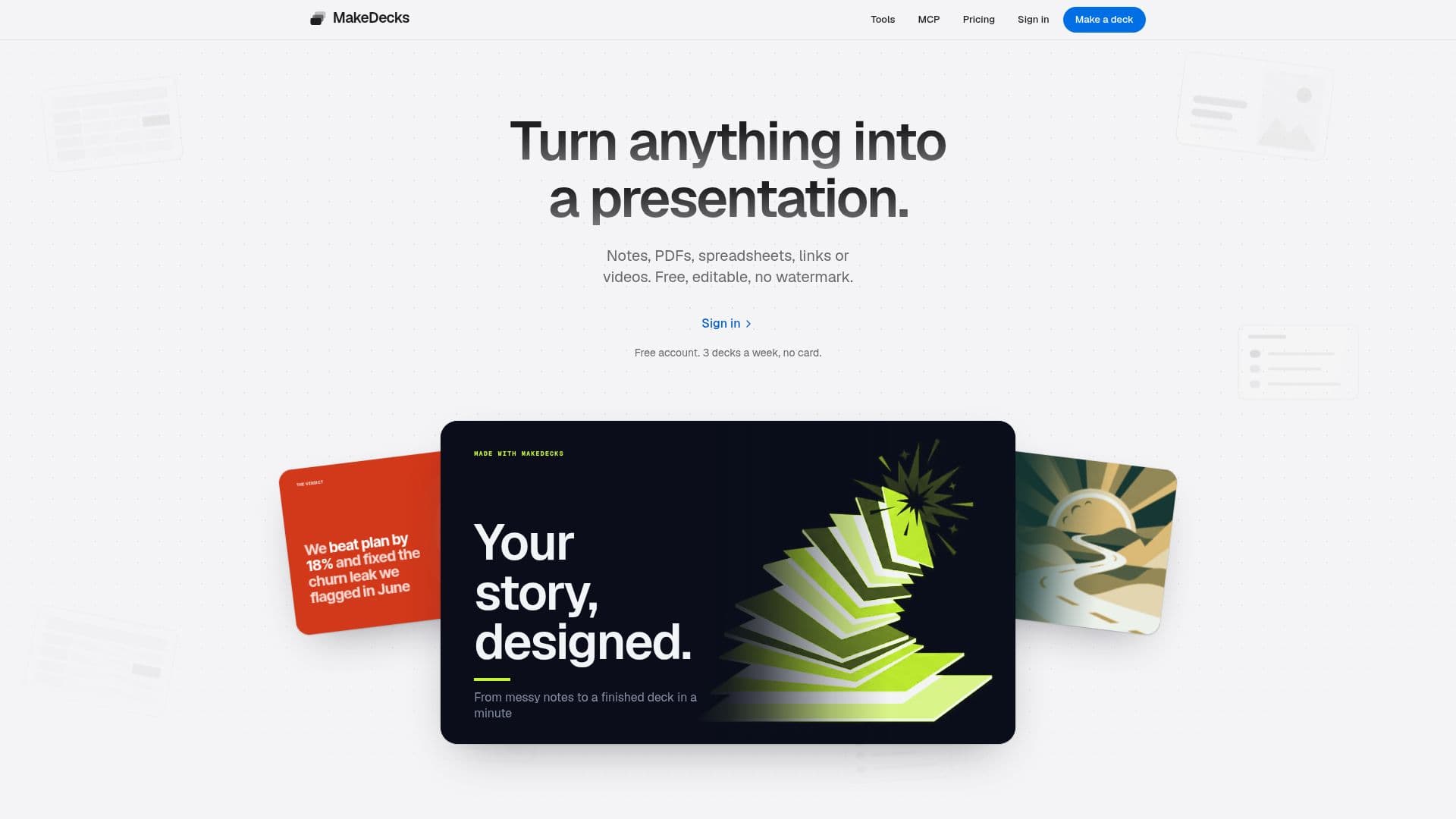
Description
MakeDecks is a versatile AI presentation generator designed to streamline the creation of professional slide decks from diverse source materials. It allows users to convert pasted notes, PDFs, Word documents, Excel spreadsheets, CSV files, old PowerPoint decks, images, audio, subtitles, web pages, Google Docs, and YouTube videos into fully editable presentations. The platform ensures that numerical data from files remains exact in the generated slides.
Read More
The tool offers 20 distinct slide layouts and 10 themes, enabling users to customize the visual appearance of their presentations. AI capabilities extend to editing any slide and generating AI illustrations for title and section slides. Presentations can be downloaded as editable PowerPoint (.pptx) or PDF files, ensuring compatibility with popular presentation software like PowerPoint, Keynote, and Google Slides. The downloaded .pptx files feature native text boxes, tables, and charts, allowing for easy modification of content and data.
MakeDecks operates with a strong emphasis on user privacy; uploaded Word, PowerPoint, and Excel files are processed in the browser, with only their text sent for generation. PDFs, images, and audio files are deleted from the AI provider once the deck is created. The platform is developed by independent founder Yash Garg.
Beyond its core generation capabilities, MakeDecks provides a suite of free presentation tools accessible without an account. These include a speech time calculator, slide count calculator, outline generator, pitch deck generator, speaker notes and title generators, PowerPoint compressor, word counter, font pairing, and color palettes. The free plan allows for the creation of 3 decks per week, complete with editable PowerPoint and PDF downloads, no credit card requirement, and no watermarks.
For users with more extensive needs, the Pro plan is available at $15 per month or $144 per year. This premium offering includes unlimited decks, a brand kit for consistent branding, team editing features, translation into 14 languages, presenter scripts, view-only links with viewer statistics, custom AI themes, custom fonts, and additional download options like PNG images, Google Slides, LinkedIn, and Instagram carousels. The Pro plan also provides unlimited AI edits and 150 AI illustrations per month. MakeDecks aims to replace multiple traditional tools by offering an all-in-one solution for presentation creation and management.
- CategoryAI Presentation Makers
- Pricing ModelFreemium
- DeploymentCloud
- PlatformsWeb
MakeDecks's Core Features
Generate presentations from text, PDF, Word, Excel, CSV, and PowerPoint files
Convert web pages, Google Docs, and YouTube videos into slides
Access 20 slide layouts and 10 themes for customization
Utilize AI for edits on any slide content
Generate AI illustrations for title and section slides
Download presentations as editable PowerPoint (.pptx) or PDF files
Edit text boxes, tables, and charts natively in downloaded .pptx files
Open .pptx files in PowerPoint, Keynote, and Google Slides
Access free tools: speech time calculator, slide count calculator, outline generator
Use free tools: pitch deck, speaker notes, and title generators
Utilize free tools: PowerPoint compressor, word counter, font pairing, and color palettes
Maintain exact numbers from source files in generated charts and tables
Ensure file privacy: local processing for some files, deletion for others
Access full version history to revert to earlier deck versions (Pro feature)
Collaborate with team editing and slide comments (Pro feature)
How to use MakeDecks?
Input Content: Provide notes, PDFs, Word, Excel, CSV, PowerPoint files, images, audio, subtitles, web pages, Google Docs, or YouTube videos.
Generate Deck: MakeDecks processes the input to create a designed presentation with editable slides.
Edit Slides: Customize slides in the browser, adjusting text, layouts, and themes.
Apply AI Edits: Use AI to make changes to specific slides or generate illustrations.
Download Presentation: Export the final presentation as an editable PowerPoint (.pptx) or PDF file.
Share and Present: Use present mode with notes and a timer, or share view-only links.
MakeDecks's Use Cases
- Investor Update
- Quarterly Business Review (QBR)
- AI Pitch Deck Creation
- PDF to PowerPoint Conversion
- Word to PowerPoint Conversion
- Excel to PowerPoint Charts
- YouTube Video to Presentation
- Website to Presentation
- Meeting Notes to Slides
- Lesson Plan to Slides