
Description
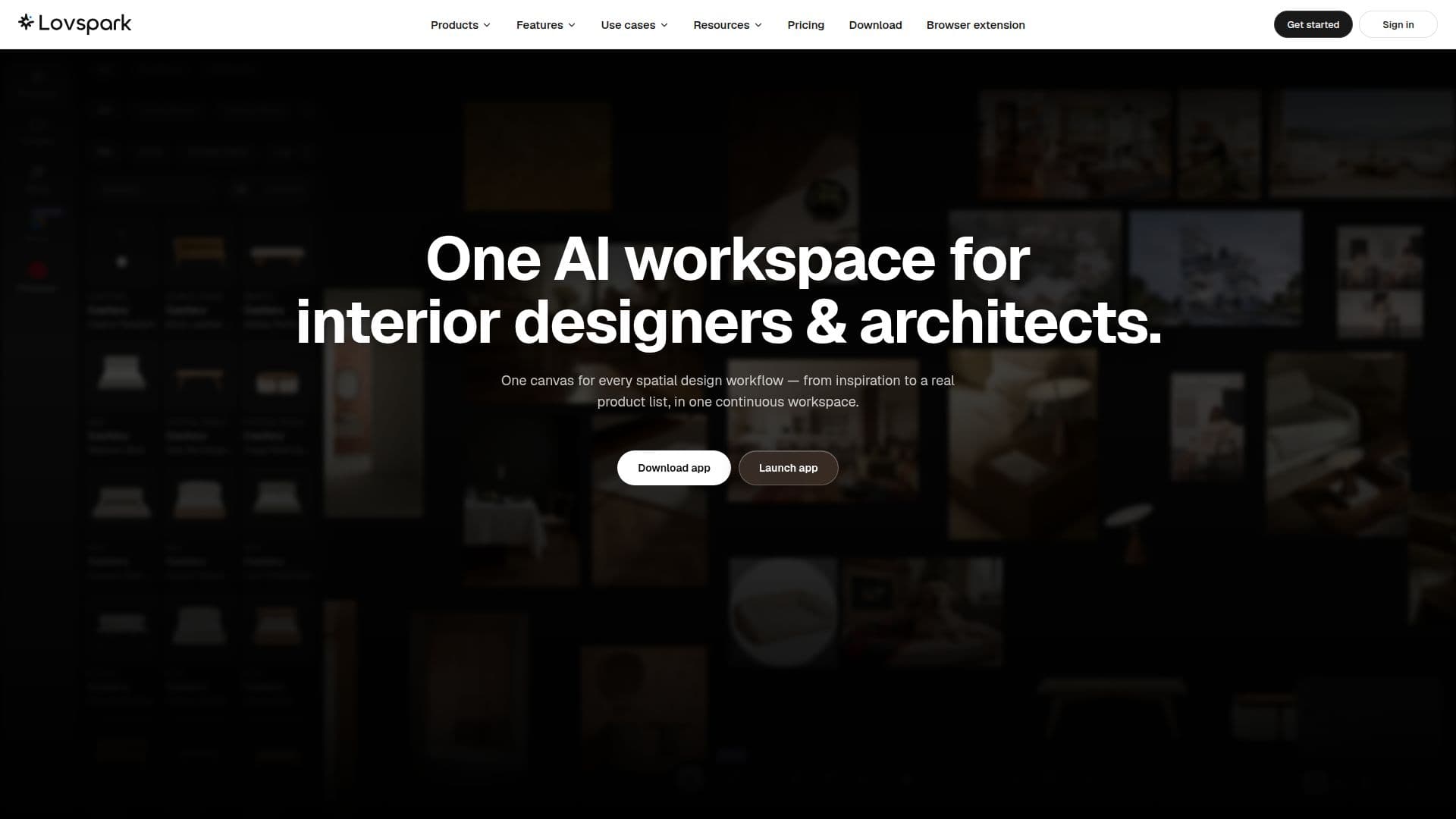
Lovspark provides a comprehensive AI workspace tailored for interior designers and architects, consolidating various spatial design workflows onto a single, continuous canvas. This platform allows users to move seamlessly from initial inspiration to generating a real product list, enhancing efficiency and collaboration.
Read More
The platform supports diverse design applications, including interior design where users can stage empty rooms, reconfigure furnished spaces, or modify individual surfaces while preserving the room's core structure. For architecture and exteriors, it transforms white models or photos into photorealistic renders, enabling material swaps for facades, skies, and time of day. Landscape and yard design benefits from tools to lay turf, add pools, and build hardscaping, converting bare ground into finished scenes. Product designers can generate marketing scenes from product cut-outs and spin off design variants from prototypes, exploring different forms and proportions.
Key capabilities include converting floor plans to 3D, transforming still images into moving shots without reshoots, and an image editor for removing clutter, cutting out subjects, relighting, and editing text. Users can upscale finished images to higher resolutions. Lovspark offers "ready-made skills" that match specific jobs, eliminating the need for prompt writing, and provides access to major image and video models on one canvas, allowing for easy switching. Prompt templates can be saved and reused with a single click.
The platform facilitates pro-level production with features like sketching with nodes, freeform image placement, and fast iteration. Teams can collaborate on an infinite canvas using comments, sticky notes, and documents. Specific skills include White Model Rendering for exploring materials and colors, Bare-Shell Design for photoreal results in chosen styles, Creative Marketing Scenes for generating high-quality visuals from product cut-outs, and Product Ideation Spin-off for rapidly creating design options. Furnished-Home Styling allows users to swap soft-furnishing styles, and Soft-Furnishing Extraction automatically detects and extracts product and material details.
Lovspark integrates real products into renders, allowing users to build a library of catalog items and drop them into any scene with AI, which integrates them to scale, lighting, and material without manual masking. It auto-generates FF&E schedules and Bills of Material (BOM) directly from finished renders, itemizing every fabric, finish, and fixture. Design reports can be compiled with one click, including photos, supplier info, and lead times, ready for clients in PDF format. The platform also supports batch runs for processing multiple floor plans simultaneously while maintaining a consistent style.
Lovspark offers a Free plan with 200 credits per month, allowing approximately 25 images or 50 seconds of video, with watermarked exports for personal use. Paid plans include Creator ($19.99/month for 2,000 credits), Pro ($44.99/month for 5,000 credits), and Max ($99.99/month for 12,000 credits), offering increased image/video generation, higher render priority, more parallel jobs, and larger project storage, with commercial use rights.
- CategoryAI Interior & Architecture Design
- Pricing ModelFreemium
- DeploymentCloud
- PlatformsWeb
Lovspark's Core Features
AI Canvas for Spatial Design
Stage Rooms with Shoppable Products
Refine Photos to Renders
Auto-Generate FF&E Schedules
Floor Plan to 3D Conversion
Stills to Video Conversion
Image Editor with Relighting and Text Edit
HD Image Upscaling
Ready-Made Design Skills
Access to Major Image and Video Models
Prompt Templates for Reuse
Multi-Node Workflow and Freeform Canvas
Team Collaboration with Comments & Sticky Notes
AI Product Placement from Catalogs
Auto-Generate Material Lists and Design Reports
Batch Runs for Floor Plans
How to use Lovspark?
Upload Photo: Provide a photo of your room or a 2D drawing like a site plan.
Select Style: Choose a style photo or a render style (e.g., Realistic, Illustration) to guide the AI.
Generate Design: Click 'Generate' to let Lovspark AI transform your input into a new design or render.
Refine Results: Use tools like Targeted Material Swap to adjust specific elements like cabinet colors or countertops.
Collaborate & Share: Share designs with clients via a link or collaborate with team members on the canvas.
Export & Report: Download high-resolution images, videos, or auto-generate client-ready design reports and material lists.
Lovspark's Use Cases
- Interior Design Visualization
- Architectural Exterior Rendering
- Landscape and Yard Design
- Product Marketing Scene Generation
- Product Ideation and Prototyping
- Furnished Home Styling
- Kitchen Remodel Visualization
- Site Plan and Landscape Rendering
- Floor Plan to 3D Conversion
- Automated FF&E Schedule Generation