
Description
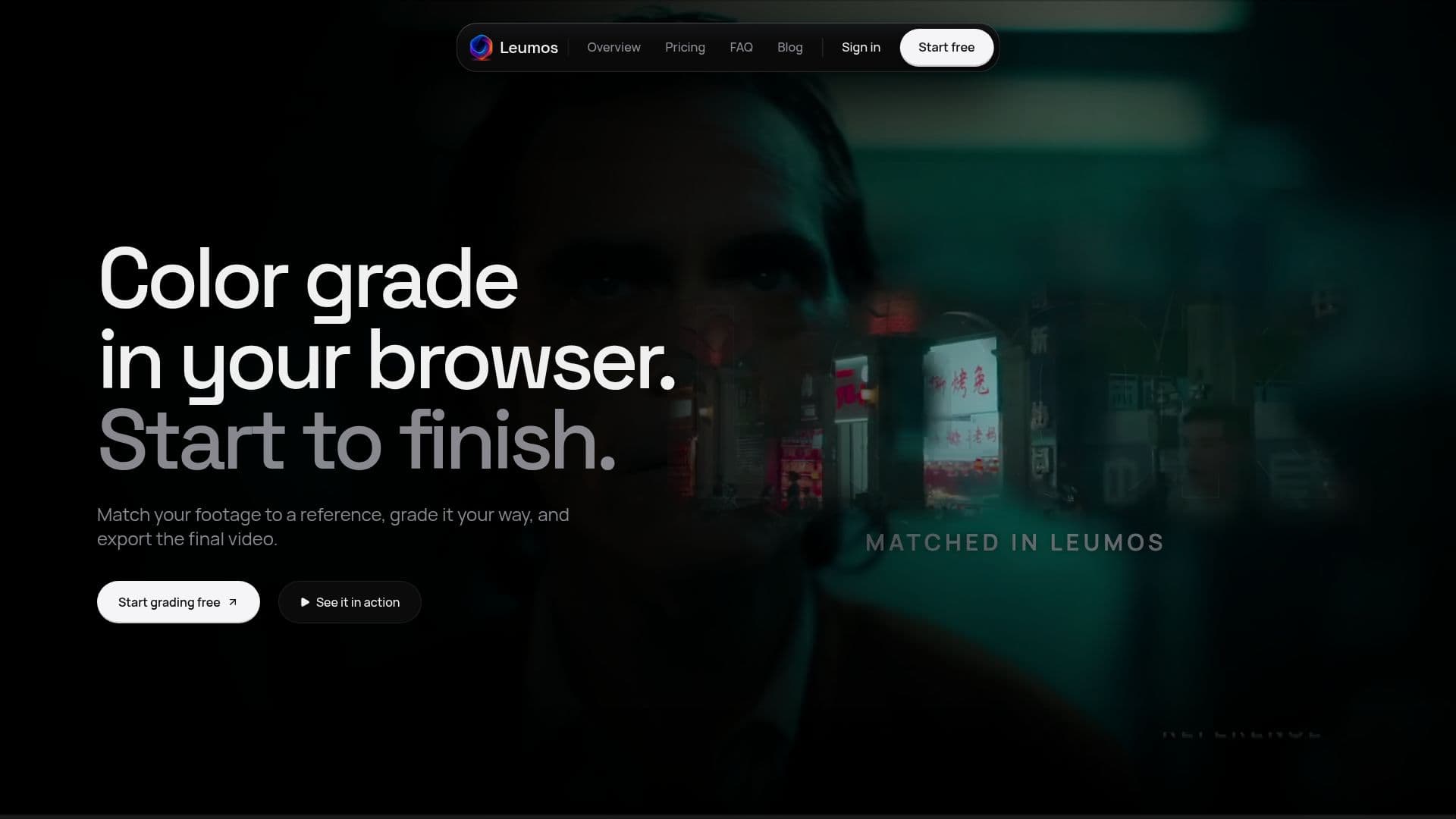
Leumos AI offers a complete video color grading solution accessible directly in a desktop browser, eliminating the need for software installations. This web-based studio enables users to perform professional-grade color correction and grading from start to finish, supporting browsers like Chrome, Edge, and Safari 17.
Read More
The core functionality of Leumos AI revolves around its AI-powered color grading capabilities. Users can select a reference still image to automatically match the look of their video footage, or utilize the Smart Grade feature, which analyzes the shot and suggests eight suitable grades. These AI-generated grades can then be refined using a suite of creative controls, allowing for precise adjustments to color, exposure, white balance, and black/white levels.
Leumos AI also addresses common challenges in video production, such as handling log footage. It supports various camera log profiles, including Sony S-Log3, ARRI LogC4, Canon C-Log3, and Apple Log, converting them into ACES for consistent grading. The platform also features shot matching, allowing users to grade one shot and apply the same look to an entire timeline, even rebuilding Premiere or Resolve cuts via XML import.
Privacy is a key consideration, as Leumos AI explicitly states that user footage is never used to train AI models. Cloud copies of projects are retained for 30 days after the last access, while local originals, projects, and grades remain untouched. The service offers flexible pricing with Free, Lite, and Studio plans, each providing different levels of reference matches, export capabilities (up to 4K 10-bit with ProRes options), and cloud storage. A free plan is available without a credit card, offering 1080p 8-bit export and 1 GB of cloud storage.
- CategoryAI Video Editors
- Pricing ModelFreemium
- DeploymentCloud
- PlatformsDesktop Browser (Chrome, Edge, Safari 17)
Leumos AI's Core Features
AI Video Color Grading in Browser
Reference Match Grading
Smart Grade Suggestions
AI Color Correction
Log Footage Conversion (ACES)
Creative Color Controls
Skin Tone Adjustment
Shot Matching for Timelines
XML Import for Edit Reconstruction
Detect Cuts in Long Clips
Copy and Paste Grades
1080p 8-bit Export (Free Plan)
4K 10-bit Export (Paid Plans)
ProRes 422 Handoff/Master (Paid Plans)
LUT Download (.cube per shot)
How to use Leumos AI?
Import Footage: Upload your video clips directly into the browser-based studio.
Choose Grading Method: Select a reference still for AI color matching or use Smart Grade for AI-suggested looks.
Refine Grade: Adjust the strength of the AI grade and use creative controls for precise color, exposure, and white balance adjustments.
Manage Log Footage: Apply camera log profiles for accurate ACES conversion before grading.
Match Shots: Rebuild your edit via XML import, grade one shot, and apply the grade to other shots on the timeline.
Export Video: Render your graded film on Leumos servers and download the final file in your chosen resolution and format.
Leumos AI's Use Cases
- Professional Video Color Grading
- Reference-Based Color Matching
- Automated Color Correction
- Log Footage Workflow
- Efficient Shot Matching
- Creative Color Manipulation
- Browser-Based Editing
- High-Quality Video Export