
Description
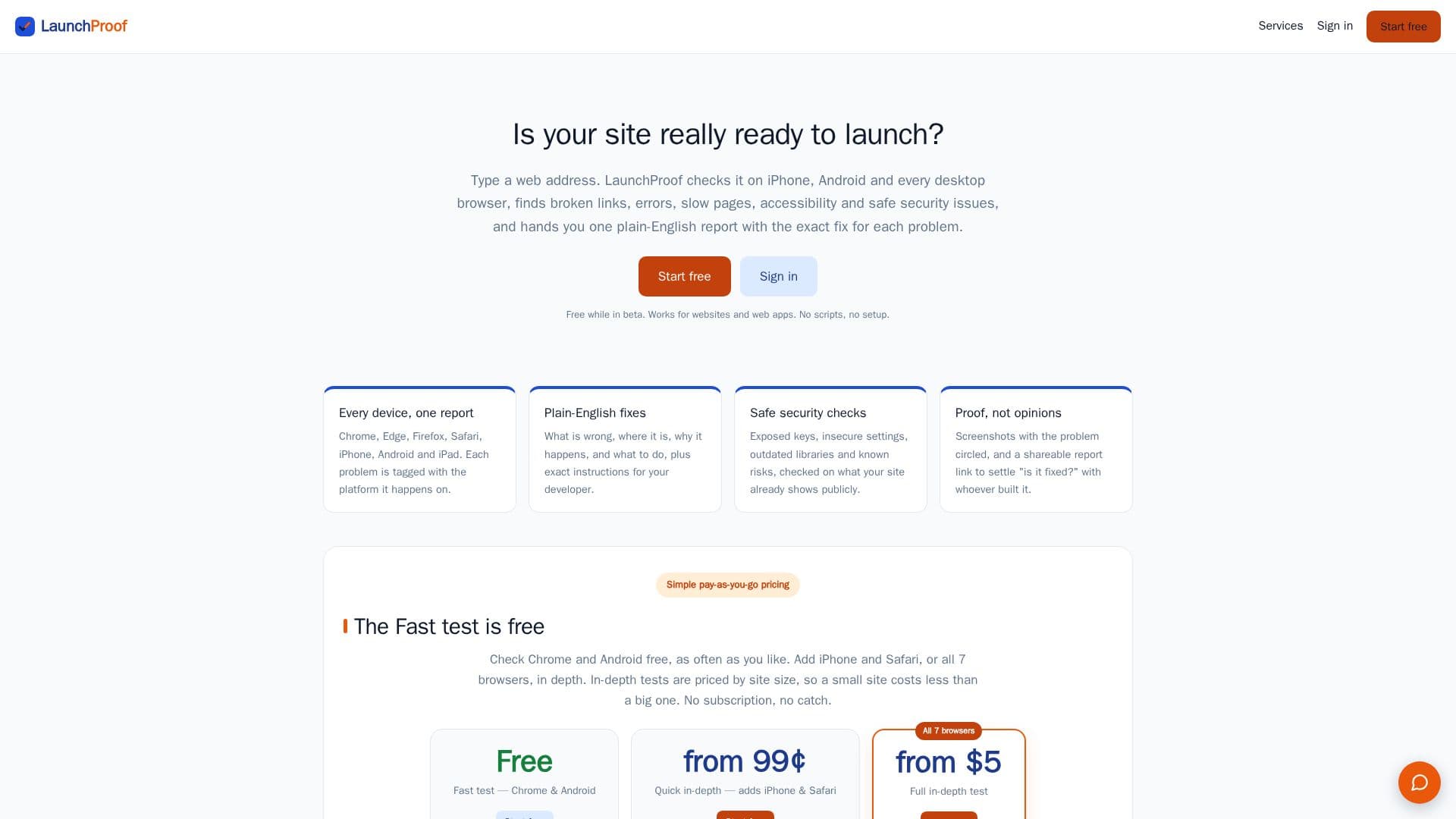
LaunchProof is a comprehensive testing tool designed to ensure your website or app is ready for launch. It operates across iPhone, Android, and all major desktop browsers, including Chrome, Edge, Firefox, and Safari. By simply entering a web address, LaunchProof conducts thorough checks for broken links, errors, slow pages, accessibility issues, and security vulnerabilities. Each issue is tagged with the specific device or browser it occurs on, and the tool provides a plain-English report detailing what is wrong, why it happens, and how to fix it.
Read More
The service is currently free while in beta, allowing users to test on Chrome and Android without cost. For more in-depth testing, including additional browsers like iPhone and Safari, pricing is based on site size, starting at 99¢ for a Quick test and $5 for a Full test. This pay-per-use model ensures that smaller sites incur lower costs.
LaunchProof is particularly beneficial for developers and site owners who need to verify the readiness of their sites or apps before going live. It offers safe security checks by examining publicly available data without altering or damaging the site. Additionally, it supports testing of pages behind logins, provided test credentials are supplied.
The tool's reports are comprehensive, featuring an overall score, severity grouping of issues, and shareable links for collaboration with developers or team members. This makes it easy to confirm fixes and maintain transparency throughout the development process. LaunchProof is a valuable asset for anyone looking to launch a flawless website or app.
- CategoryAI Code Review & Testing
- Pricing ModelFreemium
- DeploymentCloud
- PlatformsWeb
LaunchProof's Core Features
Cross-device testing on iPhone, Android, and major browsers
Plain-English reports with exact fixes
Free beta testing on Chrome and Android
In-depth testing priced by site size
Security checks for exposed keys and insecure settings
Support for testing behind logins
Shareable report links for collaboration
Real-time progress tracking during tests
How to use LaunchProof?
Enter a web address: initiate the test
Select browsers: choose devices and browsers for testing
Run the test: watch real-time progress
Review report: analyze issues and fixes
LaunchProof's Use Cases
- Website Launch
- App Deployment
- Security Audits
- Accessibility Checks
- Developer Collaboration