


Description
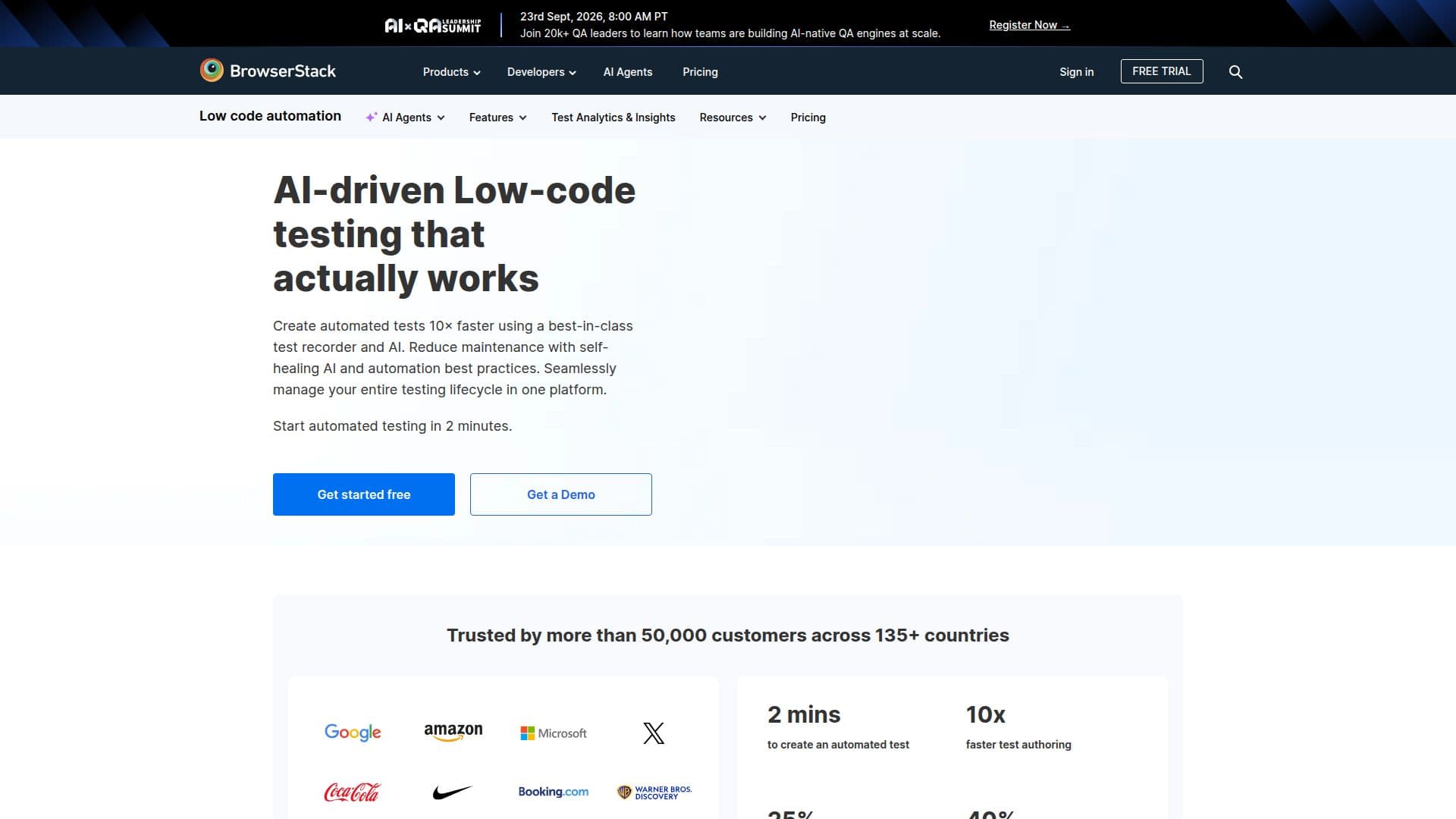
BrowserStack Low-Code Automate is designed for QA teams to streamline the process of creating automated tests without the need for complex coding. This tool leverages AI to enable users to set up tests in minutes, significantly reducing the learning curve and infrastructure setup requirements. It is particularly beneficial for non-technical users, allowing them to create, edit, and troubleshoot automated tests with ease.
The platform supports testing across all real desktop and mobile browsers, ensuring comprehensive coverage and reducing test flakiness through intelligent wait timeouts. This feature is crucial for maintaining the reliability of tests and ensuring consistent results.
BrowserStack Low-Code Automate offers a freemium pricing model, with plans starting from $12.50 per month. Users can choose between monthly and annual plans, with the option to start with a free trial.
The tool is ideal for freelancers, teams, and enterprises looking to enhance their browser and mobile app testing capabilities. It integrates seamlessly with various testing tools, providing a robust solution for testing websites and mobile applications.
BrowserStack is trusted by over 50,000 customers across 135+ countries, highlighting its reliability and effectiveness in the digital economy. The platform's mission is to empower developer teams to release bug-free software faster and at scale, contributing to a better user experience across diverse devices and operating systems.
BrowserStack Low-Code Automate's Core Features
AI-powered automated tests
No coding required
Intelligent wait timeouts
Real desktop and mobile browser support
Freemium pricing model
No infrastructure setup needed
Fast test creation
Non-tech user friendly
Troubleshooting capabilities
Integration with testing tools
Free trial available
Monthly and annual plans
Trusted by 50,000+ customers
Global reach across 135+ countries
Supports DevOps cycle
How to use BrowserStack Low-Code Automate?
Configure: Set up test parameters
Use: Run automated tests
Optimise: Adjust wait timeouts
Integrate: Connect with other testing tools
BrowserStack Low-Code Automate's Use Cases
- Automated Browser Testing
- Mobile App Testing
- QA Team Efficiency
- Non-Tech User Testing
- Cross-Platform Testing