


Description
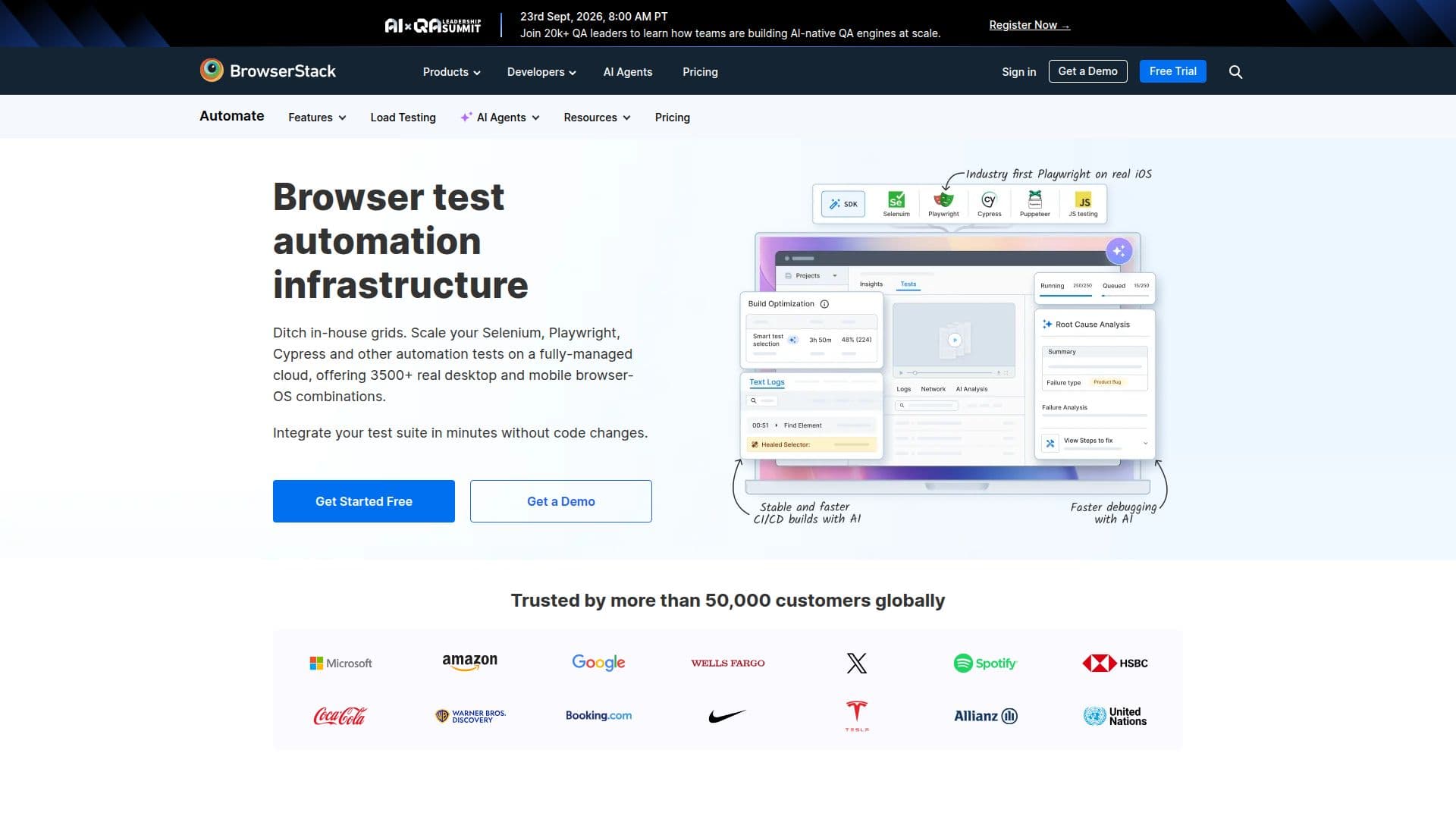
BrowserStack Automate is a cloud-based platform that enables developers and QA teams to perform automated Selenium testing on a grid of over 3,500 real browsers and mobile devices. This service is designed to replace internal Selenium grids, offering a more efficient and cost-effective solution for testing web applications across various browser-OS combinations.
The platform supports parallel testing, allowing users to run tests simultaneously on multiple devices, significantly reducing build times. With its AI-powered features, BrowserStack Automate provides advanced reporting and analytics, helping teams identify flaky tests and new failures quickly. The Self-Healing Agent and Test Selection Agent further enhance test stability by auto-remediating broken locators and running only impacted tests.
BrowserStack Automate integrates with popular CI/CD tools such as Jenkins, TravisCI, Bamboo, and TeamCity, facilitating seamless integration into existing workflows. It also supports over 150 integrations with various project management, collaboration, and automation frameworks, making it a versatile tool for diverse development environments.
The platform offers best-in-class support for Playwright testing, ensuring accurate results on real iOS and Android devices. It eliminates the need for emulation, providing end-to-end visibility by unifying BrowserStack test logs and Playwright Trace Viewer logs in a single dashboard.
Pricing for BrowserStack Automate starts at USD 99, with options for freelancers, teams, and enterprises. The platform is trusted by over 50,000 customers globally, who benefit from its ability to deliver flawless user experiences and reduce quality automation costs by up to 80%.
BrowserStack Automate's Core Features
Instant Selenium testing on real devices
Supports 3,500+ browser-OS combinations
AI-powered test reporting and analytics
Parallel testing to reduce build times
Seamless integration with CI/CD tools
Self-Healing Agent for resilient locators
Test Selection Agent for efficient testing
Best-in-class Playwright support
How to use BrowserStack Automate?
Configure: Set up your test environment
Integrate: Connect with CI/CD tools
Use: Run tests on real devices
Optimize: Analyze reports and improve
BrowserStack Automate's Use Cases
- Cross-browser testing
- CI/CD integration
- Mobile device testing
- Parallel testing
- AI-powered analytics