Description
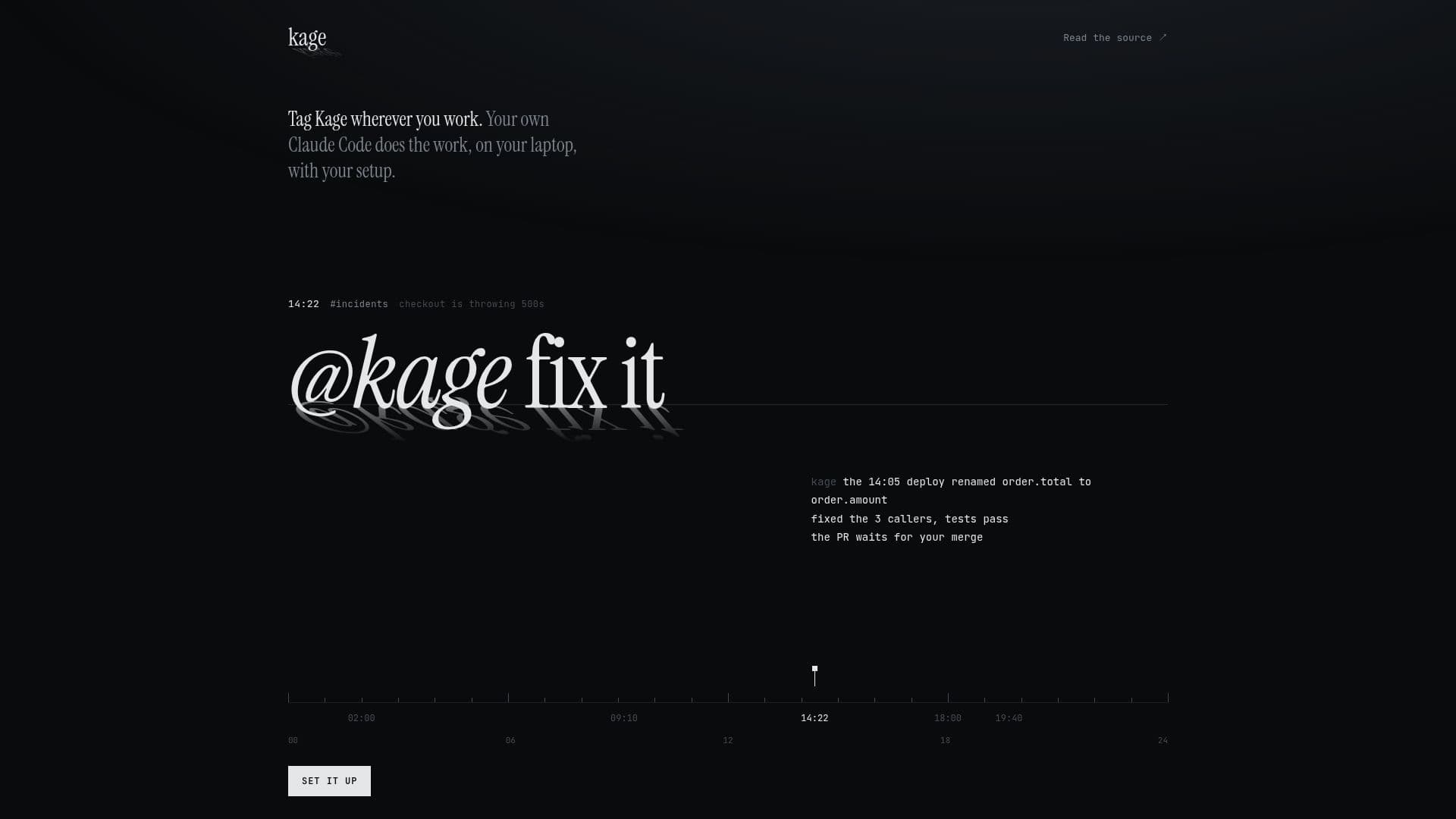
Kage is an innovative open-source tool designed to integrate your personal Claude Code session directly into your Slack and email workflows. It functions as a self-hosted AI agent, allowing users to tag Kage in any Slack channel or email thread. When tagged, Kage activates your own Claude Code session running on your laptop, which then processes the request and provides an answer directly within the original conversation.
Read More
A key aspect of Kage's design is its commitment to privacy and security. It ensures that your code and data never leave your machine. Kage establishes an outbound connection to Slack, eliminating the need for a public URL or open port. This architecture means your files and tools remain securely on your laptop, under your direct control, unlike cloud-based AI services that might process data on external servers.
Kage is designed for individual control and privacy. Only the user who typed the message can drive it; messages from other individuals are filtered before reaching Claude. If a teammate is added, they can only tag Kage in conversations where the primary user is also present. Any action requiring approval, such as a refund over a certain amount, always waits for the primary user's explicit consent, preventing teammates from approving prompts on their behalf.
Setting up Kage requires macOS or Linux, Node.js version 22.18 or newer, tmux, and a recent Claude Code installation logged in with a claude.ai account. Users also need permission to create an app within their Slack workspace. Once configured, Kage leverages your existing Claude Code setup, meaning it already understands your conventions, installed skills, tools (like MCP servers and repositories), and hooks. It learns from corrections, remembering how you work over time.
This tool is ideal for individuals seeking to extend the capabilities of their Claude Code into their daily communication platforms without compromising data privacy or control. It offers a unique blend of convenience and security, bringing advanced AI assistance directly to your workflow while keeping your sensitive information local.
- CategoryAI Agent Builders
- Pricing ModelOpen Source
- DeploymentSelf-Hosted
- PlatformsmacOS, Linux
Kage's Core Features
Self-hosted Slack AI agent
Integrates with personal Claude Code sessions
Responds in Slack and email threads
Keeps code and data on user's laptop
No public URL or open port required
Outbound connection to Slack only
User-driven control: only acts on messages typed by the user
Teammate access limited to shared conversations
Requires explicit user approval for sensitive actions
Leverages existing Claude Code knowledge (instructions, skills, tools, hooks)
Remembers corrections and learns user conventions
Supports macOS and Linux operating systems
Requires Node.js 22.18 or newer and tmux
Needs a recent Claude Code logged in with a claude.ai account
Requires Slack workspace app creation permission
How to use Kage?
Install Prerequisites: Ensure you have macOS or Linux, Node.js 22.18+, tmux, and a Claude Code session logged into claude.ai.
Create Slack App: Obtain permission to create an app in your Slack workspace.
Paste Setup Code: Copy the provided setup code into Claude Code or any coding agent with a shell.
Allow Slack Integration: Click 'Allow' in Slack once prompted to authorize the connection.
Tag Kage: Mention @kage in Slack or email to have your Claude Code session perform tasks and respond.
Approve Actions: Provide explicit approval for any sensitive prompts or actions initiated by Kage.
Kage's Use Cases
- Automated Slack Responses
- Email Task Automation
- Personal AI Assistant
- Secure Code Execution
- Team Collaboration Support
- Custom Workflow Automation