Description
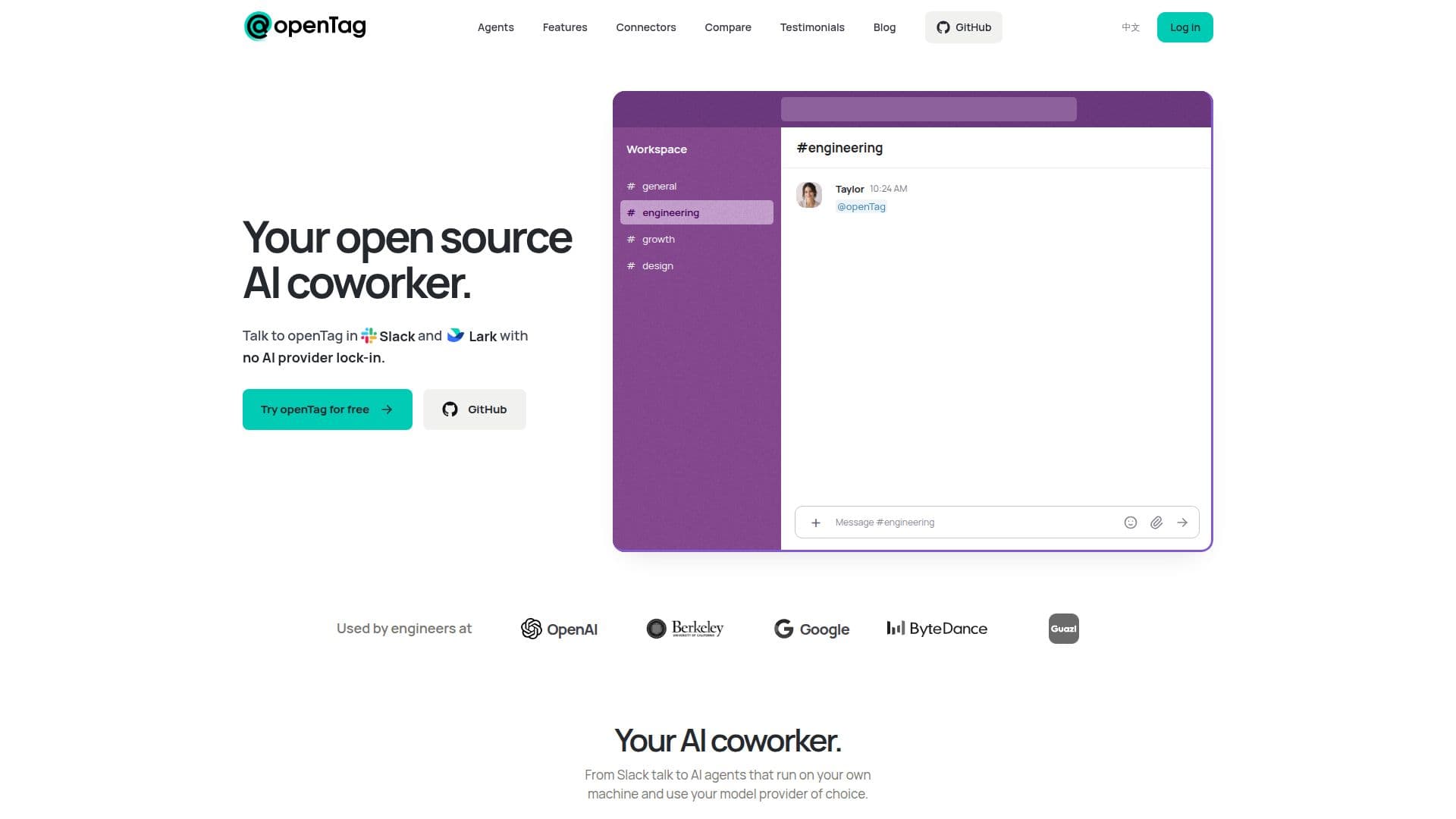
openTag is an innovative open source AI coworker designed to integrate seamlessly with Slack and Lark. It enables users to run AI coding agents directly on their own computers, utilizing existing subscriptions or API keys from providers like Claude, Codex, or Pi. This setup ensures that all processing occurs locally, maintaining user privacy and data security. openTag supports Mac and Linux systems and is free to use, with users only needing to cover the costs of their AI subscriptions.
Read More
The platform is designed to be highly flexible and customizable, allowing users to mention openTag in a thread to initiate tasks. The app then delegates the request to the user's computer, where a background program executes the coding agent. The results are sent back to the thread, providing a seamless workflow. openTag's architecture supports team collaboration, enabling agents to serve entire channels and hand off tasks to one another.
openTag's privacy policy emphasizes that its servers do not store conversations, code, or memory. Instead, team memory is managed through a Context Tree, a markdown-based system hosted in a user's GitHub repository. This approach ensures that data remains under the user's control.
The platform currently supports Slack and Lark, with plans to expand to Teams and Discord. It also offers extensive integration capabilities, connecting to over 1000 popular services through MCP connectors. These include tools like Notion, Google Drive, Gmail, and more, allowing users to enhance their workflows with ease.
openTag is particularly beneficial for developers, teams, and organizations looking for a customizable, secure, and cost-effective AI solution that integrates with existing tools and workflows.
- CategoryAI Agent Builders
- Pricing ModelFree
- DeploymentLocal
- PlatformsMac, Linux
openTag's Core Features
Open source AI coworker
Runs on Mac and Linux
Integrates with Slack and Lark
Supports Claude, Codex, and Pi
Local processing for privacy
Free to use with existing subscriptions
Team collaboration support
Over 1000 service integrations
How to use openTag?
Create your agent: Set up your coding agent on your computer.
Connect your computer: Run the agent locally with your subscription.
Connect messaging: Add openTag to your Slack or Lark workspace.
Use: Mention openTag in threads to initiate tasks.
openTag's Use Cases
- Team Collaboration
- Local AI Processing
- Customizable AI Agents
- Integration with Tools
- Cost-Effective AI Use