Description
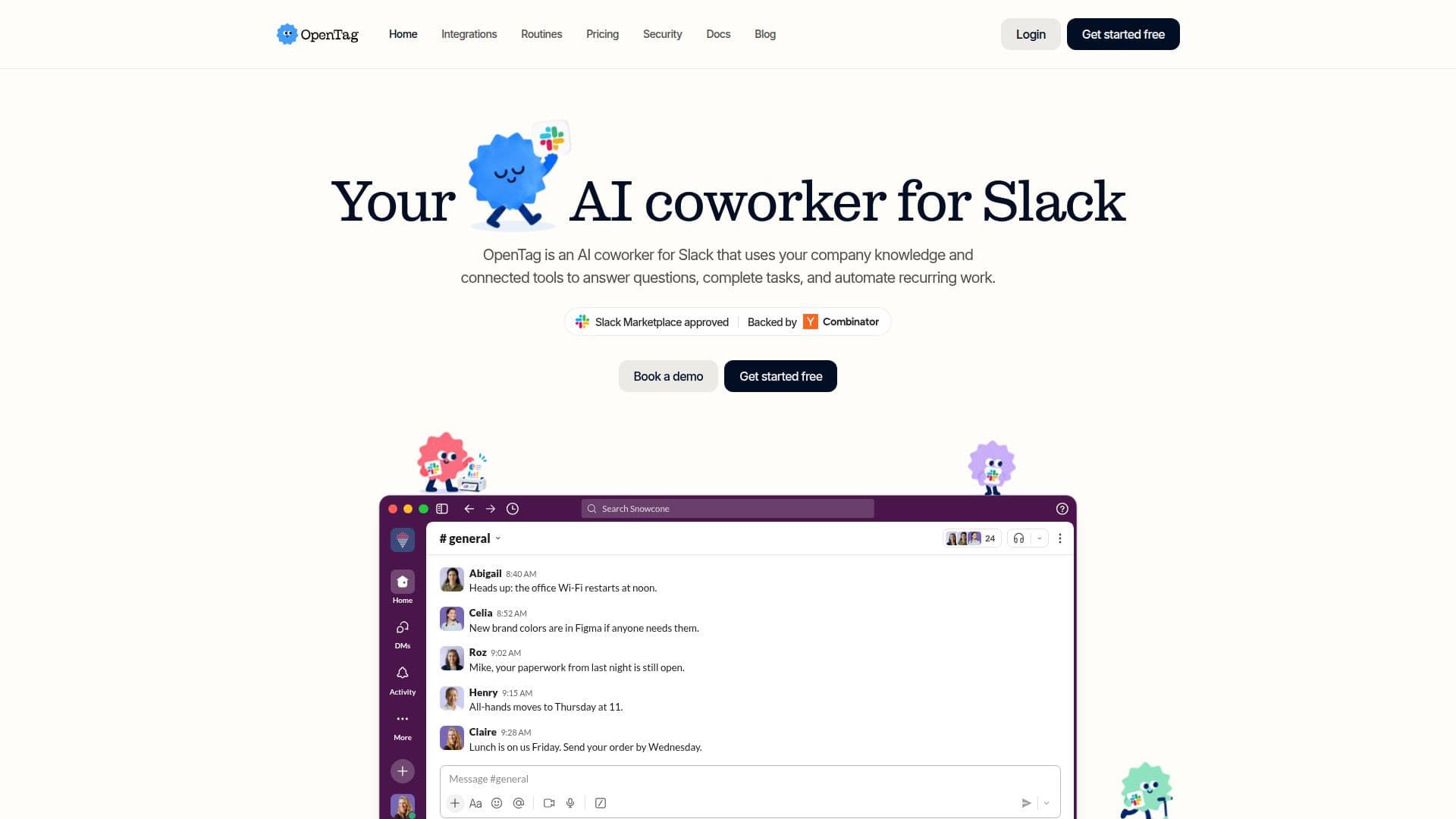
OpenTag functions as an AI coworker seamlessly integrated into Slack, designed to enhance team productivity and streamline workflows. It leverages your company's collective knowledge and a wide array of connected tools to perform various tasks, from answering complex questions to automating recurring work. The platform is built to understand context and deliver relevant results directly within Slack conversations, with upcoming support for Microsoft Teams.
Read More
A key differentiator for OpenTag is its intelligent routing system. Unlike solutions tied to a single AI model, OpenTag dynamically selects the most appropriate model for each task from a catalog of over 40 options, including Claude, GPT, Gemini, Grok, DeepSeek, Kimi, Qwen, Llama, and Mistral. This approach optimizes for reliability, speed, capability, and cost, potentially leading to significant savings by avoiding the overuse of more expensive frontier models for simpler tasks. Users do not need to manually choose models or keep up with new releases; OpenTag handles this automatically.
Beyond just answering questions, OpenTag can take actionable steps within connected systems. Depending on the integrated tools, it can investigate issues, modify code, generate artifacts, and complete entire workflows, reporting progress in-thread. This capability extends across various departments, assisting with research, writing, project management, engineering, data analysis, sales, customer work, and document handling by interacting with platforms like Notion, Google Drive, GitHub, Linear, PostHog, Stripe, and CRM systems.
Security and privacy are core to OpenTag's design. It operates only in channels it's invited to, respects the permissions of the user making the request, and requires human approval for actions with significant consequences, such as financial transactions. All data is kept separate in isolated environments per workspace, never used for model training, and is encrypted both in transit and at rest. The platform is SOC 2 Type I compliant, with Type II in progress, and offers features like SSO, SCIM, and audit log export for enterprise clients.
OpenTag operates on a usage-based pricing model, charging for the work it performs rather than per seat. This allows teams to pay only for the value received, with various credit packages available. A 7-day free trial is offered, and a signing bonus matches the first month's credits, ensuring a smooth onboarding experience without immediately impacting monthly allowances. The setup process is quick, typically taking only minutes to integrate with Slack and begin delegating tasks.
- CategoryAI Personal Assistants
- Pricing ModelFreemium
- DeploymentCloud
- PlatformsSlack
OpenTag's Core Features
AI Coworker for Slack
Connects to company knowledge and tools
Answers questions and completes tasks
Automates recurring work
Routes work to over 40 AI models (Claude, GPT, Gemini, Grok, DeepSeek, Kimi, Qwen, Llama, Mistral)
Optimizes model selection for cost and efficiency
Supports actionable steps within connected tools
Provides research and answers from various sources (Slack, Notion, Drive, web)
Assists with writing tasks (copy, emails, summaries, reports)
Manages project work (Linear issues, recommendations)
Supports engineering tasks (GitHub inspection, code delegation)
Analyzes data (PostHog, Stripe, Meta Ads)
Aids sales and customer work (CRM search, meeting data)
Summarizes meetings and extracts action items
Manages Google Docs, Drive files, and Sheets
Delegates work securely with cloud agents
Requires approval for important actions
Protects private access based on user permissions
Builds and updates a shared company wiki from conversations
Retains knowledge from past conversations and documents
How to use OpenTag?
Sign Up: Register for a free account at app.tryopentag.com/sign-up.
Connect Slack: Integrate OpenTag with your Slack workspace.
Invite to Channels: Invite OpenTag into relevant Slack channels or direct messages.
Delegate Tasks: Mention @OpenTag in a conversation and assign it a task.
Review Actions: Approve, adjust, or decline proposed actions with meaningful consequences.
Automate Workflows: Convert recurring requests into scheduled automations or event-triggered responses.
OpenTag's Use Cases
- Company Knowledge Search
- Content Creation
- Project Management
- Engineering Support
- Data Analysis
- Sales & Customer Operations
- Meeting Summarization
- Document & Spreadsheet Management
- Workflow Automation
- Knowledge Base Maintenance