
ToolPotion
AI Advisor
Submit a Tool (Free)

Jolene.pro

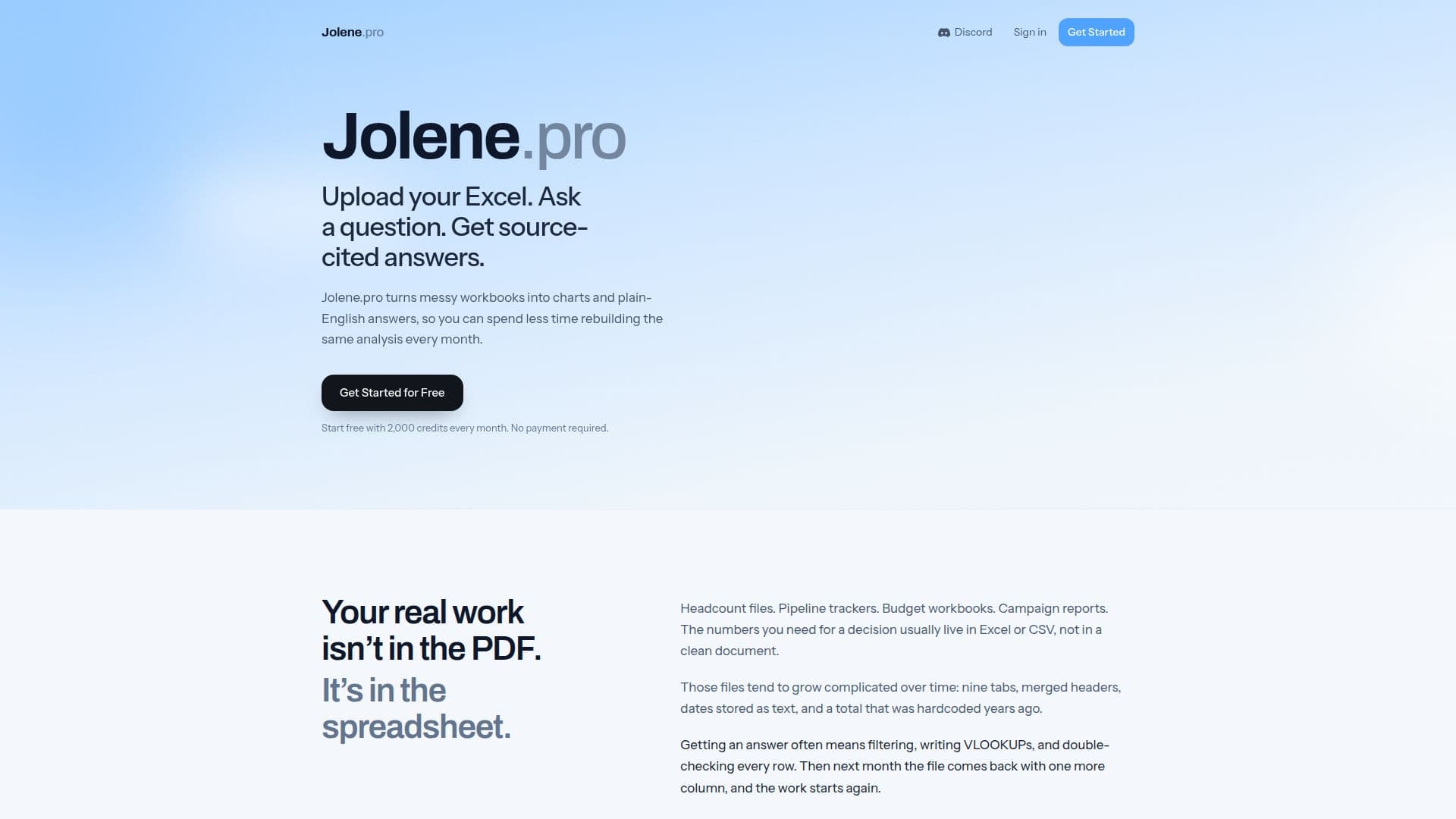
Jolene.pro is an AI tool that helps users analyze Excel and CSV files by asking questions in plain English. It provides source-cited answers, generates charts, and creates shareable dashboards from complex workbooks. Designed for recurring analysis, it allows users to save and rerun analyses on updated files without rebuilding the work, making data interpretation efficient and verifiable.

Visit Website
Share
Jolene.pro screenshot

Jolene.pro is a specialized AI application designed to simplify data analysis from Excel and CSV files. It enables users to upload their workbooks, including those with multiple sheets, separate tables, and irregular layouts, and then query the data using natural language. Instead of manually filtering, writing complex formulas like VLOOKUPs, or double-checking rows, users can simply ask questions in plain English and receive clear, source-cited answers.

Read More

The platform excels at handling messy, real-world spreadsheets such as headcount files, pipeline trackers, budget workbooks, and campaign reports, which often contain complexities like merged headers, dates stored as text, or hardcoded totals. Jolene.pro automatically identifies tables within these files, even when multiple tables reside on the same sheet, streamlining the initial data preparation phase.

A key feature of Jolene.pro is its commitment to transparency and verifiability. Every answer and chart generated includes direct references to the supporting sheets, rows, and cells in the original file. This allows users to inspect the evidence behind each result, fostering trust and enabling thorough validation before sharing findings with teams or clients. Users can click on any chart to trace its data back to the source, viewing the exact steps taken and the rows used for calculation.

Beyond ad-hoc queries, Jolene.pro is built for recurring analysis. Users can save an analysis and easily rerun it when new weekly or monthly workbooks arrive. The system is robust enough to accommodate common file changes, such as renamed sheets, reordered columns, added rows, or shifted tables, without requiring the analysis to be rebuilt from scratch. If changes occur that could potentially affect the results, Jolene.pro flags them for review, ensuring data integrity. The original file remains untouched, as Jolene.pro operates on a read-only snapshot.

The tool also facilitates easy sharing and collaboration. Users can compose interactive dashboards by pinning relevant charts into a simple drag-and-drop layout. These dashboards can then be published and shared with colleagues via a read-only snapshot link, ensuring everyone views the same numbers, frozen at the moment of sharing. This makes it ideal for regular updates and reporting without the need for IT involvement or design expertise. Jolene.pro offers a free tier with 2,000 credits every month, requiring no payment to start.

  • CategoryAI Spreadsheet Tools
  • Pricing ModelFreemium
  • DeploymentCloud
  • PlatformsWeb

  • Upload Excel and CSV files

  • Ask questions in plain English

  • Get source-cited answers

  • Generate charts from data

  • Create shareable dashboards

  • Analyze complete Excel workbooks (multiple sheets, tables)

  • Investigate discrepancies across sheets

  • Explain calculations with source references

  • Save and rerun analyses on new files

  • Adapt to file changes (renamed sheets, reordered columns)

  • Flag potential result-affecting changes for review

  • Operate on read-only file snapshots

  • Drag-and-drop dashboard layout

  • Publish read-only snapshot links for sharing

  1. Upload File: Drop an Excel workbook or CSV file into Jolene.pro, even with multiple tabs or complex layouts.

  2. Ask Question: Pose questions in plain English, scoping them to your file using '@' to get written answers and charts.

  3. Compose Dashboard: Pin important charts into a customizable drag-and-drop dashboard layout.

  4. Publish & Share: Share a read-only snapshot link of your dashboard with colleagues for consistent data viewing.

  5. Review Sources: Click any chart or answer to see the exact sheets, rows, and calculations used from your original file.

  6. Rerun Analysis: Save your analysis and rerun it on updated monthly or weekly files without rebuilding the work.

  • Financial Report Analysis
  • HR Data Insights
  • Sales Performance Tracking
  • Marketing Campaign Evaluation
  • Recurring Data Reporting
  • Data Validation & Auditing
  • Business Intelligence Dashboards

Jolene.pro Reviews

Loading...

Popular AI Tools Like Jolene.pro

Rows AI

AI Apps

Rows AI transforms spreadsheets with natural language processing. Analyze, transform, and visualize data without code. Ask questions in plain language to import, clean, and…

AI Spreadsheet Tools
View Tool

AI Apps

Transforms spreadsheets with natural language processing. Analyze, transform, and visualize data without code. Ask questions in plain language to import, clean, and…Rows AI transforms spreadsheets with natural language processing. Analyze, transform, and visualize data without code. Ask questions in plain language to import, clean, and…

FeaturedAI Spreadsheet Tools
See the Top 250 AI Apps

Quadratic is an AI-powered spreadsheet that connects to diverse data sources, transforming complex data into clear, verifiable insights. It allows users to ask questions in…

AI Spreadsheet Tools

Ranked #8 in AI Spreadsheet Tools

View Tool

AI-powered spreadsheet that connects to diverse data sources, transforming complex data into clear, verifiable insights. It allows users to ask questions in…Quadratic is an AI-powered spreadsheet that connects to diverse data sources, transforming complex data into clear, verifiable insights. It allows users to ask questions in…

FeaturedAI Spreadsheet Tools
Ranked #8 in AI Spreadsheet Tools

Melder is an AI add-in for Excel that enhances your spreadsheets with AI formulas, document analysis, and web scraping. It automates tasks like data cleaning, chart creation, and…

AI Spreadsheet ToolsFinance & Banking
View Tool

AI add-in for Excel that enhances your spreadsheets with AI formulas, document analysis, and web scraping. It automates tasks like data cleaning, chart creation, and…Melder is an AI add-in for Excel that enhances your spreadsheets with AI formulas, document analysis, and web scraping. It automates tasks like data cleaning, chart creation, and…

AI Spreadsheet ToolsFinance & Banking
See the Top 250 AI Apps

RowSpeak

AI Apps

RowSpeak is an Excel AI agent that analyzes messy Excel, CSV, PDF, and image-based tables in plain English, cleaning data and generating charts, dashboards, and report-ready…

AI Spreadsheet Tools

Ranked #24 for Generating Excel formulas

View Tool

AI Apps

Excel AI agent that analyzes messy Excel, CSV, PDF, and image-based tables in plain English, cleaning data and generating charts, dashboards, and report-ready…RowSpeak is an Excel AI agent that analyzes messy Excel, CSV, PDF, and image-based tables in plain English, cleaning data and generating charts, dashboards, and report-ready…

FeaturedAI Spreadsheet Tools
Ranked #24 for Generating Excel formulas

Google Sheets is an online spreadsheet tool that enables real-time collaboration and data analysis. It leverages AI to enhance formatting and analysis, allowing users to work…

AI Spreadsheet Tools
View Tool

Online spreadsheet tool that enables real-time collaboration and data analysis. It leverages AI to enhance formatting and analysis, allowing users to work…Google Sheets is an online spreadsheet tool that enables real-time collaboration and data analysis. It leverages AI to enhance formatting and analysis, allowing users to work…

AI Spreadsheet Tools
See the Top 250 AI Apps

ExcellentAI is an AI-powered Excel add-in that allows users to summarize, translate, and extract data directly within Excel. It automates tasks, processes PDFs and images, and…

AI Spreadsheet ToolsFinance & Banking
View Tool

AI-powered Excel add-in that allows users to summarize, translate, and extract data directly within Excel. It automates tasks, processes PDFs and images, and…ExcellentAI is an AI-powered Excel add-in that allows users to summarize, translate, and extract data directly within Excel. It automates tasks, processes PDFs and images, and…

AI Spreadsheet ToolsFinance & Banking
See the Top 250 AI Apps

Zoho Sheet

AI Apps

Zoho Sheet is a free online spreadsheet software for collaborative work. It offers real-time collaboration, AI-powered data analysis, and seamless syncing across devices.…

AI Spreadsheet Tools
View Tool

AI Apps

Free online spreadsheet software for collaborative work. It offers real-time collaboration, AI-powered data analysis, and seamless syncing across devices.…Zoho Sheet is a free online spreadsheet software for collaborative work. It offers real-time collaboration, AI-powered data analysis, and seamless syncing across devices.…

FeaturedAI Spreadsheet Tools
See the Top 250 AI Apps

SheetSavvy AI is an AI-powered spreadsheet assistant for Excel and Google Sheets that generates and explains formulas, automates repetitive tasks like categorizing and cleaning…

AI Spreadsheet Tools

Ranked #44 in AI Spreadsheet Tools

View Tool

AI-powered spreadsheet assistant for Excel and Google Sheets that generates and explains formulas, automates repetitive tasks like categorizing and cleaning…SheetSavvy AI is an AI-powered spreadsheet assistant for Excel and Google Sheets that generates and explains formulas, automates repetitive tasks like categorizing and cleaning…

AI Spreadsheet Tools
Ranked #44 in AI Spreadsheet Tools
1 of 8