Description
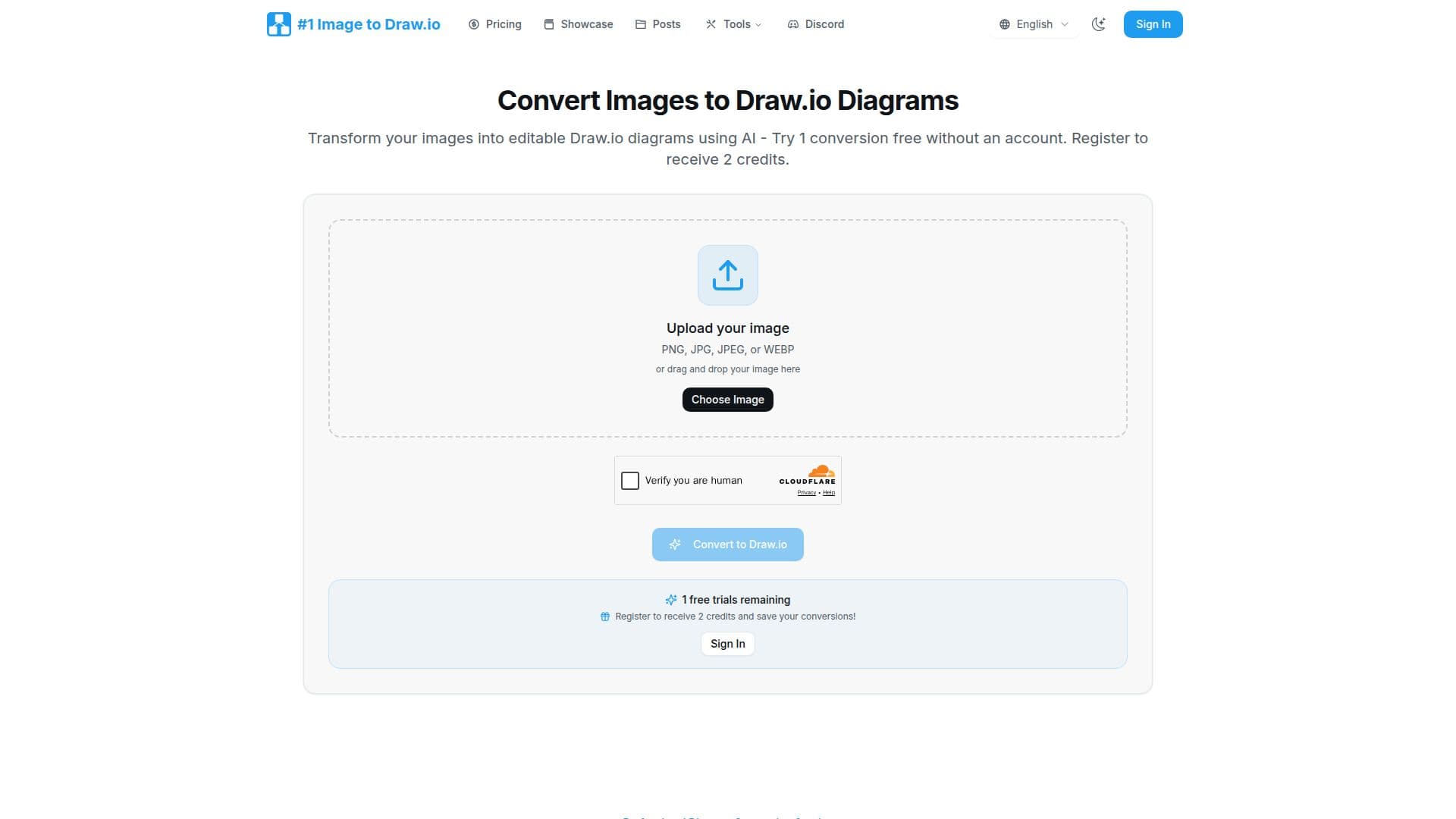
Image to Drawio is an AI-powered converter that transforms static diagram images into editable Draw.io (diagrams.net) files. You upload a screenshot, whiteboard photo, or scanned sketch, and the tool uses computer vision and OCR to detect shapes, extract text, and identify connections, then reconstructs the diagram in Draw.io's native mxGraph XML format.
Read More
It accepts PNG, JPG, JPEG, and WEBP images up to 10MB and preserves your original layout, keeping arrows pointing the right way and text inside its shapes. Converted files open in the embedded Draw.io editor immediately, with no download or installation, and work across the Draw.io web, desktop, and VS Code editors. Most conversions finish in about one to two minutes.
The converter handles flowcharts, org charts, network diagrams, AWS and cloud architectures, and hand-drawn sketches, and is useful for recovering lost source files, digitizing whiteboard ideas, customizing diagrams found online, and modernizing legacy documentation. Uploaded images are encrypted and processed securely, and the company states it does not train AI on your diagrams or share your data.
Image to Drawio uses a credit system where one credit converts one image. You can try one conversion free without an account and get two credits on registration, with a one-time credit pack and an unlimited monthly Pro plan available, plus referral credits.
- CategoryAI UI & UX Design Tools
- Pricing ModelFreemium
- DeploymentCloud
- PlatformsWeb
Image to Drawio's Core Features
AI conversion of images into editable Draw.io files
Shape detection, OCR text extraction, and connection recognition
Layout preservation of positions, arrows, and text placement
Support for PNG, JPG, JPEG, and WEBP up to 10MB
Hand-drawn sketch and whiteboard photo conversion
Embedded Draw.io editor with instant online editing and export
Saved conversion history for free re-download and re-editing
Credit-based pricing with a free trial, credit packs, and unlimited monthly plan
How to use Image to Drawio?
Upload an image: Drag and drop a PNG, JPG, JPEG, or WEBP diagram image, up to 10MB.
Convert: Click convert and the AI recognizes shapes, text, and connections in one to two minutes.
Edit online: The converted diagram opens in the embedded Draw.io editor where every element is editable.
Export or save: Export as PNG, PDF, or the Draw.io file, and access it later from your conversion history.
Image to Drawio's Use Cases
- Recover lost source files
- Digitize whiteboard sketches
- Customize online diagrams
- Modernize legacy docs
- Update architecture diagrams