
Description
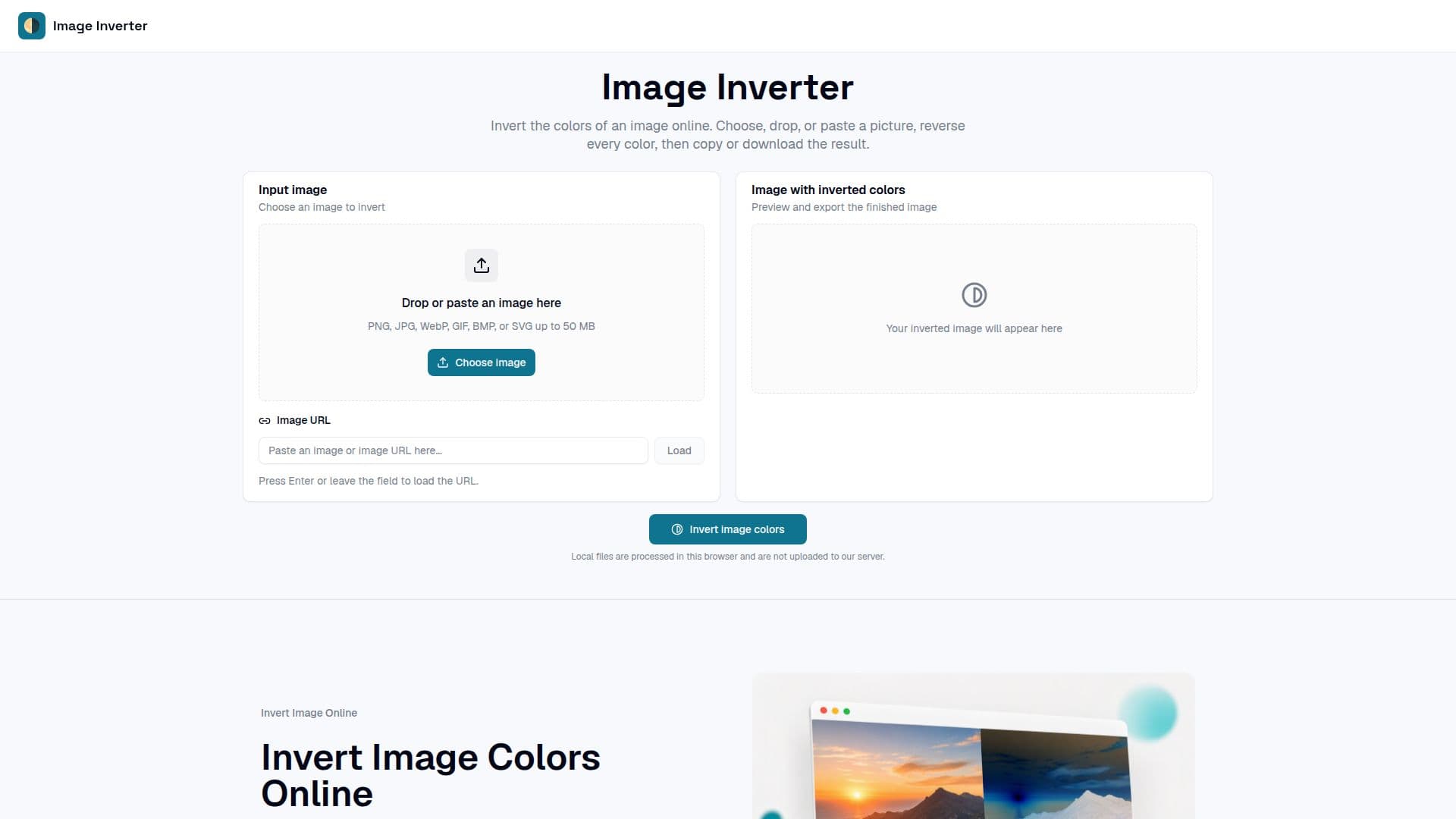
Image Inverter is an online tool designed to invert the colors of images quickly and efficiently. Users can upload images directly from their devices, paste them from the clipboard, or even use image URLs. The tool processes images locally in the browser, ensuring that no files are uploaded to the server, which maintains user privacy. Once an image is loaded, users simply click the invert button, and the tool reverses the RGB values of each pixel, creating a negative effect. The original image dimensions and transparency are preserved throughout the process.
Read More
The tool supports various image formats, including PNG, JPEG, WebP, GIF, BMP, and SVG, allowing for flexibility in the types of images that can be inverted. Users can download their inverted images in formats supported by their browser, such as PNG, JPG, BMP, and WebP. Additionally, the tool allows users to copy the inverted image directly to their clipboard for easy sharing or further editing.
Image Inverter is particularly useful for artists, photographers, teachers, and content creators who need to create negative images for various purposes. Designers can use it to test color contrasts and create alternate graphics, while photographers might explore film-negative aesthetics or compare tonal relationships in their work. Educators can demonstrate concepts of color theory and digital image processing using the tool, making it a valuable resource in both creative and educational settings. Overall, Image Inverter provides a straightforward and effective solution for anyone looking to invert image colors without the need for complex software or accounts.
- CategoryAI Photo Editors
- Pricing ModelFree
- DeploymentWeb
- PlatformsBrowser
Image Inverter's Core Features
Invert image colors online
Local file processing
Supports PNG, JPG, BMP, and WebP formats
Copy inverted image to clipboard
No account required
Drag and drop functionality
Image URL support
Preserves transparency
How to use Image Inverter?
Choose an image: Upload, drag, or paste an image URL.
Press the invert button: The tool will reverse the colors of the image.
Review the inverted image: Inspect the result at any zoom level.
Download or copy: Save the inverted image in the desired format or copy it to the clipboard.
Image Inverter's Use Cases
- Artistic Exploration
- Photography
- Education
- Content Creation
- Design Testing