
Description
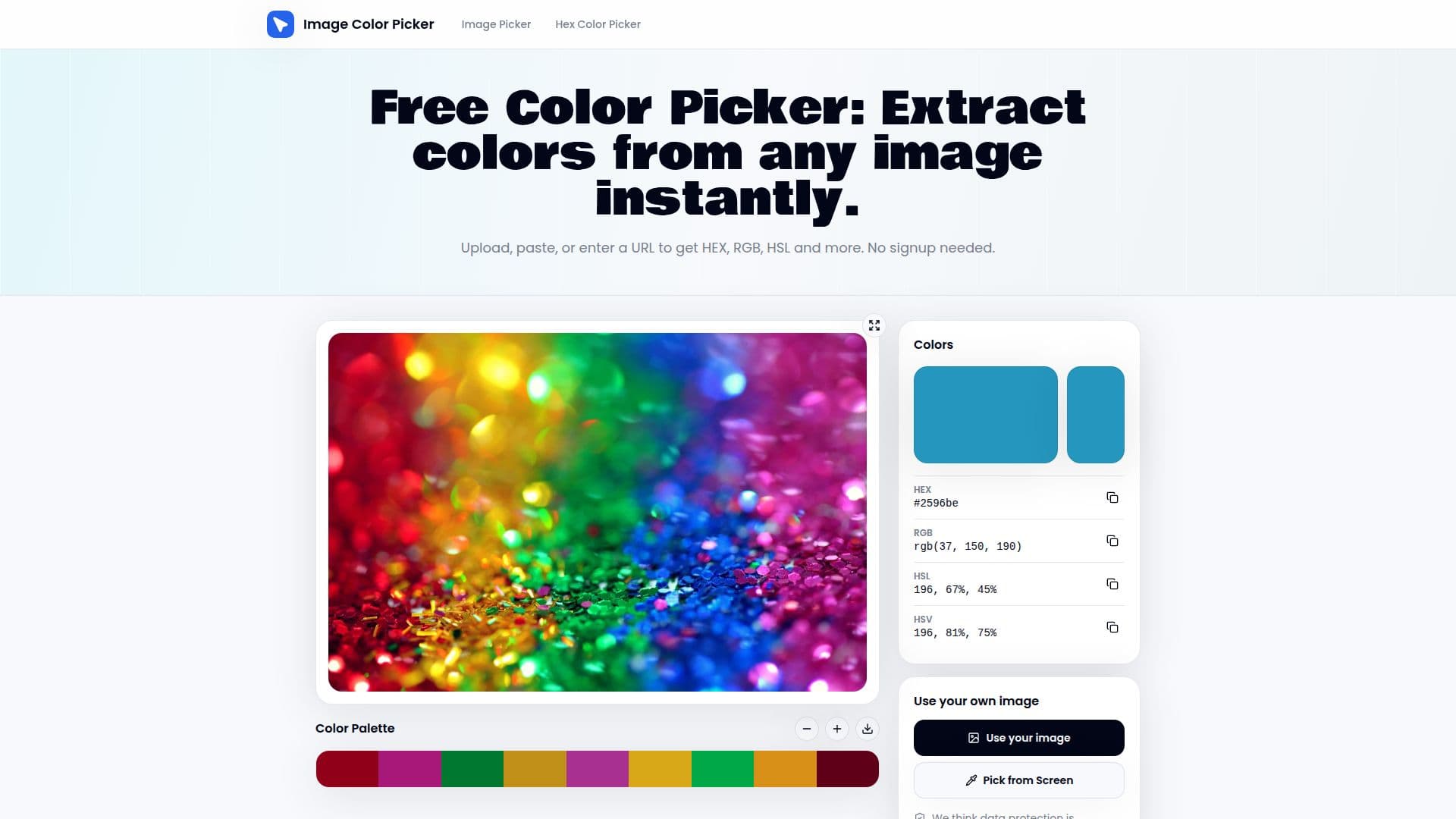
Color Picker from Image is a free, browser-based tool designed to help users extract color codes from images effortlessly. Whether you upload, paste, or drop an image, this tool allows you to instantly pick HEX, RGB, and HSL color codes without any signup or upload limits.
Read More
The process is straightforward. Users can upload any photo, screenshot, or paste a URL to extract every color code in seconds. The tool operates entirely in your browser, ensuring that no data leaves your device, which enhances privacy and security. With its intuitive interface, you can click anywhere on the canvas to identify any color, and the tool will read the exact pixel value beneath your cursor, providing HEX, RGB, HSL, and HSV values simultaneously.
One of the standout features is the ability to build and export color palettes. Users can add sampled colors to a palette strip, download them as a text file, or save them to local storage. This functionality is particularly useful for brand audits and design investigations, allowing users to keep track of their color selections easily.
The color finder works seamlessly with various image formats, including PNG, JPG, WebP, SVG, and GIF. Users can also paste a screenshot directly from their clipboard or enter an image URL to sample colors remotely. The EyeDropper color finder allows for direct sampling from the screen, making it versatile for different use cases.
The color identifier is precise, providing pixel-level readings using the browser's Canvas API. This ensures that users receive exact values stored in the image data, which is crucial for matching brand colors or checking design system compliance. The tool also features a live preview, allowing users to hover over the image to see color values update in real time before committing to a pick. With just one click, users can lock the reading and copy the color code directly to their clipboard, streamlining the workflow for designers and developers alike.
- CategoryAI Photo Editors
- Pricing ModelFree
- DeploymentWeb
- PlatformsBrowser
Color Picker from Image's Core Features
Instant color extraction from images
Supports multiple image formats (PNG, JPG, WebP, SVG, GIF)
No signup required
Real-time color preview
Pixel-level color identification
Build and export color palettes
Copy color codes with one click
Works entirely in the browser
How to use Color Picker from Image?
Load your image: Upload a file, paste from clipboard, drop an image URL, or search Unsplash.
Click to sample any color: Move over the canvas and click to see the exact HEX, RGB, and HSL values.
Copy the code: Copy any color code with one tap.
Save your palette: Add colors to the palette strip and export or save for later.
Color Picker from Image's Use Cases
- Brand audits
- Design investigations
- Web development
- Art projects
- Color matching