
Description
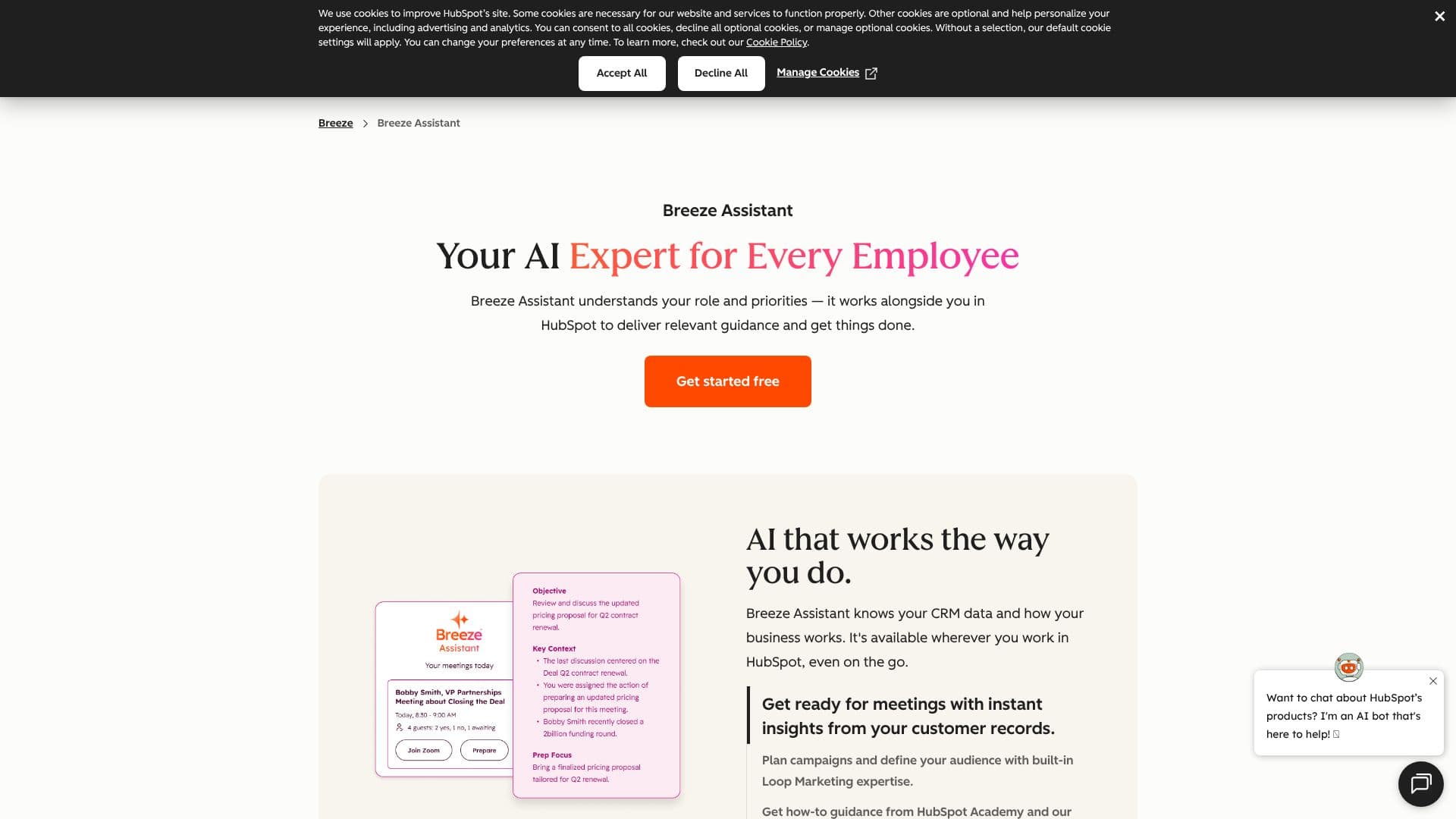
HubSpot Breeze Assistant is an AI-powered expert designed to work alongside every team member within the HubSpot platform. It leverages your existing CRM data and business context to provide relevant, actionable guidance, making it easier to get tasks done efficiently. The assistant is available wherever you work in HubSpot, including on mobile devices, ensuring continuous support.
Read More
Key capabilities include preparing for meetings with instant insights from customer records, planning marketing campaigns by defining audiences with built-in Loop Marketing expertise, and accessing how-to guidance from HubSpot Academy and the knowledge base. Breeze Assistant pulls information from HubSpot Academy, your business data, customer records, and HubSpot’s knowledge base to deliver accurate and reliable answers, avoiding generic advice.
Guidance is tailored to your specific role, whether you are a marketer planning campaigns or a sales representative managing deals. It helps you understand what to do next, providing direct links to relevant resources for everyday tasks and complex business questions. The tool also offers Loop Marketing expertise, assisting with audience definition, performance analysis, and content strategy. It understands your current activity within HubSpot, ensuring that the assistance provided is always relevant to your immediate needs.
Breeze Assistant is designed for ease of use, requiring no training, code, or setup. It integrates with existing tools like Google Workspace, Microsoft 365, and Slack, allowing access to emails, calendars, documents, and team conversations alongside CRM data. Users can also create custom assistants using Breeze Studio (Beta), trained on company-specific knowledge, or utilize pre-made assistants for marketing, sales, and service. Prompts can be saved, shared, and personalized, with interactions becoming sharper over time. The assistant is included with HubSpot subscriptions at no additional cost, making it an accessible AI solution for customer-facing teams aiming to improve efficiency and drive growth.
- CategoryAI CRM Tools
- Pricing ModelFree with HubSpot Subscription
- DeploymentCloud
- PlatformsWeb, Mobile (iOS, Android)
HubSpot Breeze Assistant's Core Features
Personalized guidance based on CRM data
Meeting preparation with customer insights
Campaign planning and audience definition
Access to HubSpot Academy and knowledge base
Role-specific AI expertise
Integration with Google Workspace, Microsoft 365, and Slack
Customizable AI assistants via Breeze Studio
No training, code, or setup required
Available on HubSpot mobile app
Loop Marketing expertise built-in
Prompt library for marketing, sales, and service
Data security and privacy standards aligned with HubSpot
How to use HubSpot Breeze Assistant?
Access Breeze Assistant: Log in to your HubSpot account.
Utilize Assistant: Ask questions or request tasks directly within the HubSpot interface.
Leverage Insights: Use provided information for meeting prep, campaign planning, or content creation.
Explore Customization: Use Breeze Studio to build or tailor assistants for specific business needs.
Integrate Tools: Connect Google Workspace, Microsoft 365, or Slack for broader data access.
Save & Share Prompts: Discover, save, and share effective prompts with your team.
HubSpot Breeze Assistant's Use Cases
- Meeting Preparation
- Campaign Planning
- Content Strategy
- Sales Deal Management
- Customer Service Support
- Knowledge Access
- Workflow Automation
- Custom AI Solutions