
Description
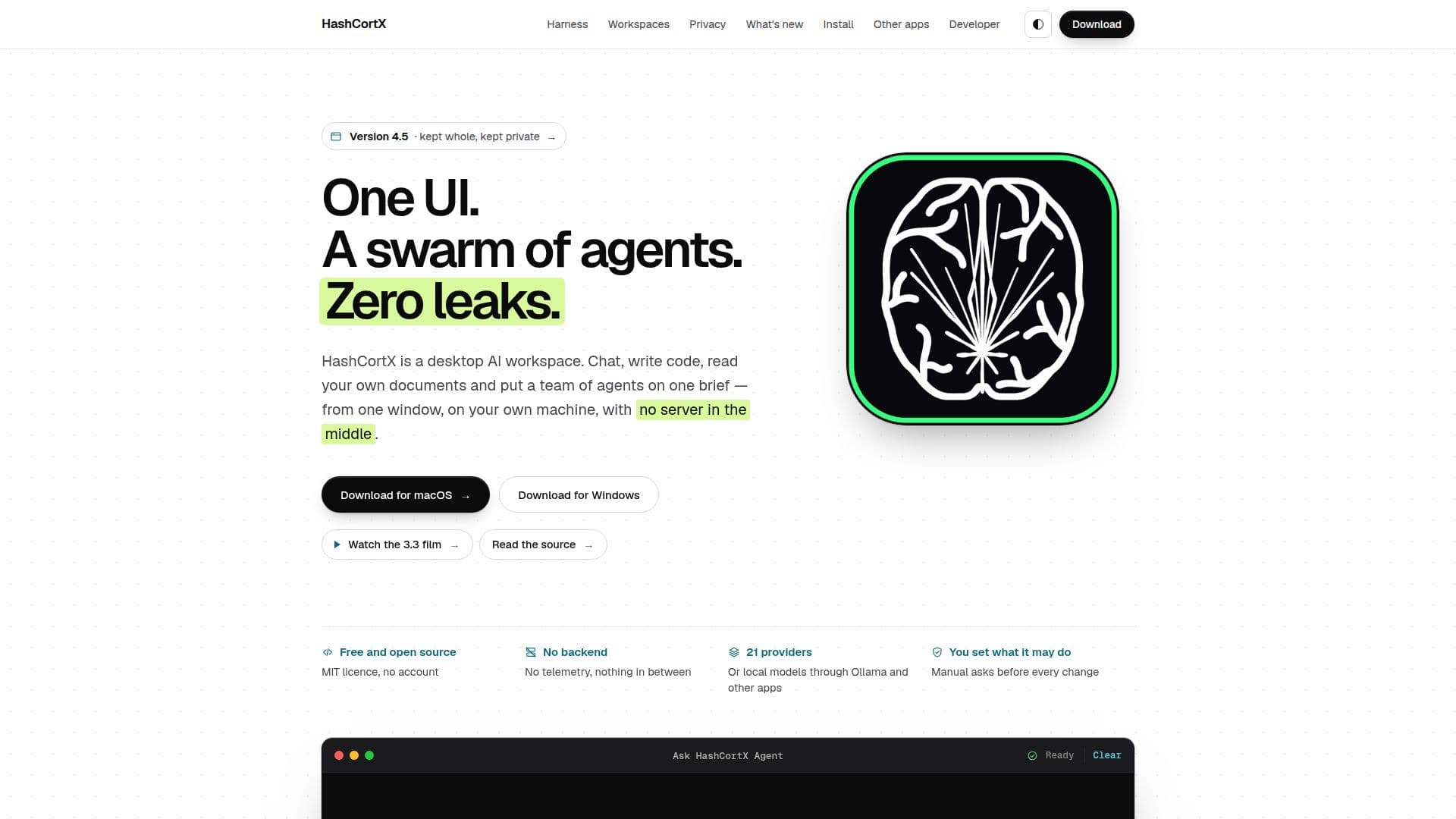
HashCortX is a comprehensive, free, and open-source desktop AI workspace designed for macOS and Windows. It integrates seven distinct functionalities into a single window: multi-provider chat, an autonomous coding agent (HashCoder), 3D Forge, financial document analysis, a security scanner, a business-app builder, and agent swarms. The application is built with a strong emphasis on privacy and user control, operating without a backend server, telemetry, or requiring any user account. All requests are processed directly from the user's machine to the chosen AI provider using their API keys, or locally via Ollama.
Read More
The chat feature allows interaction with 21 cloud providers or local models, offering flexibility and choice. HashCoder, the autonomous coding agent, is equipped with a unique harness that runs tests and verifies its own work before completion, supporting various model sizes with specialized modes, including a light mode for smaller local models. The platform also includes an offline knowledge base that searches by meaning, a Python sandbox capable of generating real Word, Excel, and PDF files, and tools for financial document analysis from CSV, PDF, and XLSX statements.
For developers and businesses, HashCortX provides a security scanner for untrusted code and AI output, a business-app prototype builder, and 3D Forge for agent-planned 3D models. Agent swarms can design their own teams based on the task, utilizing a mix of local and cloud models. The application also offers connections to business systems over MCP, with ready-made integrations for Odoo, GitHub, Stripe, and Supabase. Security features include permission modes (Manual, Accept edits, Auto), a compiled blocklist, and an audit log for every file and shell action.
HashCortX is MIT-licensed, ensuring its open-source nature. It is developed by Seif Hashish, a clinical pharmacist and open-source developer based in Egypt, who also created HashMeterAi, HashNotch, and HashCerebrum. The application is available as a macOS disk image for Apple Silicon and a Windows installer for 64-bit PCs, with Linux support available through building from source. It is designed to keep user data on the local machine, with no data sent to HashCortX servers, analytics, crash reporting, or update pings.
- CategoryAI Chatbot Builders
- Pricing ModelFree
- DeploymentDesktop app
- PlatformsmacOS, Windows, Linux (buildable)
HashCortX's Core Features
Multi-provider chat with 21 cloud providers or local models via Ollama
Autonomous coding agent (HashCoder) with self-proving work harness
Agent swarms that design teams from tasks, using mixed local and cloud models
Offline knowledge base with semantic search
Python sandbox for generating Word, Excel, and PDF files
Financial document analysis from CSV, PDF, and XLSX statements
Security scanner for untrusted code and AI output
Business-app prototype builder
3D Forge for agent-planned 3D models
Connections to business systems (Odoo, GitHub, Stripe, Supabase) over MCP
Permission modes (Manual, Accept edits, Auto) for agent actions
Local audit log for file and shell actions
No backend, no telemetry, no account required
Free and open-source with MIT license
Supports macOS (Apple Silicon, Intel via source) and Windows (64-bit PCs), buildable on Linux
How to use HashCortX?
Download: Obtain the HashCortX disk image for macOS or installer for Windows from the releases page.
Install: Drag the app to Applications on macOS or run the installer on Windows. For macOS, run a Terminal command to bypass Gatekeeper.
Configure: Open the app and paste API keys for desired AI providers in Settings, or point it to Ollama for local models.
Chat: Start interacting with cloud or local AI models through the multi-provider chat interface.
Code: Utilize HashCoder for autonomous coding tasks, leveraging its self-proving harness and various modes.
Explore Workspaces: Access other integrated workspaces like 3D Forge, financial analysis, or agent swarms for specialized tasks.
Build from Source: For Linux or Intel Macs, follow the provided instructions to build the application from its GitHub repository.
HashCortX's Use Cases
- Multi-Provider AI Chat
- Autonomous Code Generation
- Agent Swarm Task Execution
- Offline Knowledge Retrieval
- Financial Document Processing
- Secure Code Review
- Business Application Prototyping
- 3D Model Design
- Business System Integration
- Private AI Development