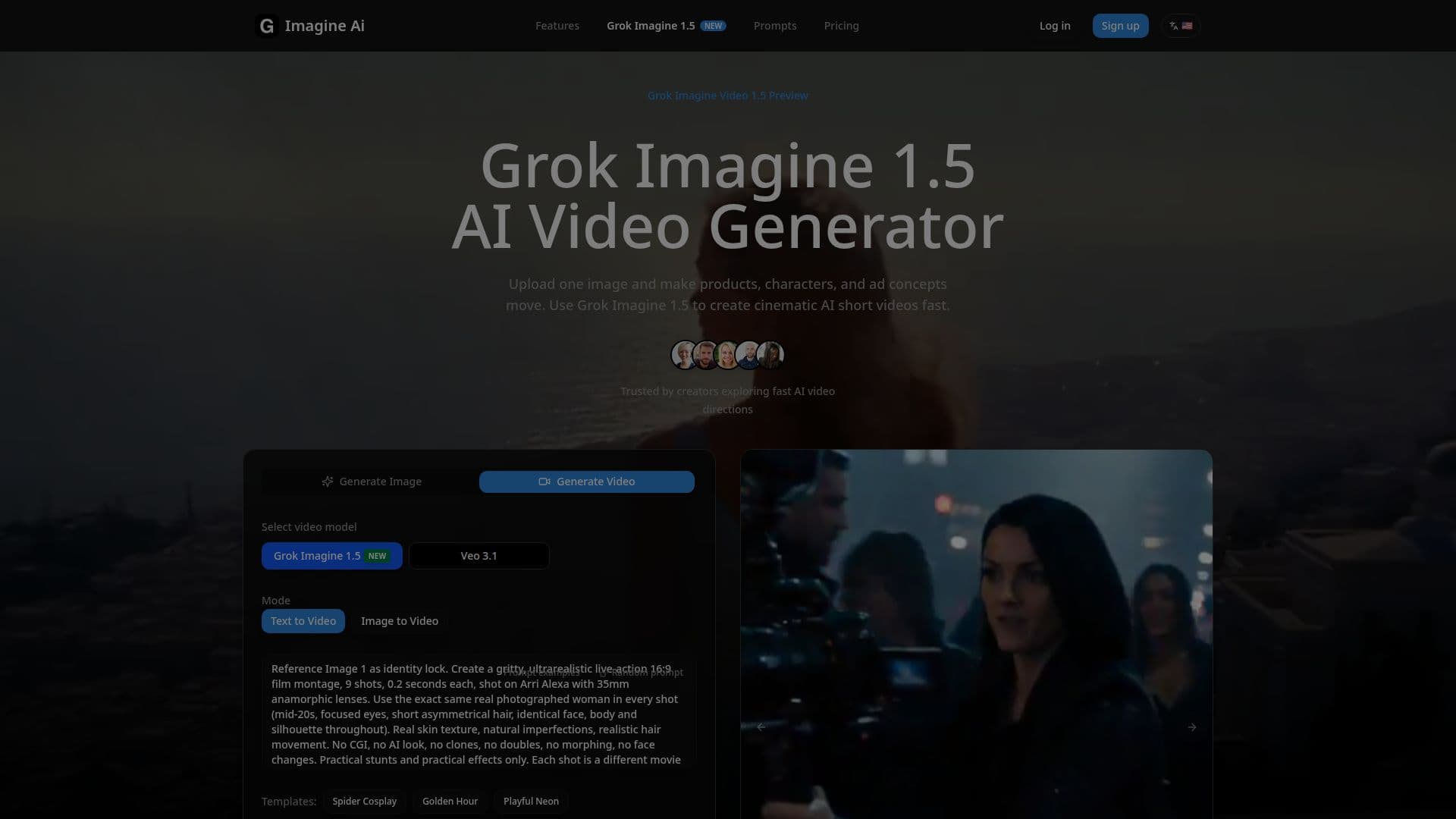
Description
Grok Imagine 1.5 is an advanced AI video generator that allows users to upload a product image, portrait, or character frame and convert it into a dynamic 1-15 second video. This tool is particularly useful for creating product motion, character animations, ad previews, and storyboard tests. With resolutions available in 480p, 720p, and 1080p, users can choose from eight different aspect ratios to suit their needs. The platform is designed to facilitate quick direction testing and visual drafts, making it an essential tool for creators looking to explore fast AI video directions.
Read More
To create a video with Grok Imagine 1.5, users start by uploading a reference image. The clarity of the source image, specificity of the prompts, and appropriate output settings are crucial for achieving good results. The model can generate videos based on both image-to-video and text-to-video paths, providing flexibility in how users can create content. The tool supports various modes, including Normal, Fun, and Spicy, allowing for different styles of video output.
Grok Imagine 1.5 is particularly effective when starting with a clear reference image, which anchors the subject and allows the model to add motion and camera movement while maintaining stability in the subject's appearance. Users can describe the desired motion and camera movements in their prompts, enhancing the creative control over the final output. The platform also offers free starter credits, with paid plans available for more extensive usage, making it accessible for both casual users and professionals.
With Grok Imagine 1.5, creators can easily transform static images into engaging videos, making it a valuable tool for social media content, advertising, and creative projects. The ability to generate short clips quickly allows for experimentation and testing of different video directions, ensuring that users can find the best approach for their needs.
- CategoryAI Video Generators
- Pricing ModelFreemium
- DeploymentCloud
- PlatformsWeb
Grok Imagine 1.5 AI Video Generator's Core Features
Image-to-Video Conversion
Supports 1-15 Second Videos
480p, 720p, 1080p Resolution
Eight Aspect Ratios Available
Free Starter Credits
Paid Plans Available
Text-to-Video Support
Multiple Creative Modes
How to use Grok Imagine 1.5 AI Video Generator?
Upload a reference image to anchor the subject.
Choose the desired video duration between 1-15 seconds.
Select the aspect ratio that fits your project.
Specify the resolution: 480p, 720p, or 1080p.
Optionally, describe the motion and camera movements in a prompt.
Generate the video and review the output.
Adjust settings and re-generate if necessary.
Grok Imagine 1.5 AI Video Generator's Use Cases
- Product Motion
- Character Clips
- Ad Previews
- Storyboard Drafts
- Social Media Content