
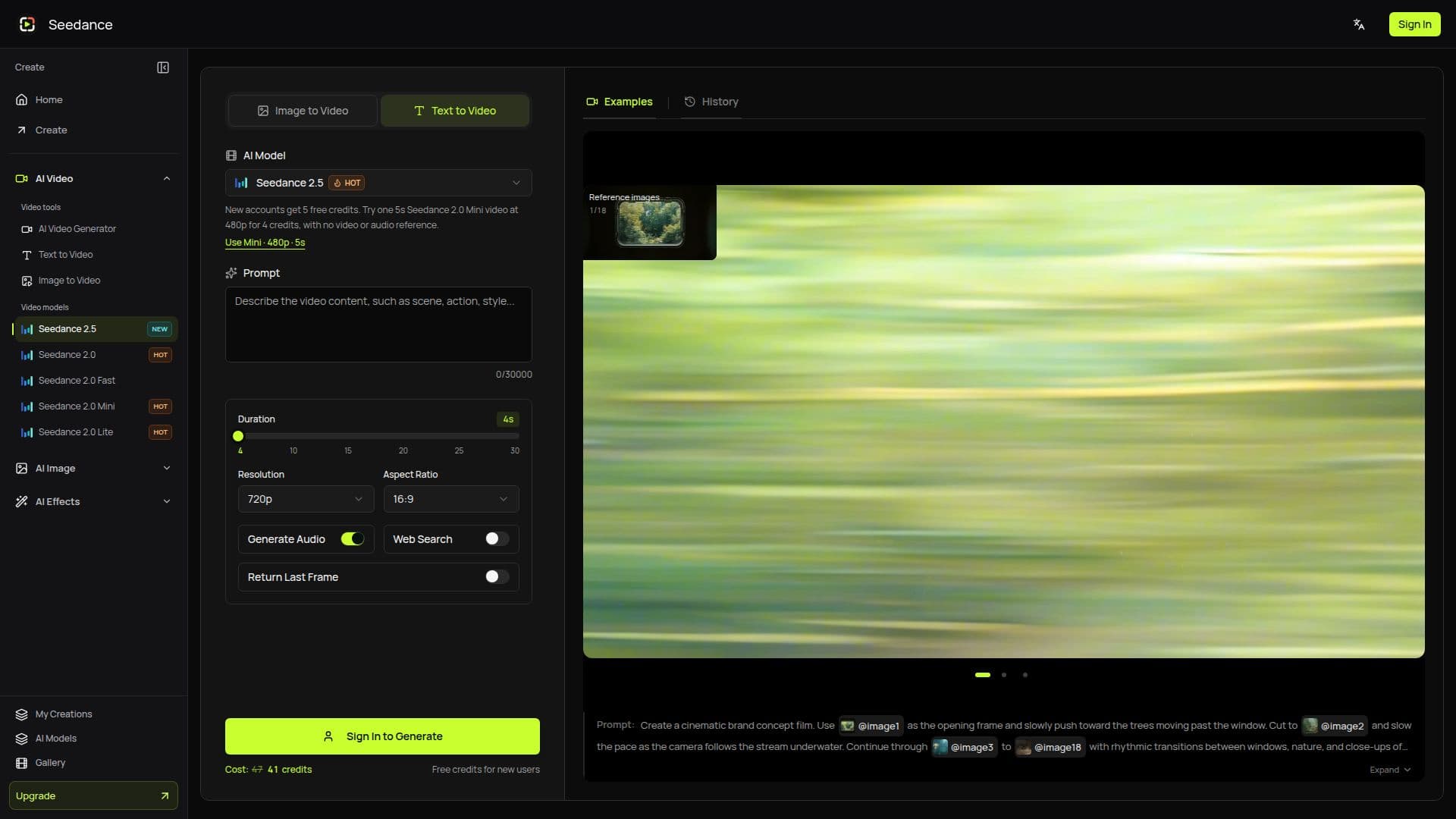
Description
Seedance 2.5 AI Video Generator is a powerful tool for creating high-quality videos with ease. It allows users to generate coherent stories up to 30 seconds long, utilizing expanded multimodal references and precise timeline editing. The platform supports output resolutions up to 4K, ensuring that your videos are of the highest quality.
Read More
With Seedance 2.5, users can incorporate up to 50 reference assets, including synchronized audio and video, to enhance their storytelling capabilities. The tool offers professional shot control and timed precision editing, making it suitable for both amateur and professional video creators.
New users receive 5 free credits, allowing them to try a 5-second Seedance 2.0 Mini video at 480p for 4 credits. The platform offers various pricing plans, including the Mini Plan at $29.90 per month, which provides 600 credits in the first month for eligible new subscribers. Other plans include the Standard Plan, Plus Plan, and Pro Plan, each offering different credit allowances and pricing options.
Seedance 2.5 is ideal for content creators, marketers, and businesses looking to produce engaging video content quickly and efficiently. Its user-friendly interface and robust features make it a valuable tool for anyone looking to enhance their video production capabilities.
- CategoryAI Video Generators
- Pricing ModelFreemium
- DeploymentCloud
- PlatformsWeb
Seedance 2.5 AI Video Generator's Core Features
30-Second Single-Pass Generation
Output up to 4K
Up to 50 Reference Assets
Synchronized Audio and Video
Timed Precision Editing
Professional Shot Control
Expanded Multimodal Reference
Precise Timeline Editing
How to use Seedance 2.5 AI Video Generator?
Configure: Set up your workspace with prompts, references, and output settings.
Use: Generate videos using text or reference inputs.
Optimize: Preview, download, and refine your creations.
Manage: Track credit usage and manage subscriptions.
Seedance 2.5 AI Video Generator's Use Cases
- Marketing Videos
- Social Media Content
- Educational Videos
- Product Demos
- Creative Storytelling