
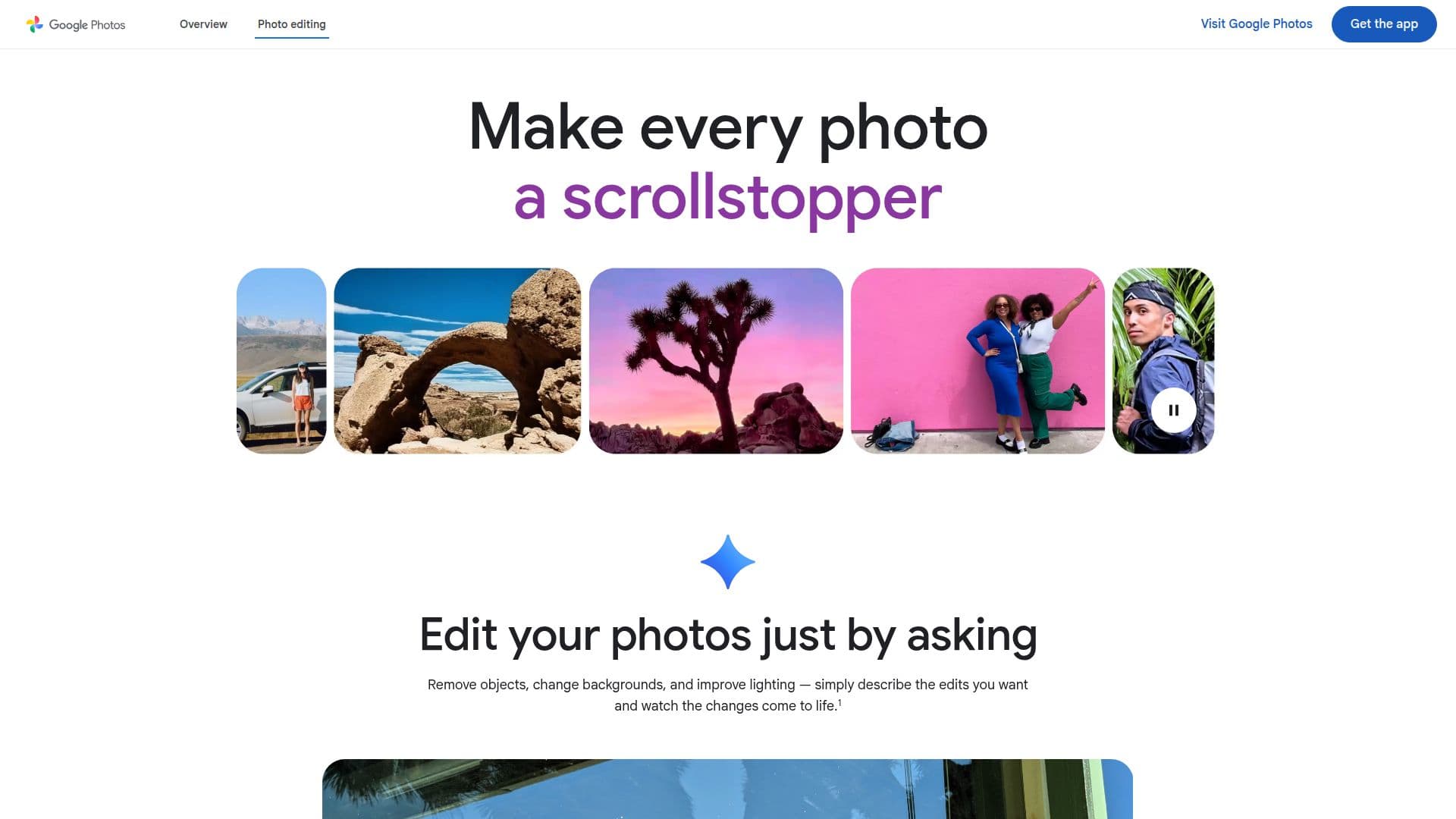
Description
Google Photos is a versatile platform that combines AI-powered photo editing with robust storage and organization features. Users can enhance their photos using tools like Magic Eraser, which removes unwanted objects, and Photo Unblur, which sharpens blurry images. The app also offers Portrait Light and Portrait Blur to improve lighting and create professional-looking portraits.
Read More
With Google Photos, users can edit photos by simply describing the changes they want, thanks to the Ask Photos feature. This intuitive approach allows for quick and precise edits, making it easy to transform ordinary photos into captivating images. Additionally, Google Photos provides 15 GB of free storage, allowing users to back up their photos and videos securely.
The platform supports both iOS and Android devices, and users can access their photos on desktops and tablets. Google Photos integrates seamlessly with other Google services, offering a comprehensive solution for managing digital memories. Users can create collages, stylized photos, and cinematic videos, turning their moments into dynamic visual stories.
Google Photos prioritizes user privacy and security, ensuring that personal data is not used for advertising. The app's advanced security infrastructure protects photos and videos, while features like collaborative albums and partner sharing enhance the sharing experience. Google Photos is an ideal tool for anyone looking to organize, edit, and share their photos effortlessly.
- CategoryAI Photo Editors
- Pricing ModelFreemium
- DeploymentCloud
- PlatformsiOS, Android, Desktop
Google Photos's Core Features
Magic Eraser for removing unwanted objects
Photo Unblur to fix blurry images
Portrait Light to enhance lighting
Portrait Blur for professional portraits
Ask Photos for intuitive editing
15 GB of free storage
Integration with iOS and Android
Secure backup and privacy protection
Collaborative albums for sharing
Cinematic Photos for dynamic videos
Stylized Photos for artistic edits
Face Groups for easy photo search
Non-destructive editing
Partner Sharing for selective sharing
Automatic photo organization
How to use Google Photos?
Download: Install Google Photos app
Edit: Use Magic Eraser and Unblur
Organize: Create albums and collages
Share: Use collaborative albums
Google Photos's Use Cases
- Photo Editing
- Memory Backup
- Collaborative Sharing
- Artistic Creation
- Photo Organization