


Description
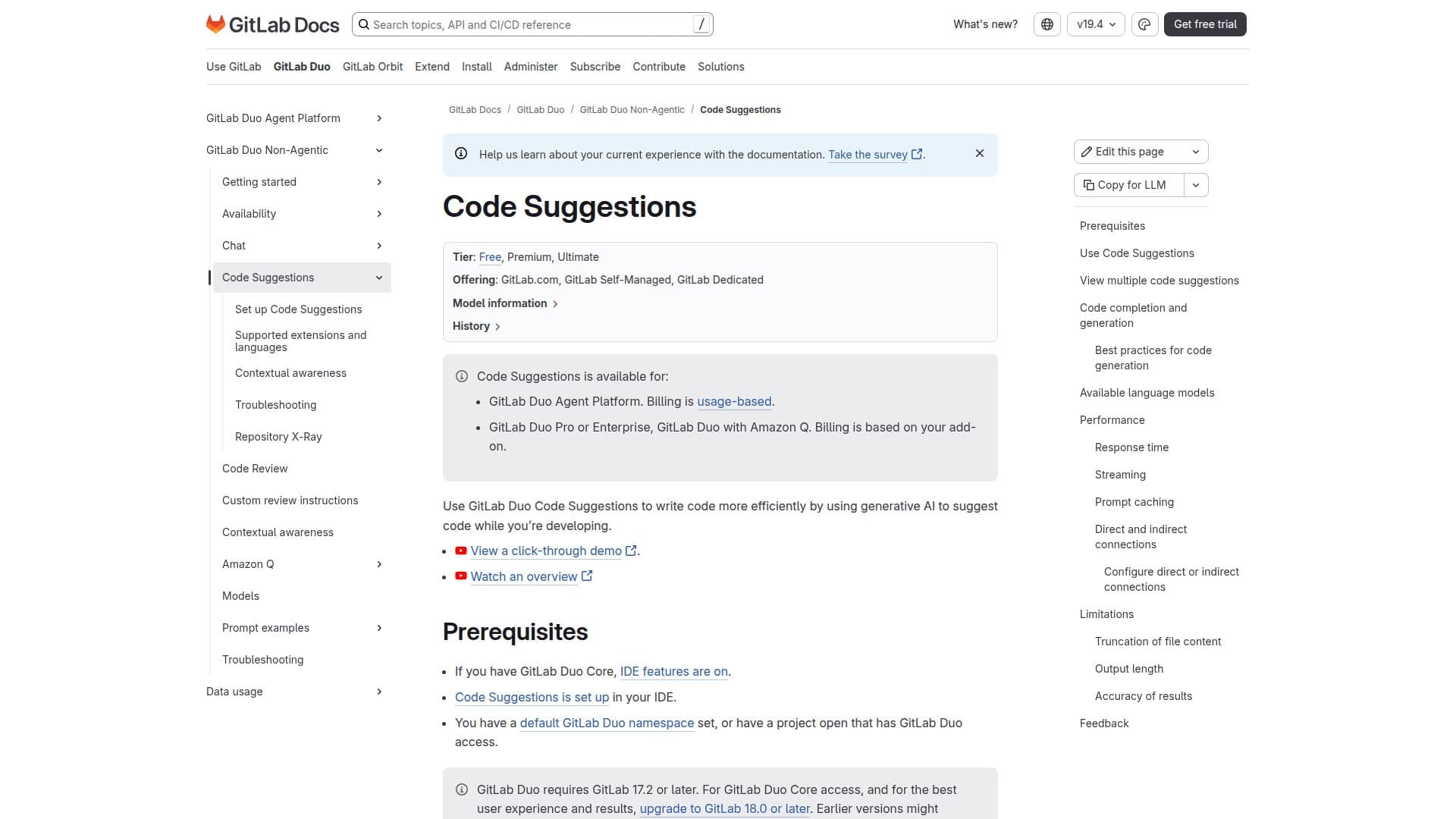
GitLab Code Suggestions is an AI-driven feature designed to improve coding efficiency by offering real-time code suggestions within the GitLab environment. It supports code completion and code generation, allowing developers to receive suggestions for completing lines of code or generating new code based on natural language comments. This tool is available across multiple tiers, including Free, Premium, and Ultimate, and can be used on GitLab.com, GitLab Self-Managed, and GitLab Dedicated platforms.
The tool utilizes various language models, including the Claude Sonnet 4, to provide accurate suggestions. Code Suggestions is generally available from GitLab version 16.7 and requires the GitLab Duo Pro add-on for access starting February 2024. Users can benefit from features like prompt caching to improve latency and streaming of code generation responses in supported IDEs.
To use Code Suggestions, developers need to open a project in their IDE, where suggestions are displayed as they type. The tool supports multiple IDEs, including VS Code, JetBrains, and Visual Studio, and offers features like viewing multiple code suggestions and accepting or rejecting them using keyboard shortcuts.
GitLab Code Suggestions is ideal for developers looking to enhance their coding workflow with AI-powered assistance. It provides a seamless integration with GitLab's development lifecycle, offering tools for code completion and generation, making it suitable for both small tasks and complex projects. However, users should be aware of limitations such as potential inaccuracies and the need for code review best practices.
GitLab Code Suggestions's Core Features
Real-time code suggestions
Code completion and generation
Supports multiple IDEs
Prompt caching for improved latency
Streaming responses in supported IDEs
Integration with GitLab Duo
Multiple tier support
Usage-based billing
How to use GitLab Code Suggestions?
Configure: Set up Code Suggestions in your IDE
Use: Open a project and start typing to receive suggestions
Optimise: Use prompt caching and streaming for faster responses
Review: Apply code review best practices to ensure accuracy
GitLab Code Suggestions's Use Cases
- Code Completion
- Code Generation
- IDE Integration
- Prompt Caching
- Streaming Responses