Description
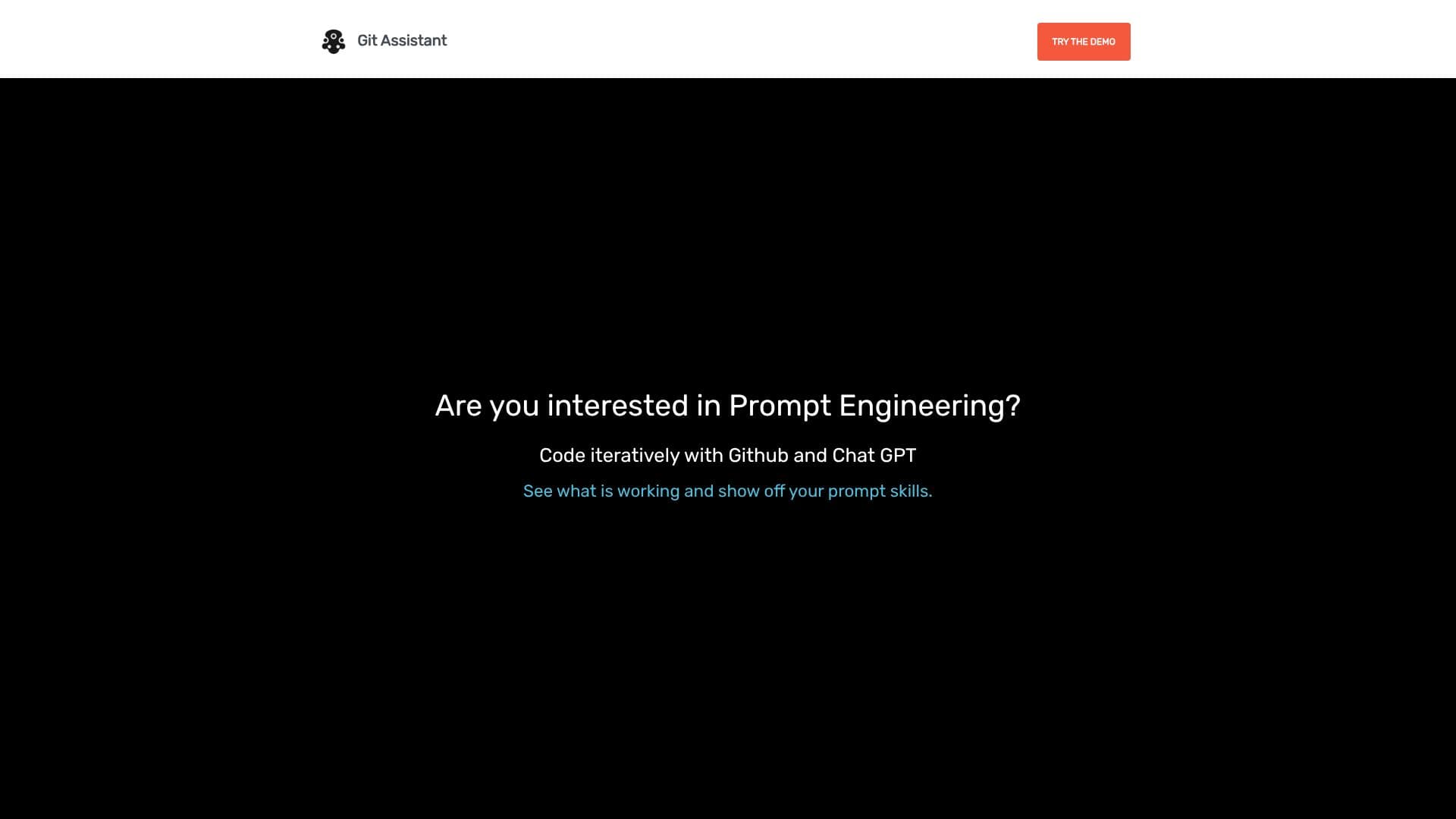
Git Assistant is designed to revolutionize your coding process by seamlessly integrating the power of prompt engineering with GitHub and ChatGPT. This innovative tool empowers developers to work iteratively, refine their code through AI-assisted suggestions, and showcase their prompt engineering skills. By connecting with your GitHub repositories, Git Assistant allows you to add prompts directly to previous code entries, building up a robust and evolving working process.
Read More
The core functionality revolves around enhancing code development through AI. Users can leverage ChatGPT's capabilities to generate code snippets, refactor existing code, or explore different development paths. The platform facilitates a dynamic interaction where prompts can be continuously refined and applied, leading to more efficient and effective coding sessions. This iterative approach ensures that developers can experiment and optimize their code with AI support.
A key feature is the ability to compare changes. By clicking on a "Pull Request" link, users can easily visualize and analyze the modifications suggested or generated by ChatGPT. This transparency is crucial for understanding the impact of AI on the codebase and for making informed decisions about integrating these changes. It provides a clear audit trail of AI-driven code evolution.
Git Assistant aims to democratize advanced AI coding techniques. It encourages developers to learn and master prompt engineering, enabling them to harness AI for significant productivity gains. The tool is positioned as a way to "let AI do the heavy lifting," freeing up developers to focus on higher-level problem-solving and architectural design. The platform offers a free demo and a premium subscription for enhanced features.
The premium version includes a private Pull Request option and guarantees grandfathered access to future premium features, ensuring long-term value for subscribers. Git Assistant is more than just a tool; it's a gateway to a more efficient, AI-augmented development future, helping developers stay ahead in a rapidly evolving technological landscape.
- CategoryAI Coding Assistants
- Pricing ModelFreemium
- DeploymentCloud
- PlatformsWeb
Git Assistant's Core Features
Integrates GitHub and ChatGPT for iterative development
Allows adding prompts to previous code entries
Facilitates comparison of AI-generated code changes via Pull Request links
Supports prompt engineering for code generation and refinement
Enables iterative code building and process development
Offers a free demo for users to explore capabilities
Provides a premium subscription for advanced features
Includes a private Pull Request option in the premium tier
Guarantees grandfathered access to future premium features for subscribers
How to use Git Assistant?
Configure: Connect your GitHub repository and set up your ChatGPT integration.
Develop Iteratively: Write your initial code and add prompts to guide AI.
Refine Code: Use AI suggestions to improve existing code snippets.
Compare Changes: Review AI-generated modifications via the Pull Request link.
Optimize Prompts: Experiment with different prompts to achieve desired code outcomes.
Leverage AI: Let ChatGPT handle repetitive coding tasks and heavy lifting.
Upgrade: Subscribe to Premium for advanced features like private Pull Requests.
Git Assistant's Use Cases
- AI-assisted code generation
- Iterative code development
- Prompt engineering practice
- Code change comparison
- Streamlined development workflow
- Learning AI coding techniques