Description
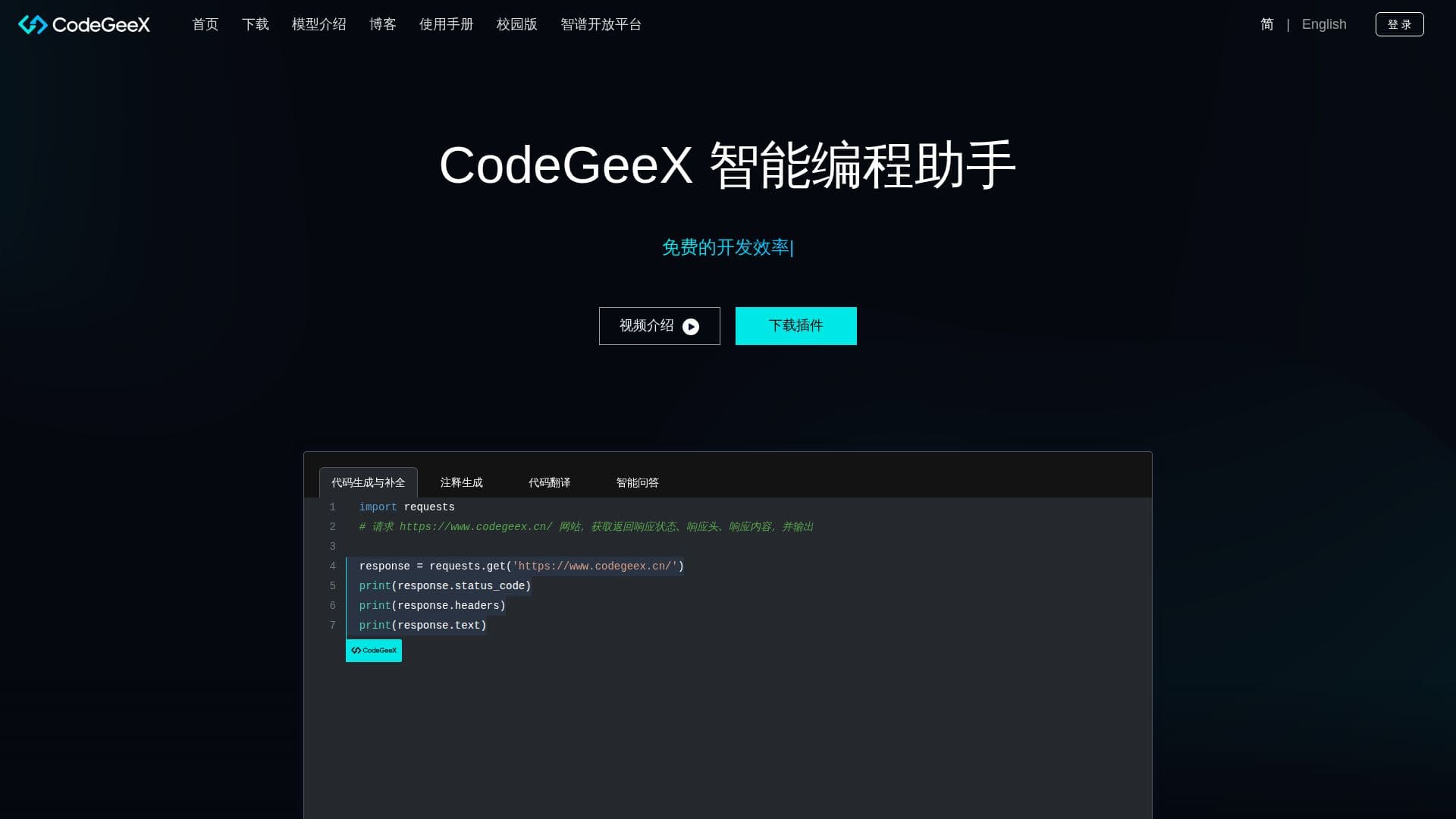
CodeGeeX is a sophisticated AI-powered coding assistant designed to enhance the coding experience by providing intelligent code suggestions. It leverages a large-scale multilingual code generation model with 13 billion parameters, which has been pretrained on an extensive corpus of code spanning more than 20 programming languages. This makes CodeGeeX a versatile tool for developers working in diverse programming environments.
Read More
The primary function of CodeGeeX is to suggest code for the current or subsequent lines, streamlining the coding process and reducing the time spent on routine coding tasks. Additionally, it offers features such as automatic code generation, code translation, and the ability to automatically write comments, which can significantly improve code readability and maintainability.
CodeGeeX is particularly beneficial for developers who work with multiple programming languages, as it supports over 20 languages, making it a valuable tool for multilingual codebases. Its AI-driven approach ensures that the code suggestions are contextually relevant and accurate, thereby enhancing productivity and reducing the likelihood of errors.
While the tool does not explicitly mention pricing or deployment options, its capabilities suggest it is well-suited for individual developers, teams, and organizations looking to optimize their coding workflows. The integration of AI in coding tasks represents a significant advancement in software development, offering a glimpse into the future of coding where AI plays a central role in enhancing developer efficiency.
- CategoryAI Coding Assistants
- DeploymentCloud
- PlatformsWeb
CodeGeeX's Core Features
Multilingual code generation
13 billion parameter model
Supports over 20 programming languages
Automatic code suggestion
Code translation
Automatic comment writing
AI-based coding assistance
Large-scale pretrained model
How to use CodeGeeX?
Configure: Set up CodeGeeX with your preferred programming languages
Use: Start coding and receive real-time code suggestions
Translate: Utilize the code translation feature for multilingual projects
Optimize: Refine your code with automatic comment generation
CodeGeeX's Use Cases
- Code Suggestion
- Multilingual Projects
- Code Translation
- Comment Generation
- AI Coding Assistance