Description
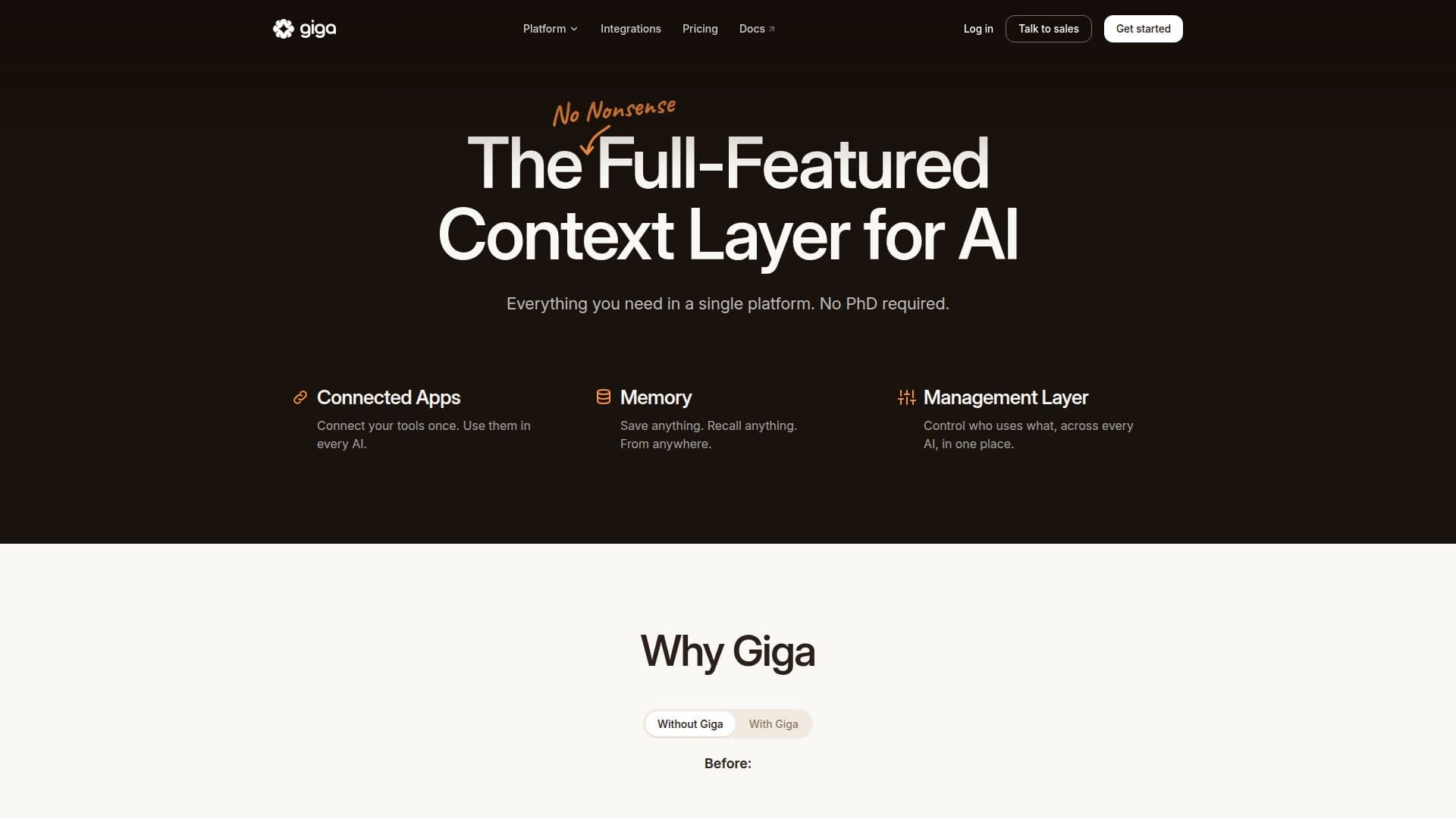
Giga functions as a shared context layer designed to capture and preserve a company's collective knowledge across various interactions, including human conversations and AI tool usage. This platform ensures that critical information is not siloed within individual chats or applications, making it accessible to both team members and AI assistants like ChatGPT and Claude.
Read More
Unlike traditional AI chatbots that primarily answer questions from pasted context, Giga connects directly to the systems where work happens. It retrieves relevant company context, reasons across different tools, and can initiate actions within connected applications. This capability allows teams to use Giga within platforms like Slack, Microsoft Teams, and ChatGPT to answer questions, summarize discussions, prepare for meetings, update business systems, and coordinate next steps.
The platform offers a comprehensive suite of features, including connected apps, memory management, and a centralized management layer. Users can connect their tools once and utilize them across every AI assistant. Giga's memory function allows for saving and recalling information from anywhere, while the management layer provides control over who uses what, across all AI tools, from a single dashboard. It also ensures that user credentials remain secure within Giga, proxying requests to AI models without exposing sensitive keys.
Giga supports a wide range of integrations, connecting to collaboration tools, document repositories, CRMs, project trackers, billing systems, and analytics tools. It also features a robust Slack integration, offering a real-time, identity-aware, and permissions-aware experience. This allows teams to interact with Giga directly in Slack channels, with the agent understanding who is speaking and respecting individual access rights. The platform also includes Workflows for automating repeatable processes, Pulses for scheduled tasks, Data Stores for shared tables, and Apps for building internal tools.
For developers, Giga provides resources including API documentation, OpenAPI specifications, authentication guidance, webhooks, and MCP server documentation. The platform offers different pricing tiers: a free Trial with $100 in AI model credits, a Business plan for up to 1,000 users with SSO/SCIM/SAML, and a custom Enterprise plan for larger teams requiring dedicated deployments and custom support. AI models can be included with a seat or connected via the user's own provider.
- CategoryAI Knowledge Management
- Pricing ModelFreemium
- DeploymentCloud
- PlatformsWeb
Giga's Core Features
Shared context layer for company knowledge
Integrates with ChatGPT, Claude, and other AI tools
Connects to collaboration tools, CRMs, project trackers, and more
Centralized dashboard for context management and activity monitoring
Workflow automation for repeatable processes
Permissioned access to business systems and memory
Memory function to save and recall information from anywhere
Management layer for controlling AI tool usage and access
Secure credential handling (keys never sent to AI providers)
Deep Slack integration with real-time updates and group threads
Identity-aware and permissions-aware actions in Slack
Automated tasks via Pulses (scheduled wake-ups)
Shared Data Stores for consistent information across teams and AI tools
Internal app builder for custom tools
Developer resources: API, OpenAPI, Webhooks, MCP
How to use Giga?
Connect Tools: Integrate your existing collaboration tools, CRMs, and other business systems with Giga once.
Capture Knowledge: Giga automatically captures and preserves company knowledge from conversations and connected applications.
Interact with AI: Mention @Giga in Slack or Teams, or use it directly with AI assistants like ChatGPT and Claude to access shared context.
Ask Questions: Query Giga in plain English to get answers, summaries, or updates based on your team's collective memory.
Automate Workflows: Define and run repeatable processes using Giga's Workflows feature, combining judgment, research, and tools.
Monitor Usage: Use the Giga HQ dashboard to manage context, monitor activity, and understand how your team is utilizing AI.
Giga's Use Cases
- Knowledge Management
- AI Assistant Context
- Workflow Automation
- Meeting Preparation
- System Updates
- Team Collaboration
- Data Consistency
- Internal Tool Development
- Decision Tracking
- Onboarding New Team Members