Description
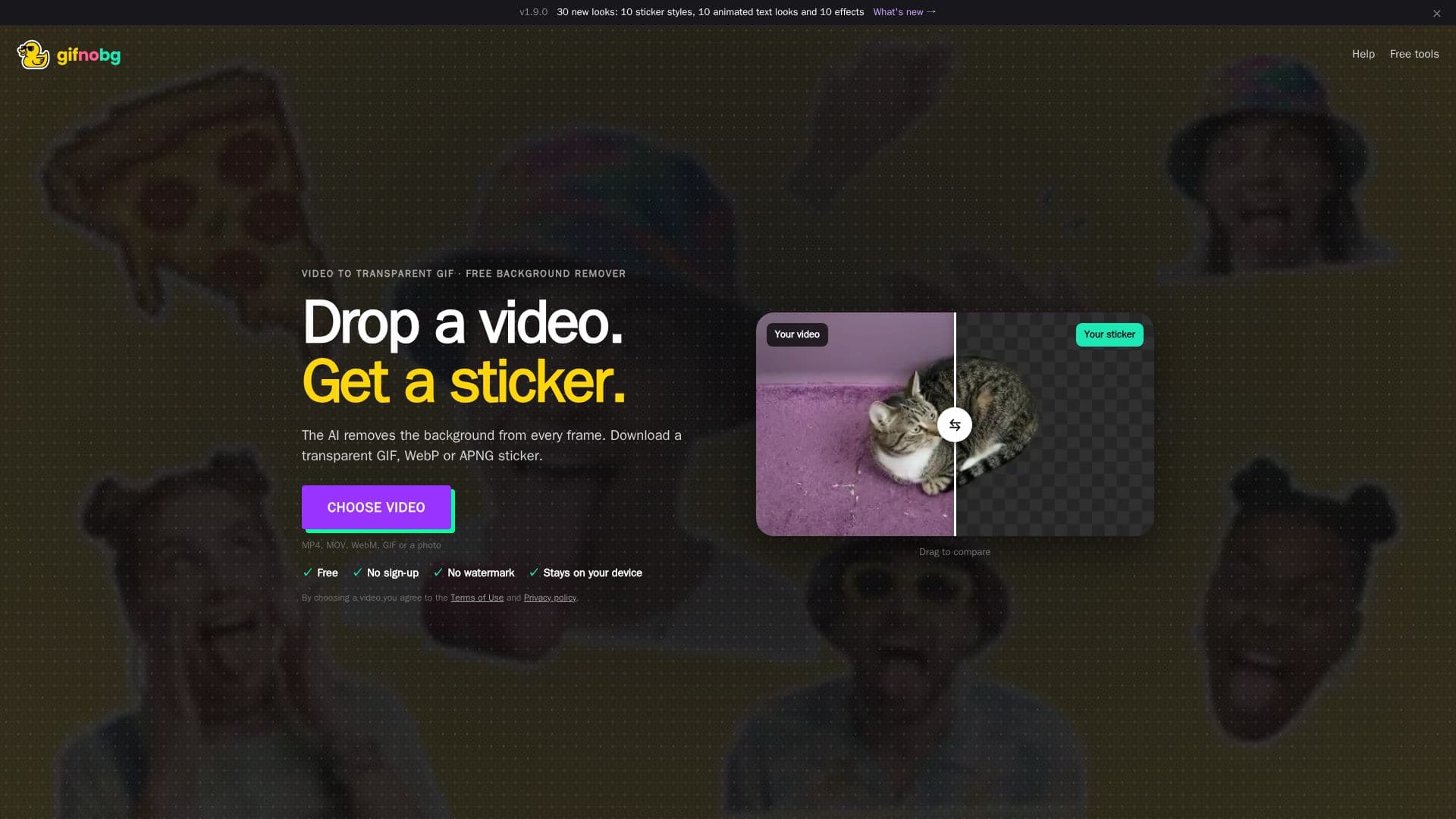
GifNoBg is a free, browser-based tool designed to effortlessly remove backgrounds from videos, animated GIFs, and still photos. It allows users to create transparent stickers in various formats, including GIF, WebP, and APNG, without requiring any software installation, account registration, or watermarks on the final output.
Read More
The tool operates entirely within the user's browser, ensuring that videos and images are never uploaded to a server. This local processing guarantees privacy and security for all user content. GifNoBg utilizes AI to detect and remove backgrounds from every frame of a video or GIF, or from a still image, making the process quick and efficient.
Users can import various video formats such as MP4, MOV, and WebM, as well as animated GIFs and still images (PNG, JPG). Once a file is selected, the AI automatically processes it. The interface provides options to refine the background removal, allowing users to tap on areas the AI might have missed or incorrectly kept. This interactive editing ensures precise results, with changes applied consistently across the entire clip.
After background removal, GifNoBg offers customization options to enhance the sticker's appearance. Users can add outlines (white or colored), dots, dashes, glows, or shadows to achieve a classic sticker look. The tool also provides specific export settings tailored for popular messaging and social platforms like GIPHY, WhatsApp (WebP, 512x512), Discord (APNG), and Slack, ensuring optimal sizing and format compatibility.
Additional features include video trimming, reversing clips, and adjusting playback speed, which helps in creating smaller file sizes for stickers. The tool supports videos up to 500 MB, 10 minutes in length, and 4K resolution, with stickers up to 30 seconds. It is fully compatible with modern mobile browsers on both iPhone (Safari, Chrome) and Android devices, making it accessible on the go. The AI models are downloaded once for faster subsequent uses.
- CategoryBackground Removers
- Pricing ModelFree
- DeploymentBrowser-based
- PlatformsWeb, Mobile (iOS, Android)
GifNoBg's Core Features
Remove video background with AI
Export transparent GIF, WebP, and APNG
Create stickers for WhatsApp, Discord, Slack, and GIPHY
Runs entirely in the browser; no video uploads
Free to use with no sign-up required
No watermarks on exported stickers
Supports MP4, MOV, WebM, GIF, PNG, and JPG inputs
Interactive background correction (tap to add/remove areas)
Trim, reverse, and speed up video clips
Add outlines, shadows, glows, or dots to stickers
Optimized export sizes for various platforms
Works on mobile browsers (iPhone Safari/Chrome, Android)
Supports videos up to 500 MB, 10 minutes, 4K resolution
Sticker length up to 30 seconds
Advanced mode for color picking green screens
How to use GifNoBg?
Choose Video: Select an MP4, MOV, WebM, animated GIF, or photo from your device.
Trim Clip: Drag yellow handles on the timeline to select the desired few seconds.
AI Background Removal: Allow the AI to automatically remove the background from every frame in your browser.
Refine Sticker: Tap on any missed background areas or mistakenly kept foreground elements to correct them.
Customize Style: Pick a style to add an outline, shadow, glow, or dots to your sticker.
Download Sticker: Choose the desired format (GIF, WebP, APNG) and platform-optimized size, then download to your device.
GifNoBg's Use Cases
- Creating Transparent Stickers
- WhatsApp Stickers
- Discord Stickers & Emojis
- Slack Emojis
- GIPHY Uploads
- Social Media Content
- Personalized Chat GIFs
- Video Background Removal
- Animated GIF Editing
- Still Image Cut-outs