
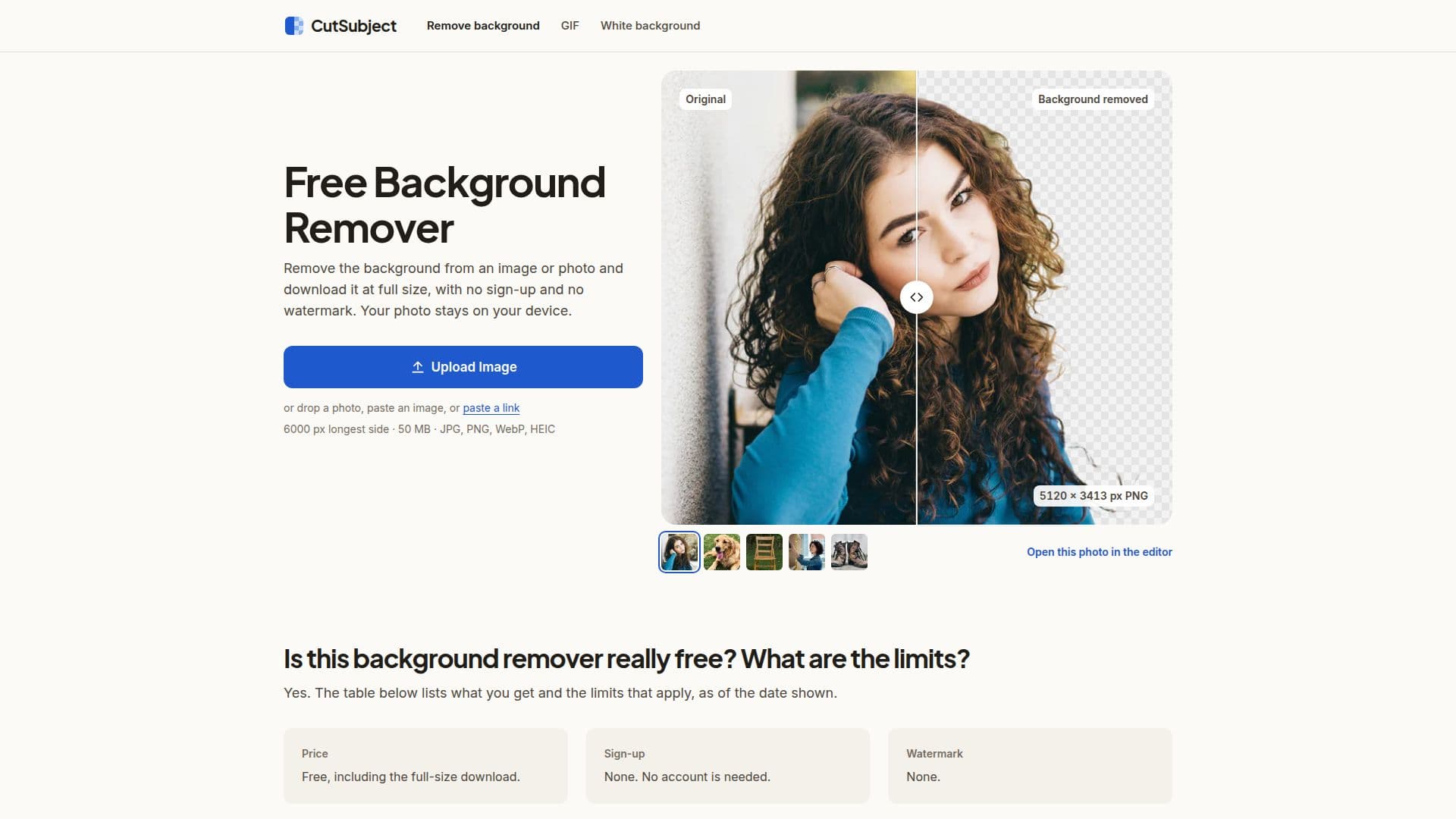
Description
CutSubject provides a free and user-friendly solution for removing backgrounds from images. This web-based tool operates entirely within your browser, which means your photos remain on your device, ensuring privacy and security. Users can upload images in JPG, PNG, WebP, or HEIC formats and download the results as full-size PNG or WebP files with transparency, or as JPGs with a solid background.
Read More
The platform is designed for ease of use, requiring no sign-up, account creation, or watermarks on the final output. It supports images up to 6000 pixels on the longest side and a file size limit of 50 MB. While it processes one photo at a time, the speed is generally fast, with most photos taking only a few seconds on a computer. The tool is accessible on computers, phones, and tablets, offering flexibility for users on different devices.
Beyond basic background removal, CutSubject includes several touch-up features. On computers, users can utilize "Refine edges" to restore fine details like hair and fur that might be lost during the initial cutout. "Erase" and "Restore" brushes are available on all devices to manually correct any missed parts or unwanted elements. The tool also allows users to add new backgrounds, such as solid colors, blurred versions of the original background, or custom photos, and apply soft shadows for a more natural look.
CutSubject is suitable for a wide range of applications, including creating profile pictures, product photos, pet portraits, logos, and even animated GIFs. It addresses common challenges in background removal, such as subjects close in color to the background or intricate edges, providing tools to refine these areas. The service is completely free, with no daily limits, making it a robust alternative for anyone needing quick and private image background removal.
- CategoryBackground Removers
- Pricing ModelFree
- DeploymentBrowser
- PlatformsComputer, Phone, Tablet
CutSubject's Core Features
Free background removal
Full-size PNG download
No sign-up required
No watermark on output
In-browser processing for privacy
Supports JPG, PNG, WebP, HEIC uploads
Downloads as PNG, WebP (transparent), or JPG (solid background)
Max resolution up to 6000 px longest side
Max file size 50 MB
Commercial use allowed
Refine edges for hair and fur (computer only)
Erase and Restore tools for manual corrections
Add solid color, blurred, or custom image backgrounds
Soft shadow effect
Animated GIF background removal
How to use CutSubject?
Upload Photo: Click 'Upload Image', drag and drop, or paste an image/link onto the page.
Check Result: Review the cutout, use 'Compare' to see the original, and check edges on different backgrounds (Checker, White, Black).
Refine Edges (Optional): On a computer, use 'Refine edges' under 'Touch up' to bring back fine hair or fur strands.
Correct Mistakes (Optional): Use 'Erase' to remove unwanted parts or 'Restore' to bring back mistakenly cut areas.
Customize Background (Optional): Choose a new background color, blur the original, or add your own photo, and adjust soft shadows.
Download Image: Press 'Download' and select your preferred format (PNG, WebP, or JPG) and pixel size.
CutSubject's Use Cases
- Profile Pictures
- Product Photos
- Pet Portraits
- Logos and Handwriting
- Animated GIFs
- E-commerce Listings
- Social Media Content
- Graphic Design