
Description
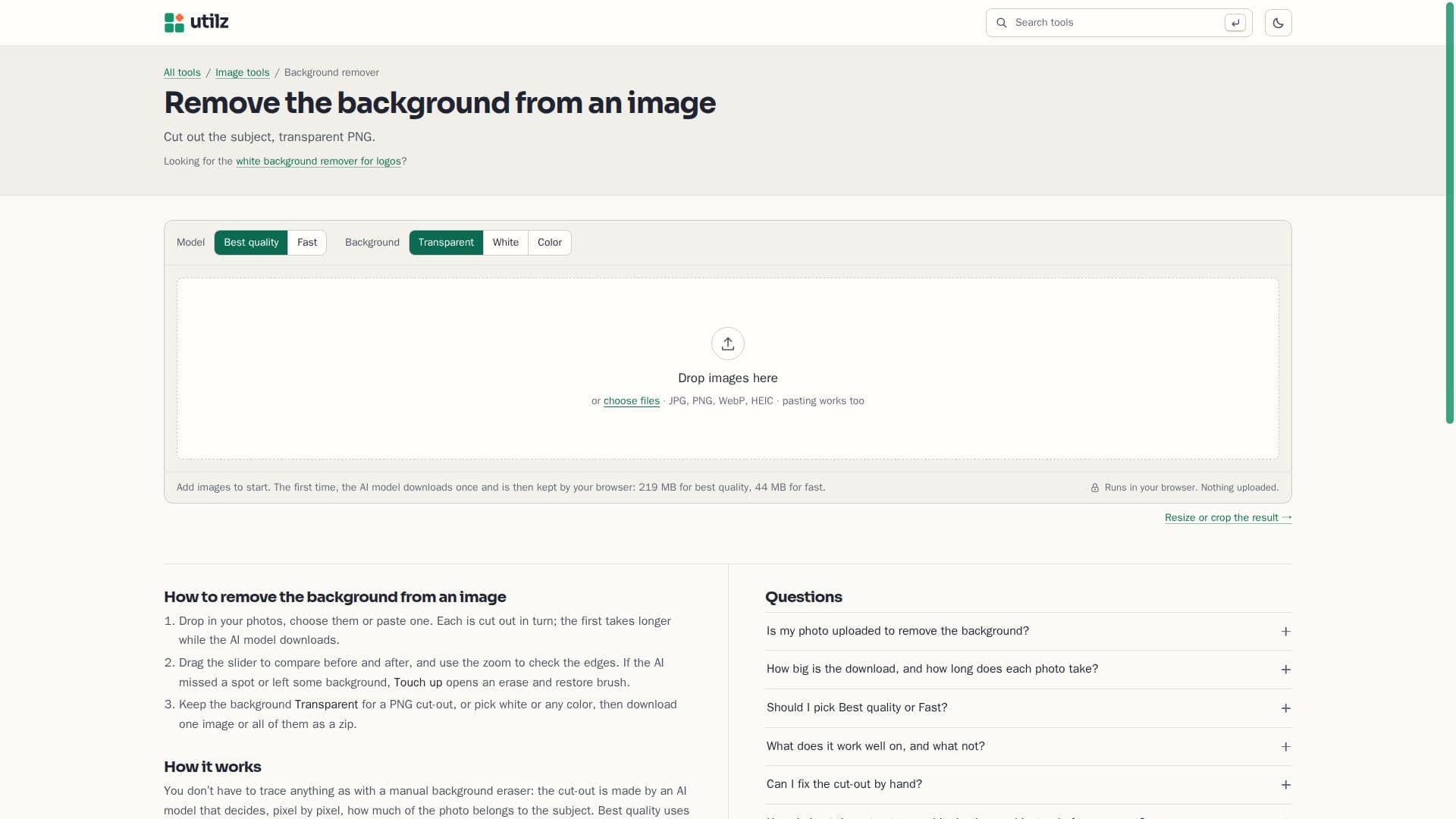
Remove Background from Image is a web-based tool designed to help users remove backgrounds from photos without the need to upload them to a server. This ensures that your photos remain private and secure on your device. The tool utilizes two AI models, BEN2 for best quality and ORMBG for fast processing, both of which are open-source and downloaded from Hugging Face. BEN2 is ideal for complex images where the subject's color closely matches the background, while ORMBG is suitable for simpler images with clear subject-background contrast.
Read More
The tool operates entirely within your browser, leveraging WebGPU for enhanced performance on compatible devices. Users can choose between a transparent PNG or a solid color background, such as white, which is particularly useful for product photos on marketplaces like Amazon. The tool also supports batch processing, allowing multiple images to be processed simultaneously.
For users who need to make manual adjustments, the Touch up feature provides an erase and restore brush to refine the cut-out. This is particularly useful for fixing areas where the AI might have missed or incorrectly identified parts of the image.
Remove Background from Image is free to use, with no sign-up required, and supports commercial use of the resulting images. It serves as a viable alternative to remove.bg, which is transitioning its services to Canva. The tool is part of the utilz collection, which offers over 900 free tools for various tasks, all running in the browser to ensure privacy and convenience.
- CategoryBackground Removers
- Pricing ModelFree
- DeploymentBrowser
- PlatformsWeb
Remove Background from Image's Core Features
AI-powered background removal
Runs in browser, no upload required
Two models: BEN2 and ORMBG
Supports transparent PNG and solid color backgrounds
Batch processing capability
Touch up feature for manual adjustments
Free to use with commercial rights
No sign-up or watermark
How to use Remove Background from Image?
Add images: Drop or paste your photos into the tool.
Choose model: Select Best quality or Fast model based on your needs.
Process images: The AI model removes the background.
Download: Save the cut-out as a transparent PNG or with a solid color.
Remove Background from Image's Use Cases
- Product Photography
- Profile Pictures
- Marketing Materials
- E-commerce Listings
- Social Media Content