Description
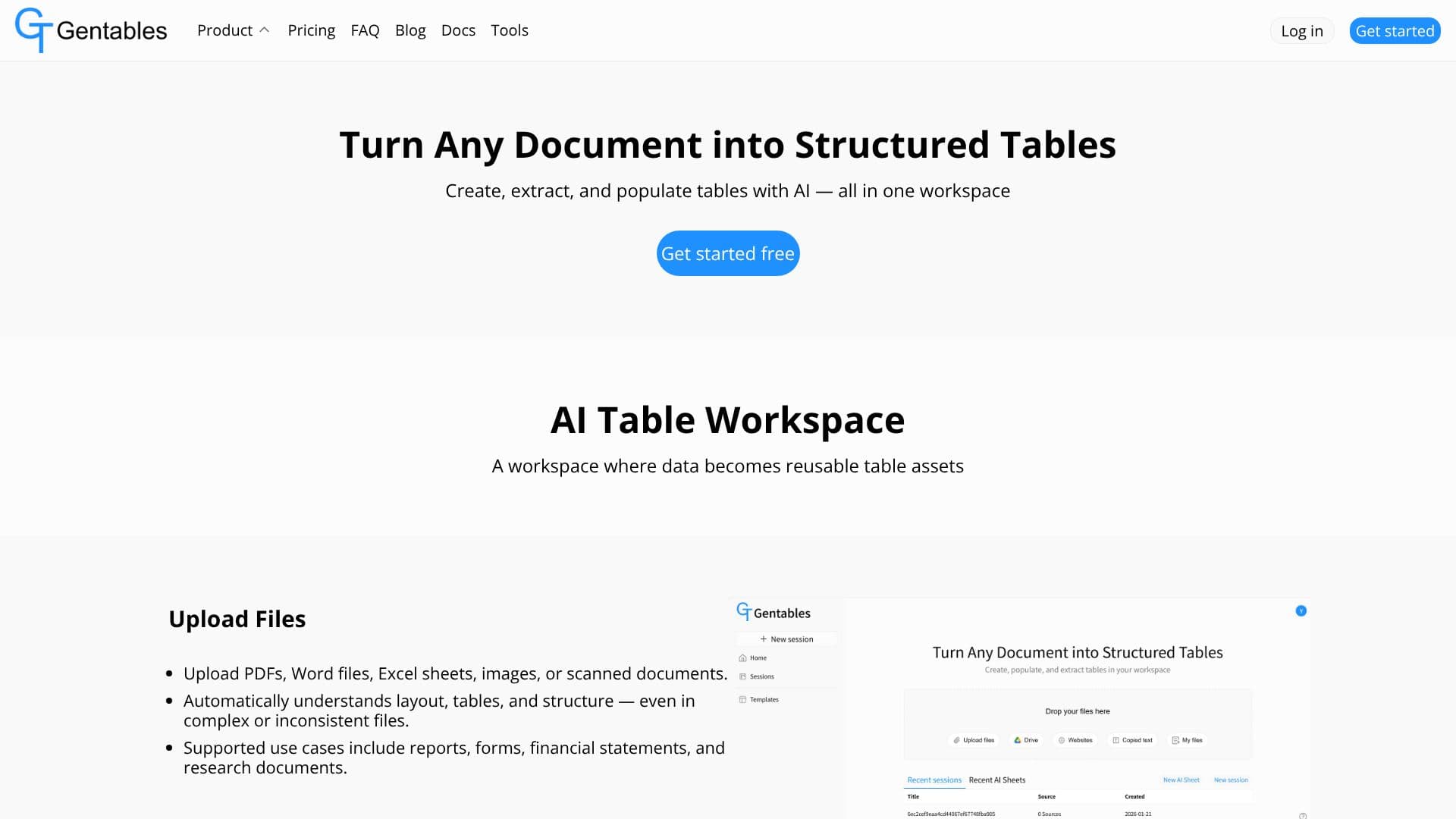
Gentables offers a comprehensive AI-powered workspace designed to convert any data into reusable table assets. Users can upload various file types, including PDFs, Word documents, Excel sheets, images, and scanned documents. The AI intelligently understands the layout and structure, even in complex or inconsistent files, supporting use cases like reports, forms, financial statements, and research documents.
Read More
The AI Table Workflow feature enables users to extract existing tables from documents, create new tables using natural language prompts, and extract structured data from forms. The process is trackable and can be refined at each step.
With AI Sheets, tables can be populated automatically from uploaded data. The tool cleans, normalizes, and modifies table content using AI, generating insights, summaries, and explanations, and creating charts and visualizations instantly.
Table Assets allow for the reuse of tables across sessions and projects, with options to export to Excel or CSV and share with teammates. This prevents starting from scratch on recurring data tasks.
Gentables for Chrome acts as a copilot for table extraction directly from webpages. It offers single-click table extraction, screenshot-to-table conversion, text-to-key-value table transformation, and image-to-table conversion. Shared links allow instant data access without requiring a login.
Gentables is trusted across industries where tables are crucial, including by analysts and finance professionals for extracting financial tables and generating insights, by researchers and consultants for turning reports into structured datasets, and by operations and compliance teams for extracting data from forms and reducing manual entry.
- CategoryAI Data Analysis
- Pricing ModelFreemium
- DeploymentCloud
- PlatformsWeb, Chrome Extension
Gentables's Core Features
Transform unstructured data into organized tables
Generate tables from natural language prompts
Extract tables from various file types (PDF, Word, Excel, images, scanned documents)
Automate data extraction and population workflows
Clean, normalize, and modify table content with AI
Generate insights, summaries, and explanations from data
Create charts and visualizations instantly
Reuse tables across projects as reusable assets
Export tables to Excel or CSV
Share tables with teammates
Extract tables from webpages with a single click
Convert screenshots to tables
Transform selected text on webpages into key-value tables
Convert selected images on webpages into tables
How to use Gentables?
Upload Files: Upload PDFs, Word files, Excel sheets, images, or scanned documents to the AI Table Workspace.
Extract or Create Tables: Use AI to extract existing tables or create new ones from natural language prompts.
Populate and Refine: Populate tables with data, clean, normalize, and modify content using AI.
Generate Insights: Create charts, visualizations, summaries, and explanations from your structured data.
Reuse and Share: Save tables as assets for future use, export to Excel/CSV, or share with your team.
Gentables's Use Cases
- Data Extraction
- Table Generation
- Data Cleaning
- Insight Generation
- Workflow Automation
- Report Analysis
- Form Data Processing
- Web Scraping Tables