
Description
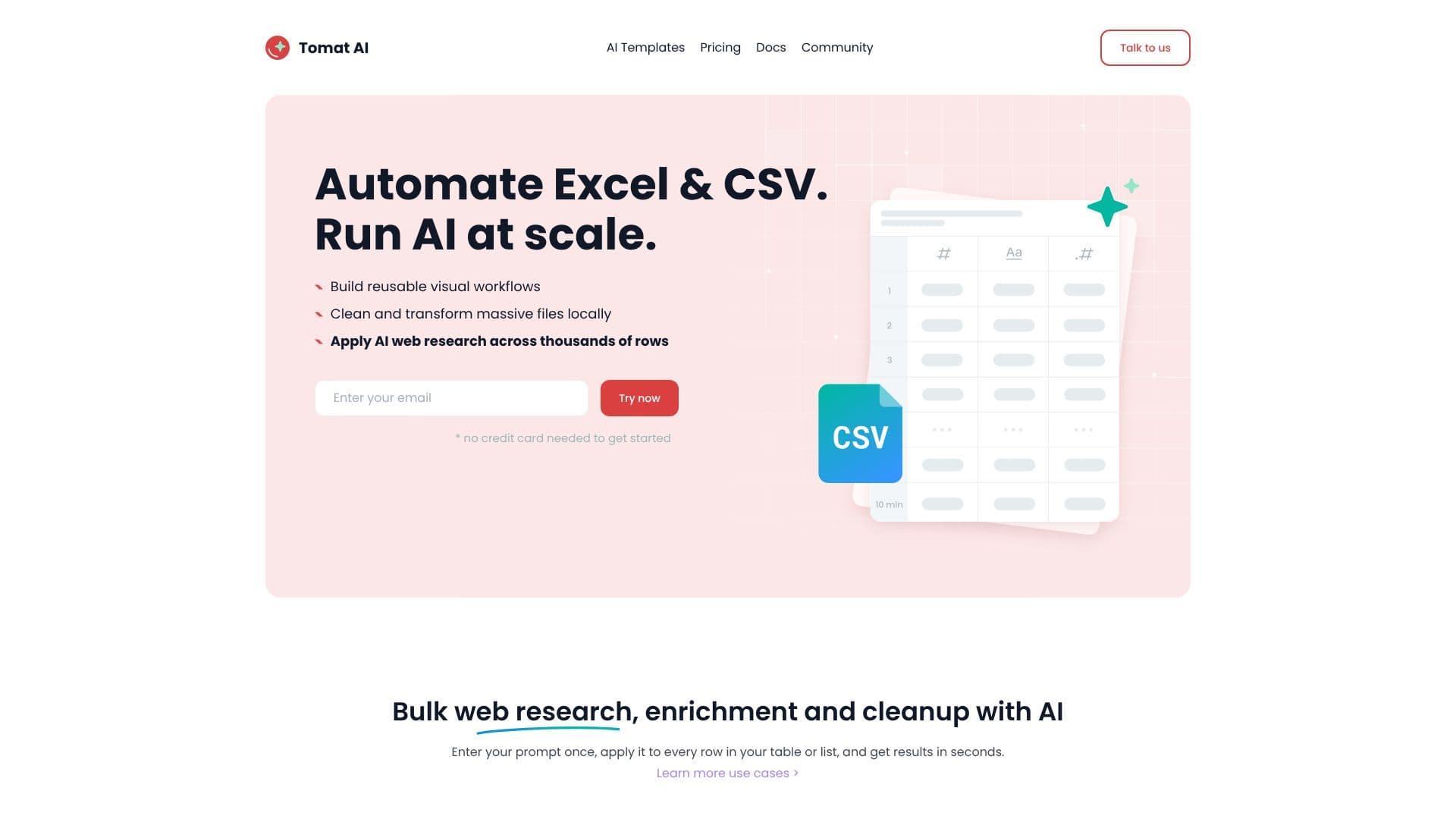
Tomat.AI provides a powerful, yet user-friendly platform for data analysis, enabling users to automate tasks traditionally handled in Excel or through complex coding. The application allows for the local processing of large CSV and Excel files, ensuring data privacy and security as files never leave the user's machine. Its core functionality revolves around building reusable visual workflows, eliminating the need for formulas or programming knowledge.
Read More
Users can interact with their data through a point-and-click interface. The process begins by opening files of any size directly within the Tomat app. Subsequently, users add visual steps such as filtering, sorting, grouping, merging, or pivoting tables. These steps offer instant previews of results, facilitating complex logic creation and data restructuring. The platform also provides quick insights into data quality, unique values, and key statistics, along with the ability to create instant reports with charts and export them as PDFs.
A key differentiator of Tomat.AI is its AI integration. Users can leverage AI agents to perform tasks like data enrichment, extraction, cleanup, and sentiment analysis. By adding an "Use AI" node to a workflow, users can input prompts that are applied to each row of their dataset. For tasks requiring external information, the AI can perform bulk web research and enrichment across thousands of rows. The platform emphasizes prompt engineering, allowing users to test prompts on a few rows before applying them to the entire dataset, and even build prompt chains for multi-step AI tasks.
Tomat.AI is designed for a broad audience, including business analysts, data professionals, and anyone working with spreadsheets who wants to leverage AI without extensive technical expertise. The value proposition lies in saving time, automating repetitive data tasks, and gaining deeper insights from data more efficiently. The software is compatible with Windows and macOS, and offers a free trial with initial AI credits. For continued use, users can purchase AI credits through various plans, with pricing structured to offer lower per-credit costs for larger purchases.
Security is a paramount concern, with Tomat.AI processing data locally and using official OpenAI APIs only for the data explicitly sent for AI processing. This ensures that private data is not sent to the cloud without explicit user permission. The platform also supports connections to PostgreSQL and Snowflake, with options to integrate with over 450 additional data sources through contact.
- CategoryAI Data Analysis
- Pricing ModelFreemium
- DeploymentLocal
- PlatformsWindows, macOS
Tomat.AI's Core Features
Visual workflow builder for data cleaning and transformation
Local processing of large CSV and Excel files
AI-powered data enrichment and analysis
Bulk web research and data extraction with AI
Sentiment analysis and summarization capabilities
Prompt testing and chaining for AI tasks
Instant data quality insights and statistics
Chart creation and PDF report generation
No coding or formulas required
Supports PostgreSQL and Snowflake connectors
Data privacy through local processing
AI processes data row-by-row with specified columns only
How to use Tomat.AI?
Open files: Load CSV or Excel files of any size directly into the Tomat app.
Add visual steps: Use drag-and-drop steps to filter, sort, merge, or pivot your data.
Integrate AI: Add an 'Use AI' node and enter prompts for data enrichment, cleanup, or analysis.
Refine prompts: Test prompts on sample rows before applying to the entire dataset.
Build prompt chains: Create multi-step AI tasks for complex data manipulations.
Run at scale: Apply AI and workflows to datasets ranging from 1 to 1 million rows.
Generate insights: Get instant data quality reports and create charts for export.
Tomat.AI's Use Cases
- Data Cleaning
- Data Enrichment
- Sentiment Analysis
- Data Summarization
- Bulk Data Extraction
- Workflow Automation
- Report Generation
- Local Data Analysis