Description
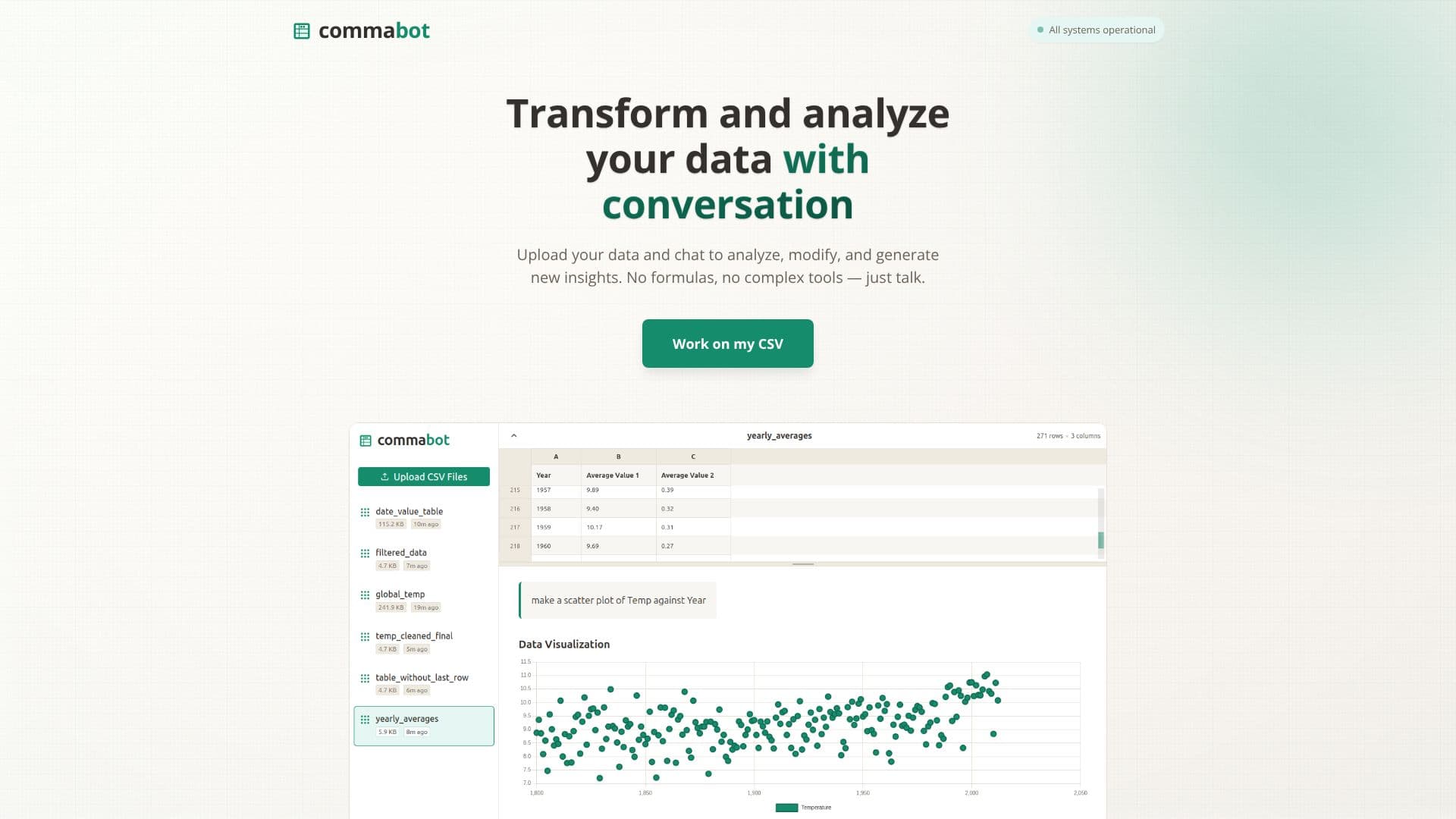
Commabot redefines data interaction by transforming your CSV files into a conversational experience. Forget the steep learning curve associated with traditional spreadsheet software or complex data analysis tools. With Commabot, you can upload your data and then simply talk to it. Ask questions in plain English, and the AI will understand your intent to analyze, modify, or generate new insights from your datasets.
Read More
This intuitive platform empowers users to clean and transform data, generate charts and summaries, and uncover hidden patterns without writing a single formula. It's designed for anyone who works with data but doesn't want to be bogged down by technical complexities. The tool is perfect for generating sales reports, analyzing survey data, managing financial records, or making sense of any CSV file that has been collecting digital dust.
Thousands of data practitioners have already adopted Commabot, appreciating its ability to make data accessible and actionable. The core value proposition lies in its simplicity and power, enabling users to focus on understanding their data rather than mastering intricate software. Whether you're a business analyst, a marketer, a researcher, or a small business owner, Commabot provides a straightforward path to data-driven decision-making. Its conversational interface democratizes data analysis, making it a valuable asset for individuals and teams looking to extract more value from their spreadsheets.
The platform's ability to interpret natural language queries means that complex data manipulations can be performed with simple requests. This significantly reduces the time and effort typically required for data preparation and analysis. Commabot aims to bridge the gap between raw data and actionable insights, making it an indispensable tool for modern data workflows.
- CategoryAI Data Analysis
- Pricing ModelNot specified
- DeploymentCloud
- PlatformsWeb
Commabot CSV Editor's Core Features
Analyze data using conversational prompts
Transform data through natural language commands
Generate charts and summaries from CSV files
Clean and modify data without formulas
Upload and interact with CSV datasets
User-friendly interface for data practitioners
Supports sales reports, survey data, and financial records
No complex tools or extensive training required
Extract new insights from existing data
Accessible data interaction for non-technical users
How to use Commabot CSV Editor?
Upload CSV: Select and upload your CSV file to the platform.
Ask Questions: Type your data analysis or modification requests in plain English.
Receive Insights: Commabot processes your request and provides charts, summaries, or transformed data.
Iterate and Refine: Continue the conversation to further analyze or modify your data as needed.
Commabot CSV Editor's Use Cases
- Sales Report Analysis
- Survey Data Interpretation
- Financial Record Management
- Data Cleaning and Transformation
- Insight Generation
- Chart Creation
- Data Exploration