Description
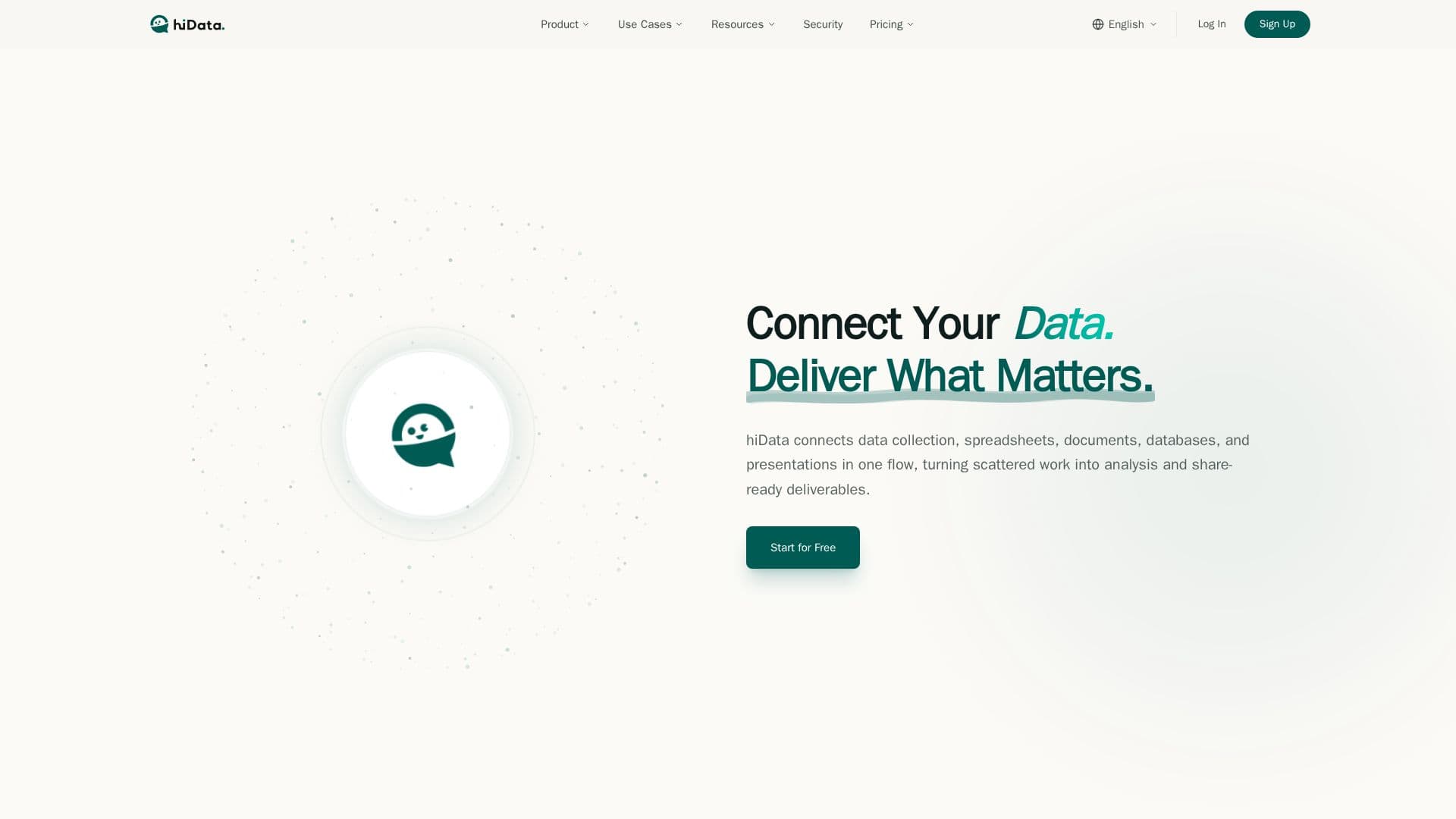
hiData is an AI-powered workspace that links data collection, spreadsheets, documents, databases, and presentations into a single connected flow. It is designed to turn scattered work into analysis and polished, share-ready deliverables, and is used by enterprises and thousands of SMBs.
Read More
The platform is organized around three core capabilities. AI Table Creator extracts and structures unstructured content from PDFs, screenshots, webpages, images, and scattered documents into clean tables you can work with. AI Sheets reimagines spreadsheet work as a conversation, letting you describe what you need so hiData can clean data, merge multiple tables, split sheets, transform formats, and run analysis without formulas or SQL. AI Slides turns your data, analysis, and key findings into dynamic, presentation-ready decks with stronger storytelling and layouts.
hiData positions itself for real work across functions such as marketing, where teams collect data from competitor sites and reports, analyze campaign performance in plain language, and produce reviews and dashboards. It runs on a credit-based model with Free, Plus, and Pro tiers plus point packs, and emphasizes enterprise-grade security including TLS and AES-256 encryption, role-based access control, SOC 2 Type II certification, ISO 27001 alignment, GDPR readiness, and private or on-premise deployment options.
- CategoryAI Data Analysis
- Pricing ModelFreemium
- DeploymentCloud, On-premises
- PlatformsWeb
hiData's Core Features
AI Table Creator to extract structured tables from PDFs, images, and webpages
AI Sheets for conversational spreadsheet work without formulas
AI Slides to generate presentation-ready decks from data
Connected workflow across data, spreadsheets, documents, and presentations
Natural-language data cleaning, merging, and analysis
Credit-based Free, Plus, and Pro plans with point packs
Enterprise security: encryption, RBAC, SOC 2 Type II, ISO 27001, GDPR
Private, on-premise, and VPC deployment options
How to use hiData?
Bring your content: Upload or connect data from PDFs, screenshots, webpages, spreadsheets, or databases.
Structure it: Use AI Table Creator to turn unstructured content into clean, analysis-ready tables.
Analyze in plain language: Use AI Sheets to clean, merge, and analyze data by describing what you need.
Present the results: Use AI Slides to turn analysis into a polished, share-ready deck.
Export or share: Download and distribute the finished deliverables.
hiData's Use Cases
- Structure scattered data
- Analyze campaign performance
- Build reporting decks
- Consolidate spreadsheets