
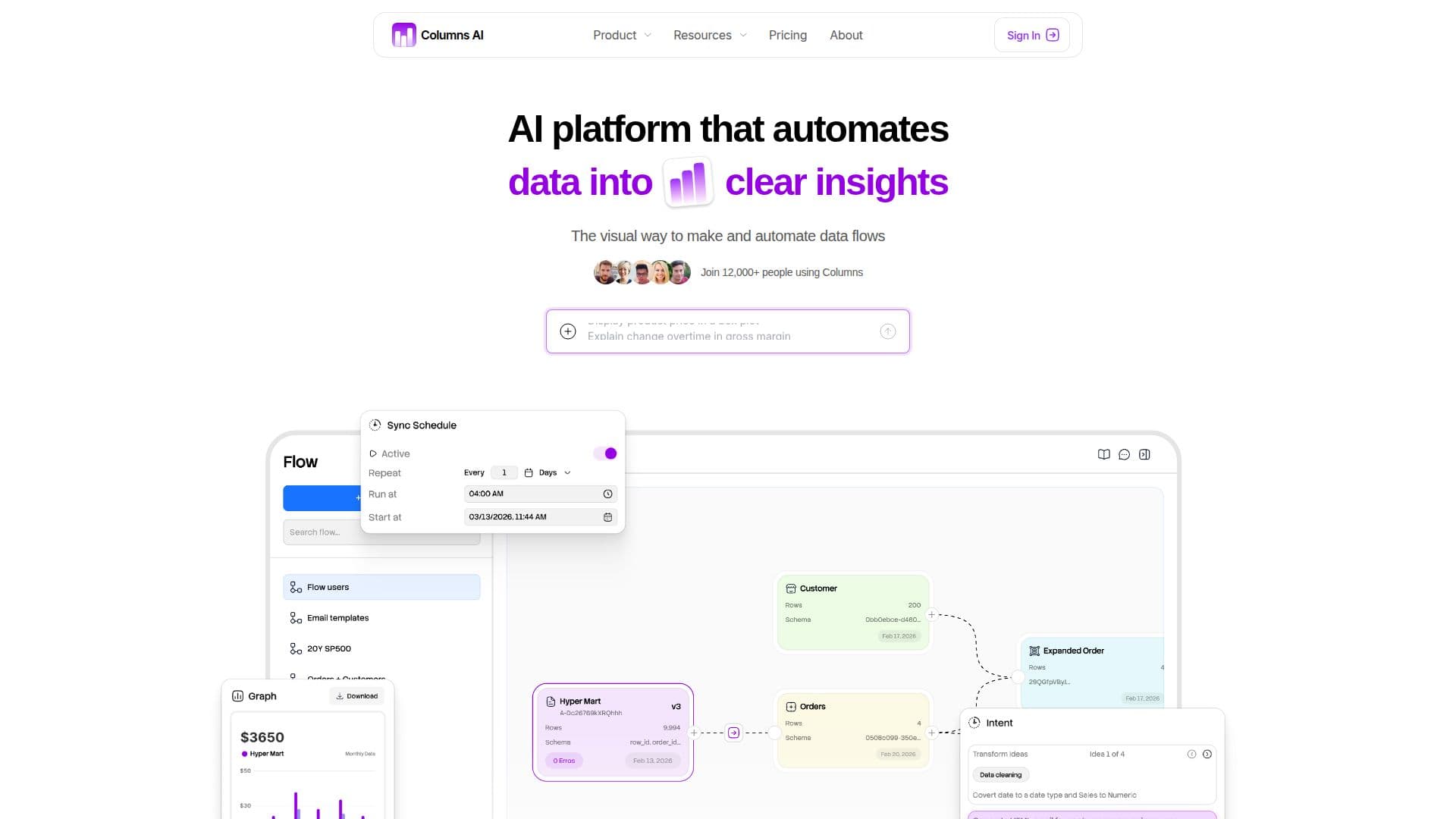
Description
Columns AI is a data automation platform that helps teams clean data, automate workflows, and build compelling visual stories without an engineering team. It is built around three products: Columns Drive extracts clean, structured data from messy files like CSVs, PDFs, Excel, and images; Columns Flow connects sources and applies transformations described in plain language; and Columns Graph turns structured data into beautiful, brand-matched visuals you can embed live, export, or share as dashboards.
Read More
The platform connects with the tools teams already use, so data flows in automatically without manual syncing, and once set up, insights, dashboards, and graphs update automatically on a schedule. You can describe what you need in plain English and Columns builds the flow logic, get notified when something happens such as a spike or threshold crossing, and personalize visuals to match your brand.
Columns AI is designed for analysts, operators, founders, and any team that touches data, and is used by 12,000+ people. Pricing is usage-based: a free Basic plan with no base fee that charges per 1,000 rows processed, plus Premium and Elite tiers with flat monthly fees and progressively lower per-row rates, along with custom enterprise pricing.
- CategoryAI Data Analysis
- Pricing ModelFreemium
- DeploymentCloud
- PlatformsWeb
Columns AI's Core Features
Clean structured data from messy files (Columns Drive)
Plain-language data flow building (Columns Flow)
Brand-matched visuals and dashboards (Columns Graph)
Automatic data syncing from connected tools
Scheduled auto-updating insights and dashboards
Alerts for spikes, drops, and thresholds
Images and PDFs converted into data
Usage-based pricing per rows processed
How to use Columns AI?
Connect or drop data: Import from your tools or drop messy files into Drive.
Build a flow: Describe transformations in plain language.
Create visuals: Turn structured data into branded charts and dashboards.
Automate: Set it once and let insights update on your schedule.
Columns AI's Use Cases
- Data cleaning
- Workflow automation
- Data storytelling
- Monitoring and alerts