


Description
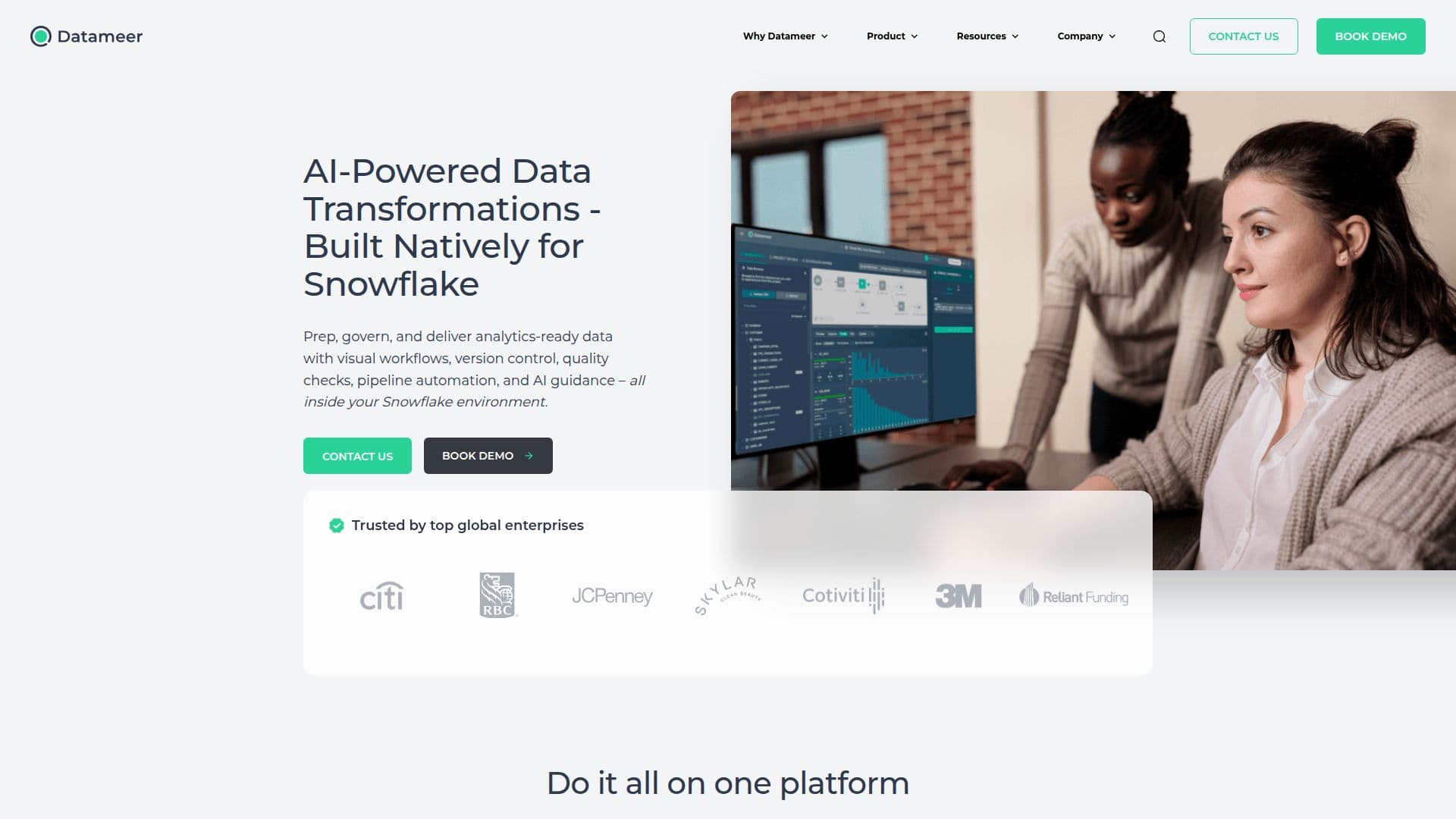
Datameer is a powerful business analytics platform tailored for Snowflake users, offering a low-code solution for transforming, analyzing, and automating data processes. It provides a seamless experience for users to manage and manipulate data with ease, thanks to its intuitive interface and robust feature set.
The platform supports various data operations, including data transformation, exploration, and monitoring. Users can create and manage jobs, configure unload jobs, and export deployments as CSV to cloud storage. Datameer's monitoring dashboard offers insights into data freshness, inserts, deletes, and updates, ensuring data quality and reliability.
Datameer also includes budget controls, allowing administrators to manage warehouse usage and spending trends effectively. The platform's transformation capabilities include union operations, enabling users to add unmapped columns and reorder output columns easily.
With a focus on usability, Datameer offers a redesigned jobs dashboard, improved dashboard filters, and enhanced UI elements for better visibility and understanding. Users can explore data using quick filter options and define numeric and date/datetime dimensions effortlessly.
Datameer is ideal for data analysts, business intelligence professionals, and IT administrators seeking a comprehensive solution for data management and analysis. Its integration with Snowflake ensures seamless data handling and processing, making it a valuable tool for organizations looking to optimize their data workflows.
Datameer Business Analytics Platform's Core Features
Low-code analytics platform
Data transformation and automation
Integration with Snowflake
Monitoring dashboard for data insights
Budget controls for warehouse usage
Union operations for data transformation
Enhanced UI for improved usability
Quick filter options for data exploration
Support for CSV export to cloud storage
Job management and configuration
Data quality inspector
Scheduled job runs and timeline display
Audit details in job and environment inspectors
Usage dashboard with detailed graphs
Improved visibility on small resolution screens
How to use Datameer Business Analytics Platform?
Configure: Set up your Snowflake connection
Transform: Use low-code tools to manipulate data
Analyze: Explore data with quick filters and dashboards
Automate: Schedule jobs and monitor data quality
Optimize: Use budget controls to manage warehouse usage
Datameer Business Analytics Platform's Use Cases
- Data Transformation
- Data Analysis
- Data Automation
- Budget Management
- Data Monitoring