Description
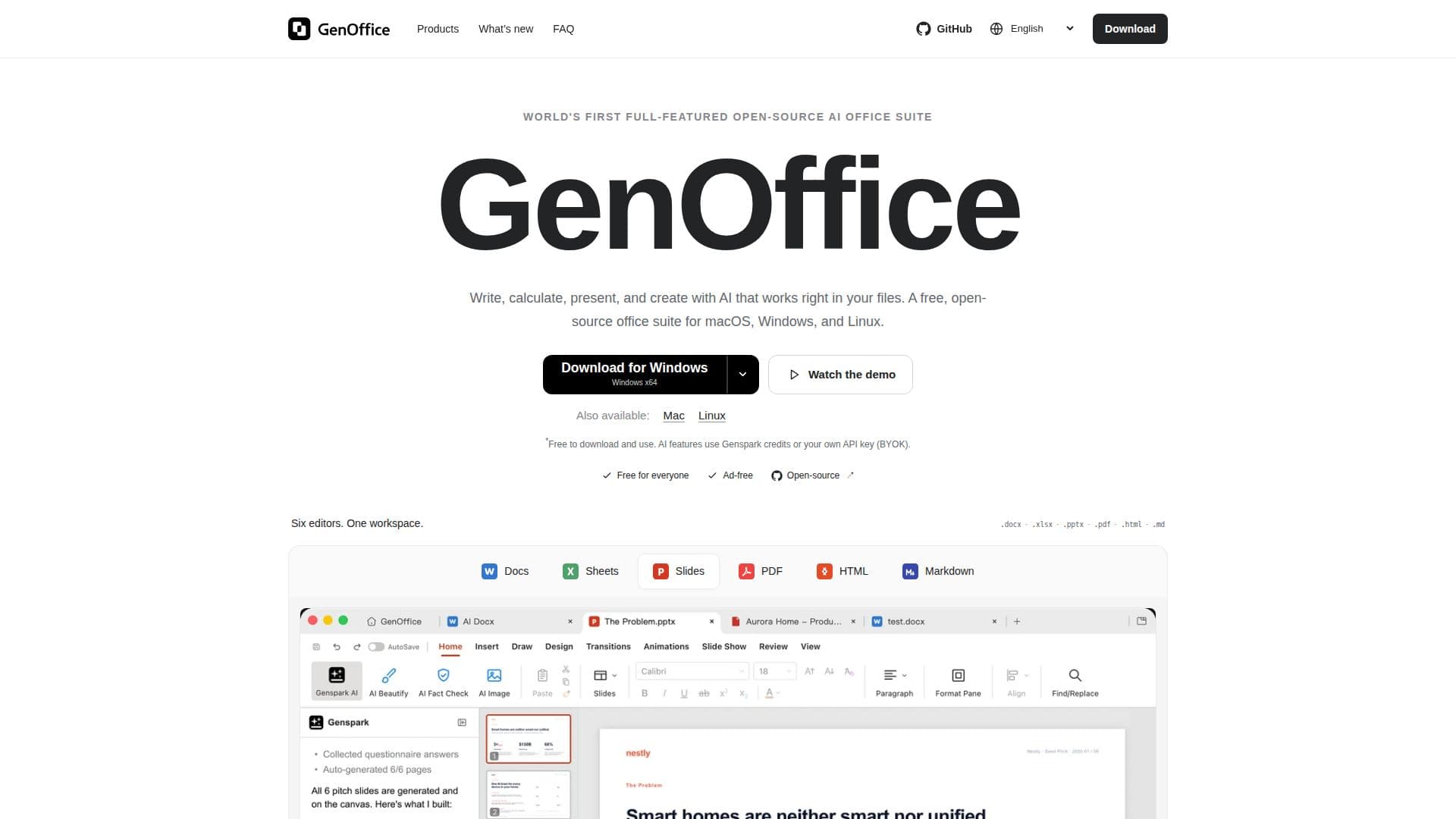
GenOffice is a versatile, open-source office suite designed to provide users with a comprehensive set of tools for document creation and editing. It supports a wide range of file formats, including .docx, .xlsx, .pptx, PDF, HTML, and Markdown, ensuring compatibility with existing office files. The suite includes six editors: GenOffice Docs, Sheets, Slides, PDF, HTML, and Markdown, each tailored to specific document types and tasks.
Read More
GenOffice Docs allows users to open and save real .docx files, with byte-preserving technology that only rewrites what you change. Users can draft, restyle, or rewrite sections with AI prompts. GenOffice Sheets features an in-house .xlsx engine with charts, pivot tables, and slicers, enabling users to build budget trackers and automate formula writing with AI assistance.
GenOffice Slides supports native .pptx files with masters, layouts, and smart guides. Users can describe a topic to generate a finished presentation deck, ready for further editing or immediate presentation. The PDF editor allows direct text and image editing, annotations, and forms, with original fonts preserved. Users can also convert PDFs into editable Word, Excel, or PowerPoint files locally.
The HTML editor generates landing pages, reports, or posters as single self-contained HTML files, focusing on design-first workflows. The Markdown editor offers a distraction-free environment for creating headings, lists, tables, and code blocks, saving them back as plain Markdown.
GenOffice is free to download and use, with no ads or watermarks. AI features require Genspark credits or a user-provided API key, with built-in support for providers like Claude, OpenAI, and Gemini. The suite runs locally for most tasks, ensuring privacy and offline functionality, while AI requests are sent online. Users can explore the open-source code, contribute to its development, or customize it to suit their needs.
- CategoryAI Document & PDF Tools
- Pricing ModelFree
- DeploymentRuns locally
- PlatformsmacOS, Windows, Linux
GenOffice's Core Features
Free and open-source
Supports .docx, .xlsx, .pptx, PDF, HTML, and Markdown
AI-assisted document editing
Local PDF to Office conversion
In-house .xlsx engine with AI formula writing
Native .pptx support with smart guides
Direct PDF text and image editing
Open-source code available for customization
How to use GenOffice?
Download: Get GenOffice for your platform
Install: Follow installation instructions for macOS, Windows, or Linux
Configure: Set up AI services with Genspark or your API key
Use: Open and edit documents using the suite's editors
Optimize: Utilize AI features for drafting and editing
GenOffice's Use Cases
- Document Editing
- Spreadsheet Management
- Presentation Creation
- PDF Conversion
- Markdown Editing