
Description
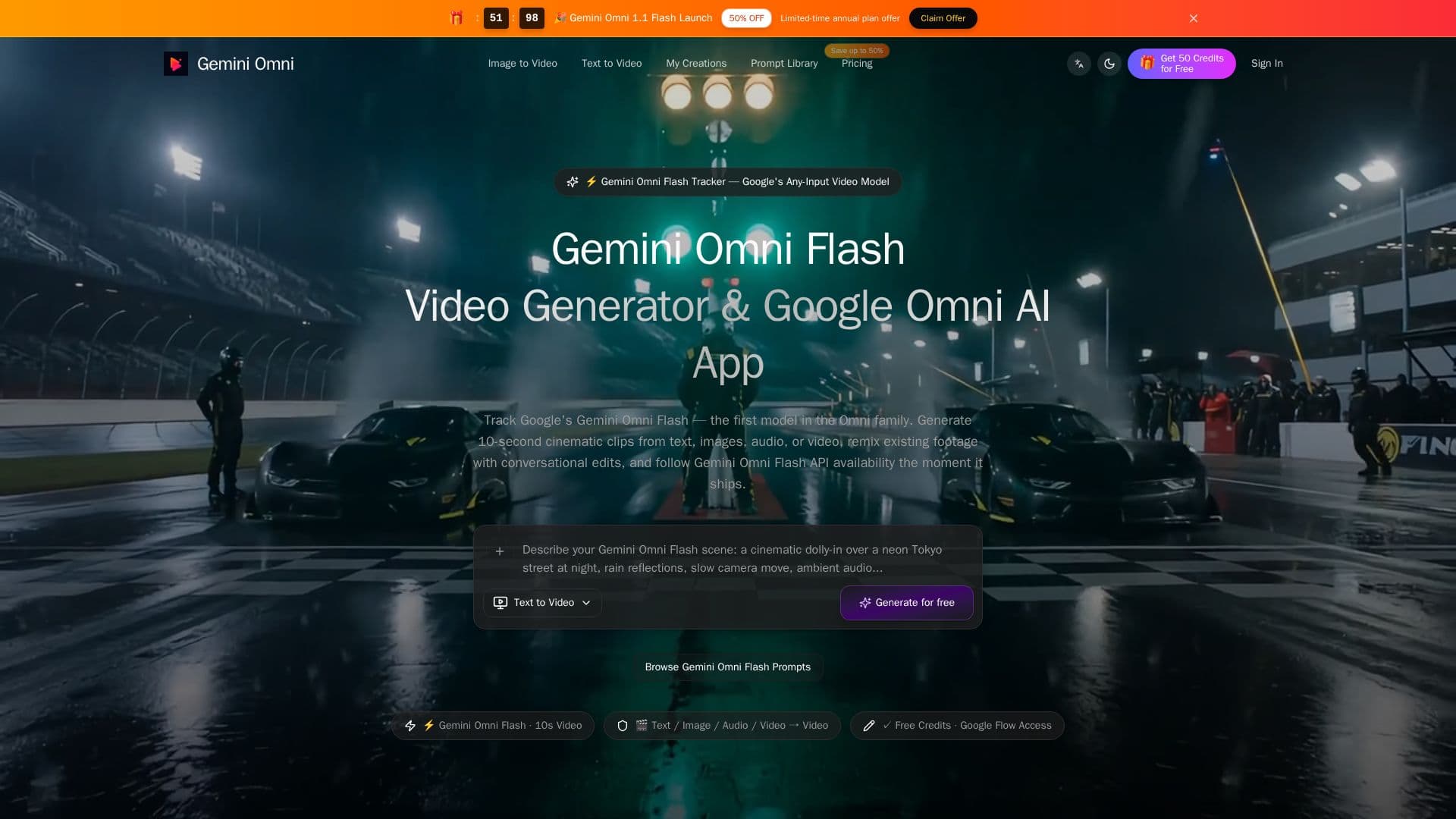
Gemini Omni Flash, run at geminiomniflash.io, is a third-party website built around Google's Gemini Omni Flash, a video model available in the Gemini app and Google Flow but not yet through a public developer API. The site states plainly that it is "an independent community tracker and toolset" and that it is "not affiliated with, endorsed by, or sponsored by Google." It is not Google's own product; it's a separate app that tracks the model's rollout while selling access to its own video-generation tool in the meantime.
Read More
The site's own tool supports several input modes: turning text prompts into video (text-to-video), animating still images (image-to-video), and remixing existing video clips through conversational edits. It also advertises storyboard-to-video conversion and reference-guided generation, aimed at keeping characters and visual style consistent across a clip. Generated videos run up to roughly 10 seconds with synchronized audio, and the site advertises output resolutions up to 1080p.
The site is explicit in its own FAQ that Google's official Gemini Omni Flash API "will be available to developers and enterprises in the coming weeks" and has not opened yet, and that in the meantime the operator's "free credits" let users "test similar workflows" rather than the Google model itself. Separately, the site also advertises its own developer API with endpoints for text, image, transition, and fusion generation, tied to its own video tool rather than to Google's unreleased model. Because of this, claims tying specific generation results directly to Google's Gemini Omni Flash model should be treated with caution.
The basic workflow is to provide a text prompt, an image, or a video clip, choose a generation mode, adjust parameters such as resolution and aspect ratio, then generate and refine a result before exporting it.
Access is sold through one-time credit purchases rather than a subscription. Packs range from 200 credits for $6.90 up to 8,000 credits for $199.90, with per-credit cost improving at larger pack sizes; the site states credits do not expire. Because this is an unofficial, independent operator rather than a Google-run service, support, reliability, and continued access depend on that operator, not Google.
- CategoryAI Video Generators
- Pricing ModelFreemium
- DeploymentCloud
- PlatformsYouTube, Google Flow
Gemini Omni Flash's Core Features
Text-to-video generation from written prompts
Image-to-video animation of still images
Video-to-video remixing with conversational edit instructions
Storyboard-to-video conversion
Reference-guided generation for character and style consistency
Output up to 1080p resolution with synchronized audio
Clips of roughly 10 seconds per generation
Site-operated developer API for its own video tool (separate from Google's unreleased Gemini Omni Flash API)
How to use Gemini Omni Flash?
Choose an input: start from a text prompt, an image, or an existing video clip
Pick a mode: select text-to-video, image-to-video, or video remix
Set parameters: adjust resolution, aspect ratio, and other generation options
Generate: create a first version of the clip
Refine: use conversational edits to adjust style, pacing, or content
Export: download or use the API to pull the finished clip into another workflow
Gemini Omni Flash's Use Cases
- Short-form video clips
- Animating still images
- Remixing existing footage