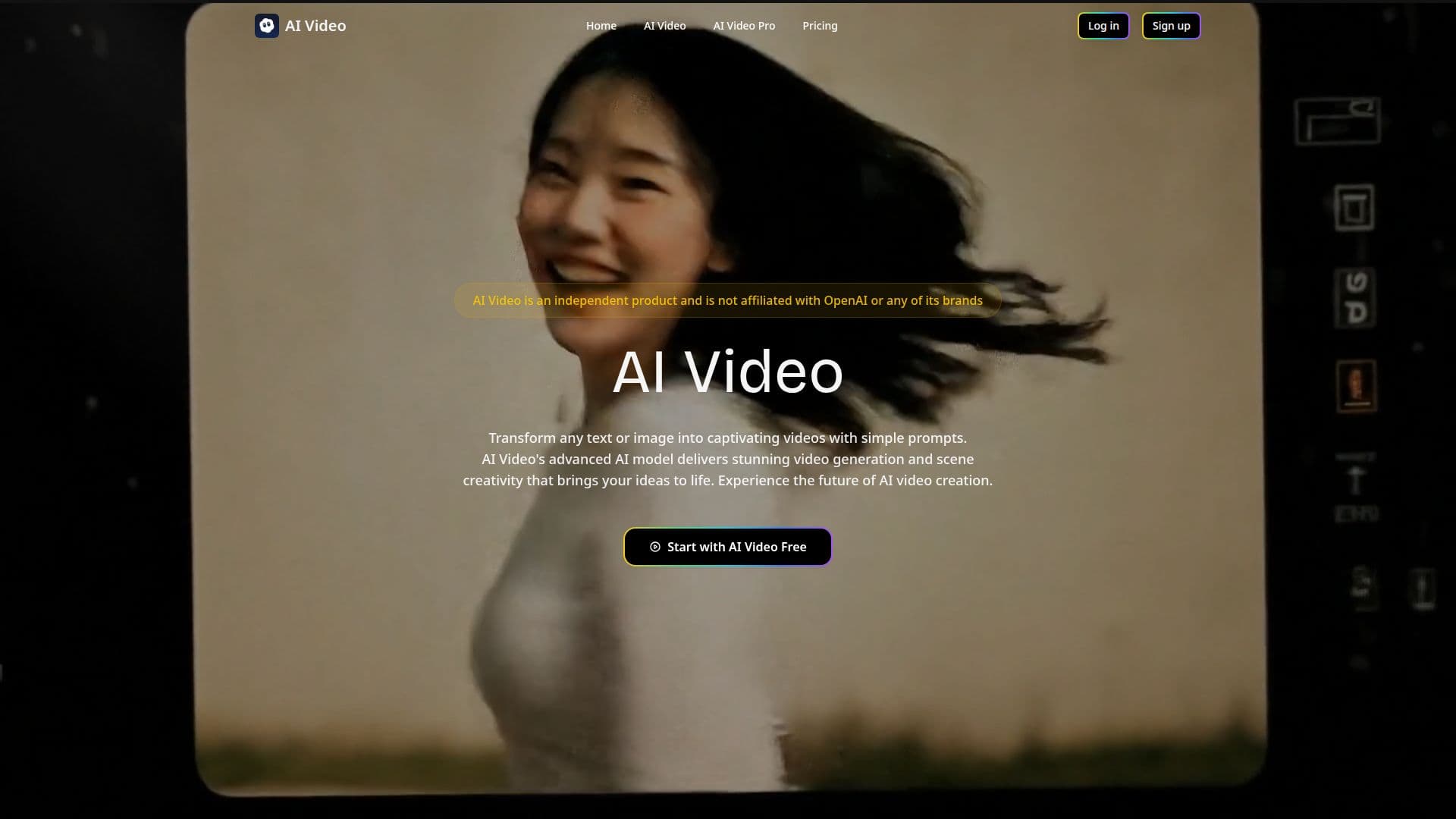
Description
AI Video is a web-based video generator running at sora2.com. The site states clearly that it is an independent product and is not affiliated with OpenAI or any of its brands, despite the domain echoing the name of OpenAI's Sora model.
Read More
The tool works from a simple prompt box: users type a text description or upload an image, choose an aspect ratio of 9:16 or 16:9, set a clip length of 4, 8, or 12 seconds, and generate a video. Text-to-video turns a written prompt into a new clip, while image-to-video animates an existing still image instead. Generation typically takes a few minutes, and finished clips can be downloaded in MP4, WebM, or MOV format. The full process is meant to stay simple: sign up with email or Google, enter a prompt or upload an image, then generate and download the result.
Accounts start on a free plan with a limited number of credits to try the generator before subscribing. Paid plans run on a monthly credit allowance. The Plus tier costs $37.49 a month, or $449.90 billed annually, and includes 7,500 monthly credits, clips up to 10 seconds, 1080p resolution, sound effects, priority processing, and a commercial license. The Pro tier costs $69.99 a month, or $839.90 annually, and adds lip-sync support along with 18,000 monthly credits. The Enterprise tier costs $129.99 a month, or $1,559.90 annually, with 40,000 monthly credits and the fastest processing, aimed at teams. All paid tiers carry unrestricted commercial usage rights.
AI Video is positioned for creators, marketers, and social media managers who want finished video output, social clips, ad creative, or presentation visuals, without a traditional editing timeline. Because generation runs entirely through short prompts and a handful of settings, it suits quick-turnaround content more than long-form or tightly controlled video production, and the borrowed "Sora" naming is explicitly disclosed rather than presented as an official OpenAI product.
- CategoryAI Video Generators
- Pricing ModelFreemium
- DeploymentCloud
- PlatformsWeb
AI Video's Core Features
Text-to-video generation from a written prompt
Image-to-video generation that animates a static image
9:16 and 16:9 aspect ratio options for social and widescreen formats
Clip lengths of 4, 8, or 12 seconds
HD output up to 1080p resolution
MP4, WebM, or MOV export formats
Lip-sync support on the Pro and Enterprise tiers
Commercial license and usage rights included on all paid plans
How to use AI Video?
Sign up: Create a free account with email or Google.
Choose a mode: Pick text-to-video or image-to-video.
Enter your prompt: Describe the video or upload a source image.
Set the format: Choose the aspect ratio and clip duration.
Generate and download: Wait a few minutes, then export as MP4, WebM, or MOV.
AI Video's Use Cases
- Social video clips
- Marketing video content
- Animating still images
- Quick presentation visuals