
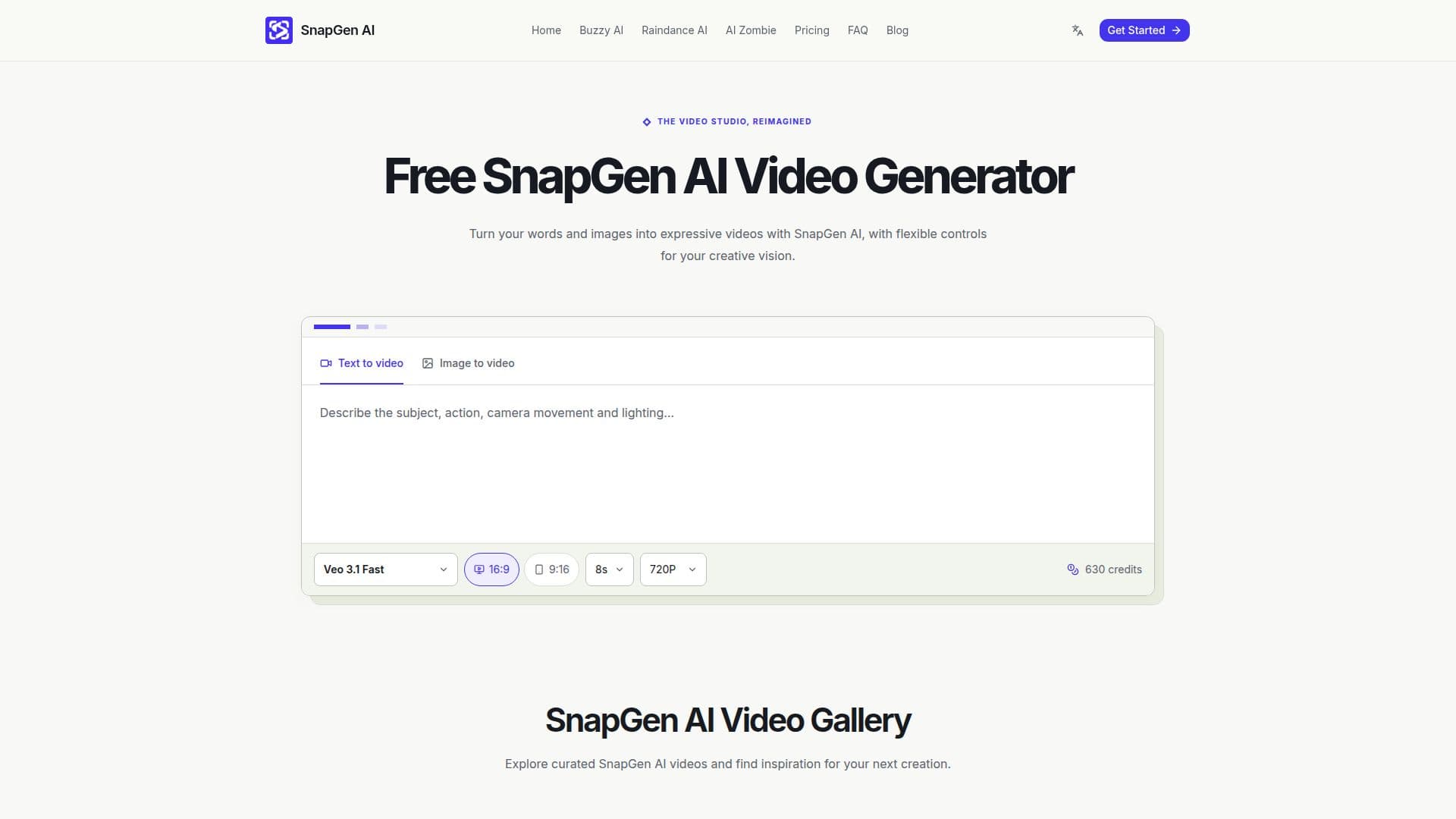
Description
SnapGen AI is a versatile video generator designed to transform your creative ideas into motion. By using text prompts or images, users can create short video clips that serve as scenes for social edits, product concepts, visual stories, or creative experiments. The platform offers a range of models, including Veo and Seedance, allowing users to select the duration, resolution, and aspect ratio of their videos.
Read More
The process begins with a spark of inspiration, where users can open SnapGen AI with a written scene or upload a starting image. By choosing a clear subject and action, and describing the desired atmosphere, users can guide the video creation process. SnapGen AI provides flexible controls, enabling users to direct details such as lighting and camera movement, ensuring each clip has a clear creative direction.
SnapGen AI operates on a credit-based system, where users can choose a purchase option that fits their creative pace. The platform displays the cost of each scene before generation, allowing users to adjust settings and keep their creative experiments intentional. With plans available for individuals, growing teams, and large organizations, SnapGen AI caters to a wide range of users.
The platform also offers practical guides to help users write focused prompts, prepare a first frame, and review generated motion. SnapGen AI supports video lengths from four to thirty seconds, depending on the model, and offers both silent and sound-enabled options. Users are encouraged to download results they wish to keep, as ordinary provider links may expire.
SnapGen AI is ideal for those looking to create short-form content with a focus on creative control and flexibility. Whether you're a solo creator or part of a larger team, SnapGen AI provides the tools needed to bring your visual stories to life.
- CategoryAI Video Generators
- Pricing ModelCredit-based
- DeploymentCloud
- PlatformsWeb
SnapGen AI's Core Features
Text and image-based video generation
Veo and Seedance model options
Flexible duration, resolution, and aspect ratio settings
Credit-based pricing system
Preview and refine video clips
Sound-enabled and silent video options
Video creation guides and resources
Commercial use subject to model terms
How to use SnapGen AI?
Start: Open SnapGen AI with a text prompt or image
Direct: Choose a model and set video parameters
Preview: Inspect the generated video clip
Download: Save the final video for use
SnapGen AI's Use Cases
- Social Media Clips
- Product Concepts
- Visual Storytelling
- Creative Experiments
- Marketing Content