
Description
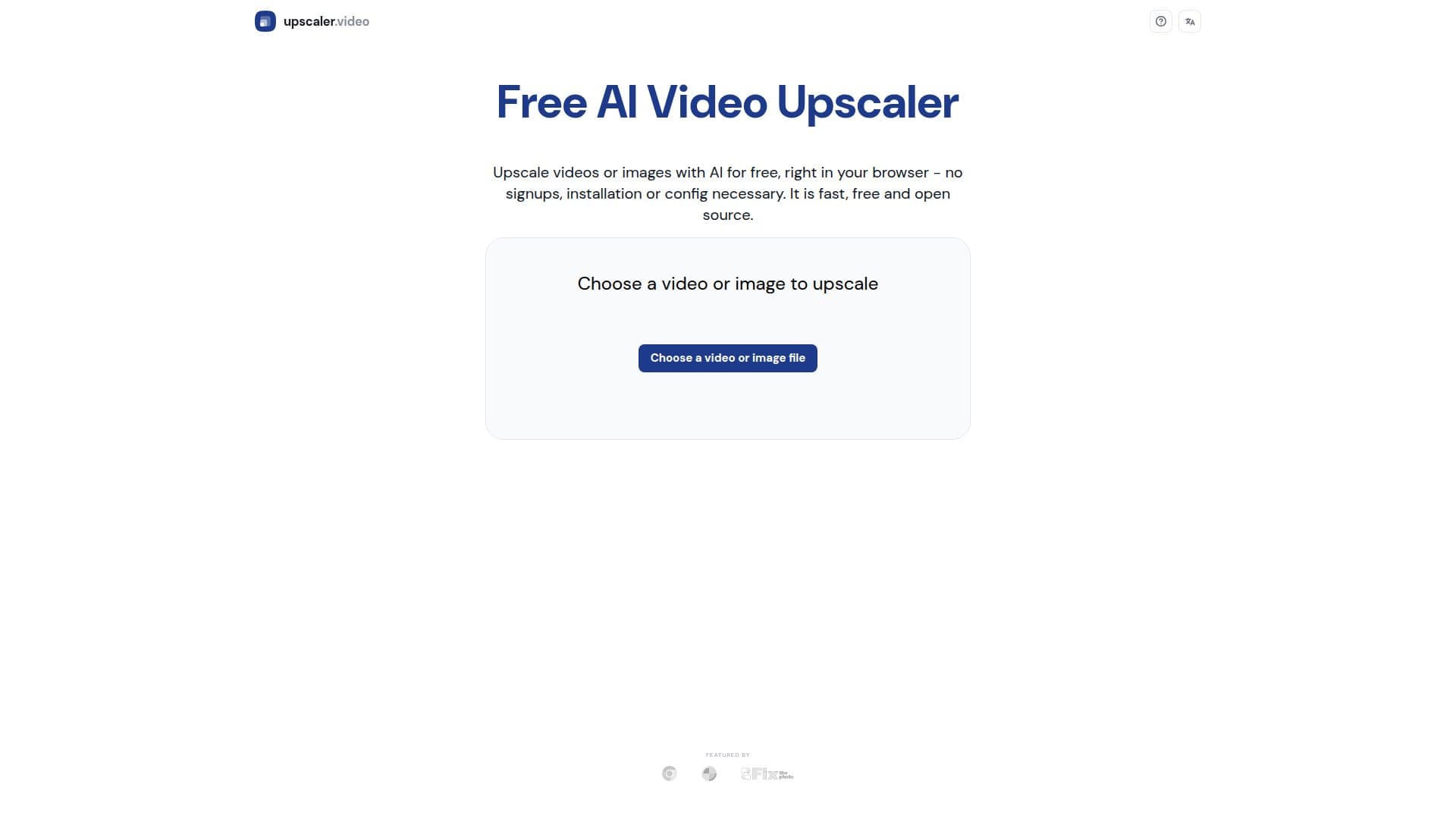
Free Upscaler Video is an innovative AI tool designed to upscale videos and images directly in your browser. It operates entirely client-side using WebGPU technology, which means your videos never leave your device, ensuring complete privacy. This tool is free to use, with no signup, watermarks, or time limits, making it accessible for anyone looking to enhance their video quality without any cost.
The tool supports resolutions up to 4K and is particularly optimized for AI-generated and natural video content. It uses several open-source AI upscaling algorithms like Anime4K and RealESRGAN, ported into WebGPU, allowing for efficient processing directly in your browser. This makes it a perfect choice for casual users who want to upscale videos without the hassle of installing software or configuring GPU drivers.
Free Upscaler Video is open source, with its code available on GitHub, providing transparency and the opportunity for users to contribute or modify the tool as needed. The tool is designed to be user-friendly, requiring no technical setup, and works instantly in any modern browser that supports WebGPU or WebGL as a fallback.
While the processing speed is slower than server-based solutions, the trade-off is a completely free and unlimited service. The tool is ideal for users who prioritize privacy and cost-effectiveness over speed. For those requiring faster processing or handling of more complex video formats, a paid version is available, offering server-side processing at a competitive rate.
Free Upscaler Video is perfect for marketers, content creators, and anyone looking to enhance video quality without incurring costs. It is also suitable for educational purposes, allowing users to experiment with AI upscaling technology. The tool's limitations include slower processing speeds and compatibility restricted to video formats natively supported by browsers, such as MP4 and WebM.
Free Upscaler Video's Core Features
No signup required
No watermarks on output
Unlimited video length and file size
100% client-side processing
Supports resolutions up to 4K
Open source code available on GitHub
Optimized for AI-generated and natural content
Works instantly in modern browsers
How to use Free Upscaler Video?
Upload: Drag and drop or select a video
Select Settings: Choose network size
Process: Video processes using your graphics card
Download: Get your enhanced video without watermarks
Free Upscaler Video's Use Cases
- Video Enhancement
- AI Content Optimization
- Educational Purposes
- Marketing Content
- Social Media Content