


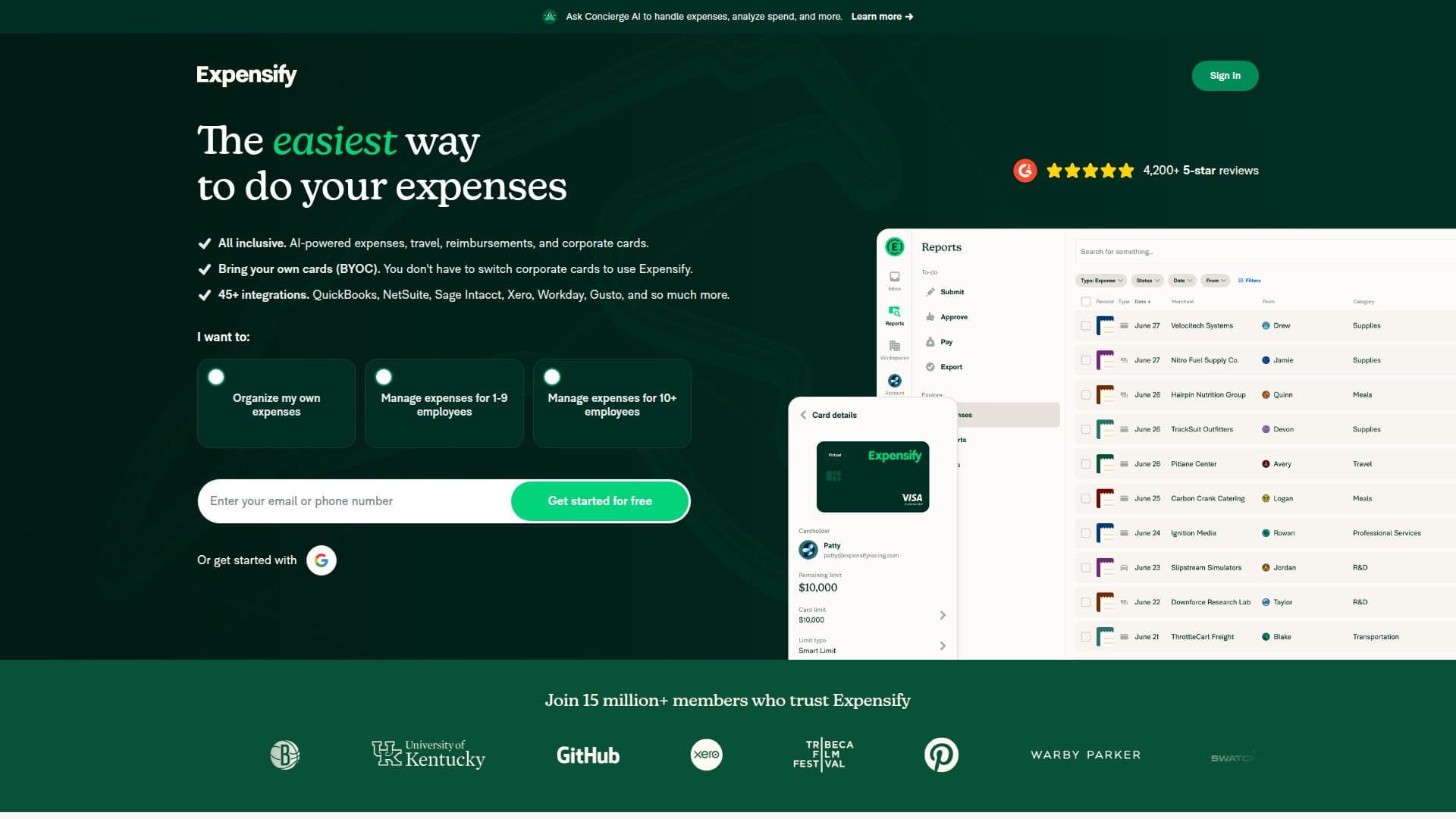
Description
Expensify is a comprehensive expense management software designed to streamline the process of tracking receipts, managing expenses, and handling reimbursements. It offers a wide range of features including receipt scanning, travel booking, corporate card management, and accounting integrations. Users can easily scan receipts via the mobile app, upload expenses, and generate detailed reports. Expensify integrates with popular accounting software like QuickBooks, Xero, and NetSuite, making it a versatile tool for businesses of all sizes.
The platform is designed for employees, employers, and accounting teams who need to manage expenses efficiently. It supports global reimbursements, virtual cards, and provides AI-powered expense categorization to reduce manual errors. Expensify's mobile app allows users to manage expenses on the go, with features like mileage tracking, real-time expense reporting, and travel booking.
Expensify offers a freemium pricing model, with individual users able to use the platform for free. Company plans start at $5 per member per month, with additional features available in the Control plan. The Expensify Card offers cash back on purchases, further offsetting costs for businesses.
The platform is known for its ease of use and intuitive interface, making it a popular choice among businesses looking to simplify their expense management processes. Expensify's commitment to security ensures that all financial data is protected with enterprise-grade encryption.
Expensify Spend Management Software's Core Features
Receipt scanning and SmartScan technology
Travel booking and expense integration
Corporate card management
Global reimbursements in local currencies
AI-powered expense categorization
Integration with QuickBooks, Xero, and NetSuite
Mobile app for expense management on the go
Cash back with Expensify Card
How to use Expensify Spend Management Software?
Sign up: Create an account with email or phone
Upload receipts: Scan or forward receipts to the app
Submit reports: Use AI to categorize and submit expenses
Get reimbursed: Receive payments directly to your bank
Expensify Spend Management Software's Use Cases
- Expense Tracking
- Travel Management
- Corporate Card Management
- Global Reimbursements
- Accounting Integration