
Description
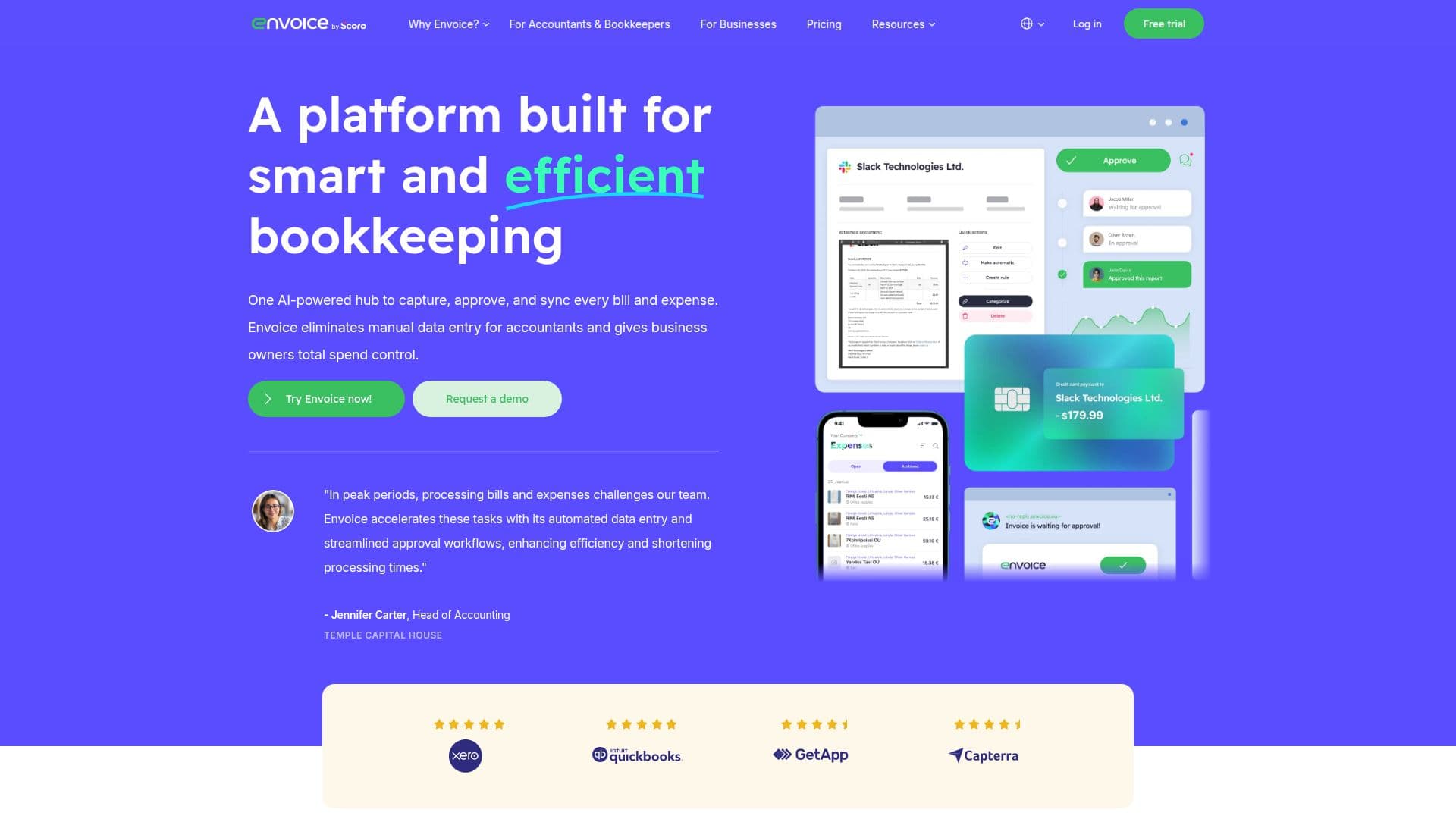
Envoice is an AI-powered platform designed to streamline bookkeeping processes for businesses and accounting firms. By automating data entry, expense management, and approval workflows, Envoice helps users save time and reduce costs. The platform allows users to capture receipts and bills through various methods, including photos, emails, and cloud storage, with AI ensuring accurate data extraction and digitization.
Read More
Envoice offers features like automated GL coding, multi-step approval flows, and expense reporting via a mobile app, making it easier for employees to submit expenses on the go. The platform integrates with popular accounting software such as QuickBooks, Xero, and Microsoft Dynamics 365, ensuring seamless data synchronization and integrity.
The pricing model is transparent, with a 14-day free trial available. Users can choose from different plans, including Essential, Business, and Enterprise, each offering various features tailored to different business needs. Envoice is suitable for small to large organizations, providing tools to automate pre-accounting tasks, manage expenses, and improve financial oversight.
Envoice is trusted by over 15,000 users in more than 40 countries, offering a risk-free trial and no hidden fees. The platform's mission is to accelerate bookkeeping automation, freeing users from repetitive tasks and allowing them to focus on more strategic business challenges.
- CategoryAI Accounting Tools
- Pricing ModelFreemium
- DeploymentCloud
- PlatformsCloud
Envoice's Core Features
AI-driven data extraction
Mobile app for expense reporting
Multi-step approval workflows
Automated GL coding
Integration with accounting software
Expense management
Automated invoice processing
Real-time expense tracking
Unlimited users
Customizable approval rules
Data synchronization
Audit-ready data
Cloud storage integration
Automated categorization
Mobile receipt capture
How to use Envoice?
Capture: Snap a photo or forward an email
Approve: Route bills for manager approval
Sync: Integrate with accounting software
Optimize: Use AI for automated coding
Envoice's Use Cases
- Expense Management
- Data Entry Automation
- Approval Workflows
- Accounting Integration
- Mobile Expense Reporting
- GL Coding Automation
- Document Capture
- Audit-Ready Data
- Spend Control
- Pre-Accounting Automation