
Description
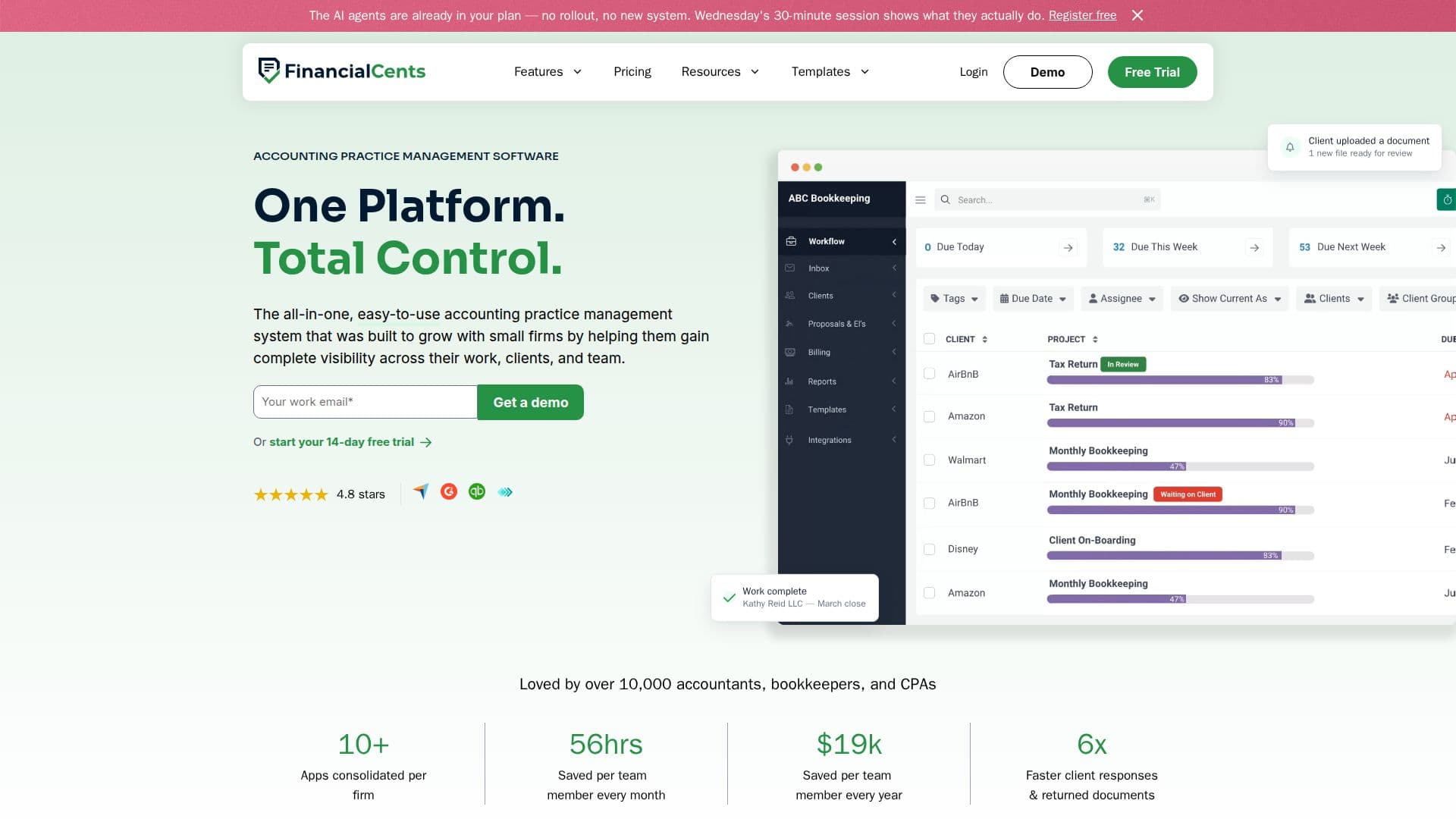
Financial Cents is a comprehensive accounting practice management software tailored for small and growing firms. It integrates various aspects of firm management, including workflows, client communication, document collection, time tracking, billing, and reporting, into a single platform. This eliminates the need for multiple disconnected apps, allowing firms to manage client engagements efficiently.
Read More
The platform is designed to automate repetitive tasks, such as recurring engagement setup, client document requests, and workflow templates, thereby reducing manual effort and increasing productivity. Financial Cents also features an AI assistant that drafts client emails, generates workflow templates, and validates client uploads, ensuring accuracy and compliance.
Financial Cents offers a secure client portal for document requests and e-signatures, with integrations for QuickBooks Online, Google Drive, and various tax software. It provides robust billing and invoicing capabilities, including online payments via ACH and credit card, and a two-way sync with QuickBooks Online.
The software is priced at $19 per month for solo practitioners, with additional plans for teams and larger firms. A 14-day free trial is available without requiring a credit card. Financial Cents is SOC 2 Type 1 certified, ensuring data security and compliance with industry standards. It is particularly beneficial for accounting, bookkeeping, and tax firms looking to streamline operations and enhance client service.
- CategoryAI Accounting Tools
- Pricing ModelSubscription
- DeploymentCloud
- PlatformsWeb
Financial Cents's Core Features
Workflow management
Client portal with e-signature
Time tracking and billing
AI assistant for email drafting
QuickBooks Online integration
Document management
Automated client reminders
Secure file sharing
Customizable workflow templates
Real-time team capacity view
Client-level profitability reports
Two-way sync with QuickBooks Online
Recurring and one-time invoicing
Online payment options
SOC 2 Type 1 certified
How to use Financial Cents?
Configure: Set up workflows and client portal
Use: Manage client engagements and billing
Optimize: Automate tasks with AI features
Integrate: Sync with QuickBooks and other tools
Financial Cents's Use Cases
- Workflow Automation
- Client Management
- Billing and Invoicing
- Time Tracking
- Document Management