Description
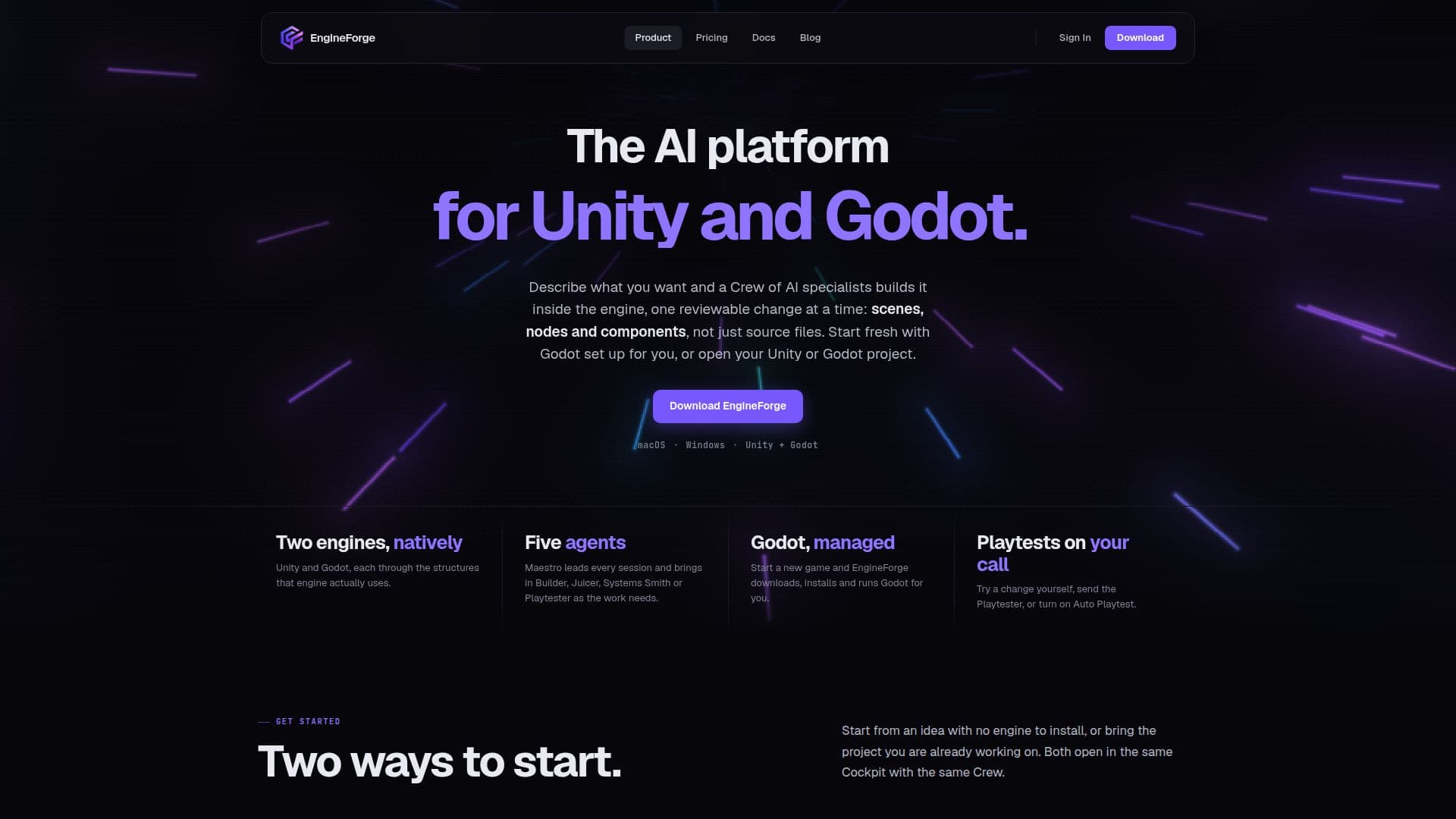
EngineForge is an AI-driven platform designed to streamline game development processes for developers using Unity and Godot. The platform allows users to start new Godot games without needing to install the engine, as EngineForge automatically downloads, installs, and runs Godot 4.6.1. Alternatively, developers can integrate existing Unity or Godot projects into the platform. EngineForge operates through a specialized AI Crew led by Maestro, which manages tasks and brings in specialists like Builder, Juicer, Systems Smith, and Playtester as needed. This setup allows for a seamless workflow where developers can describe their ideas, and the AI Crew builds them within the engine, making reviewable changes to scenes, nodes, and components.
Read More
The platform supports both macOS and Windows, offering a focused workspace called the Cockpit for AI-first workflows and a Classic Editor for full code editing. Managed Godot games run in the Cockpit and can be exported as desktop builds for macOS, Windows, and Linux. EngineForge also provides features like project context indexing, code graph visualization, and an asset store for reusable game assets.
Pricing for EngineForge includes a free plan with limited monthly credits and three paid plans—Pro, Pro+, and Ultra—offering increasing amounts of monthly credits. Credits are used for requests, playtests, and generating assets like sound effects and music. The platform ensures no surprise billing, with options for credit top-ups and plan adjustments as needed.
EngineForge is ideal for game developers looking to leverage AI to enhance their development process, providing tools for project management, playtesting, and asset generation while keeping the developer in control of the final product.
- CategoryAI Game Development Tools
- Pricing ModelFreemium
- DeploymentCloud
- PlatformsmacOS, Windows
EngineForge's Core Features
AI Crew led by Maestro
Unity and Godot integration
Managed Godot setup
Desktop export for Godot games
Project context indexing
Interactive code graph
Asset store access
Playtesting capabilities
Monthly credit system
Cross-platform support (macOS and Windows)
How to use EngineForge?
Start a new game: EngineForge sets up Godot
Open an existing project: Connect Unity or Godot
Describe your idea: AI Crew builds it
Export game: Create desktop builds
EngineForge's Use Cases
- Game Prototyping
- Collaborative Development
- Asset Management
- Code Review
- Cross-Platform Export